SAS Programming: Complete Beginner Guide to Learning SAS in 2026
A complete beginner guide to SAS programming in 2026 — what SAS is, how the DATA step, PROC step, and libraries work, PROC SQL, where SAS is used, SAS vs Python and R, and the careers and certifications to aim for.
On this page⌄
- What is SAS programming?
- Why SAS is still used in 2026
- How SAS programming works: the DATA step, PROC step, and libraries
- Key concepts to learn first
- Cleaning and transforming data with the DATA step
- Analyzing data with SAS procedures
- Running SQL inside SAS with PROC SQL
- Common SAS statements you will use often
- Where SAS programming is used
- SAS programming vs Python and R
- Careers, certifications, and job outlook
- How to learn SAS faster and avoid common mistakes
- Conclusion
- FAQ
If you work with data, or plan to, SAS programming is one of the more practical skills you can pick up. SAS (Statistical Analysis System) has long been the tool of choice for people who analyze, manage, and report on large amounts of data. If you are eyeing a career in healthcare analytics, finance, banking, or enterprise data, there is a good chance SAS is already running in the workflows around you.
Python and R get most of the attention now, and for good reason. But SAS has not gone anywhere. It still holds a firm place in regulated industries and large organizations that depend on reliable, auditable data pipelines. This guide is for beginners who want to understand what SAS is, how it works, and where to focus when starting out.
What is SAS programming?

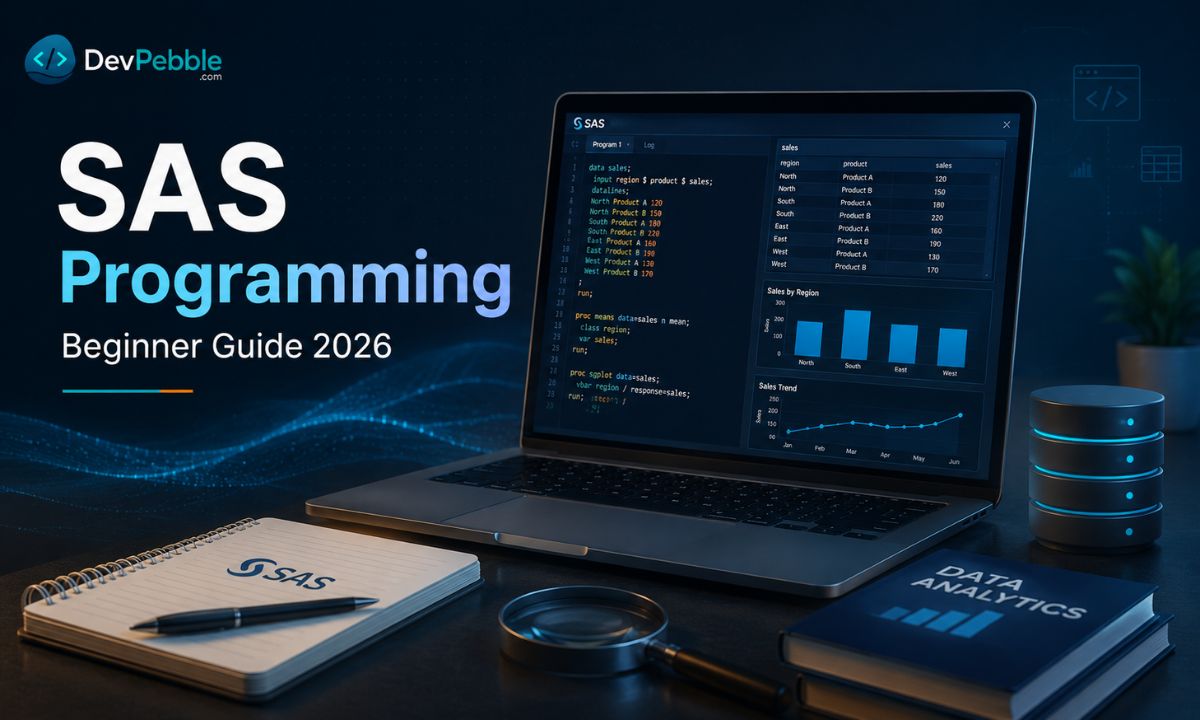
SAS is a software suite built by SAS Institute that lets you access, manage, analyze, and report on data. The SAS language is what you write inside that software to get those things done. Put simply: SAS software is the environment, the SAS language the instructions you hand it.
In practice, SAS programming means writing code that tells SAS how to read your data, reshape it, run statistics, and turn the result into tables, charts, or reports. It is happiest with structured, tabular data, the kind that lives in spreadsheets, databases, and enterprise systems.
Why SAS is still used in 2026

SAS has been in active use since the 1970s, and that staying power is not just inertia.
The biggest is regulatory trust. Pharmaceuticals, clinical research, and government agencies need analysis that is validated and reproducible, and SAS has decades of documentation and formal validation behind it. For years its XPORT transport format was the standard way to ship study data to the FDA. One nuance: the FDA is software agnostic, and an August 2025 update to its conformance guide expanded support for R based submissions, the first of which have already gone through. SAS still dominates regulated work, but it is no longer the only accepted route.
Scale is the other piece. Large organizations sit on huge datasets and reporting requirements built on SAS infrastructure years in the making. Ripping that out is expensive and risky, so it stays. Backwards compatibility helps too: a Base SAS program written 15 or 20 years ago will usually still run today, which matters where reproducibility is not optional.
The core product, Base SAS, handles data management and reporting, while add on modules cover everything else, from advanced statistics to machine learning and cloud deployment through SAS Viya. You will find it across healthcare, clinical trials, banking, insurance, government, and academic research, where SAS fluency often appears as a required or preferred skill on job listings.
How SAS programming works: the DATA step, PROC step, and libraries
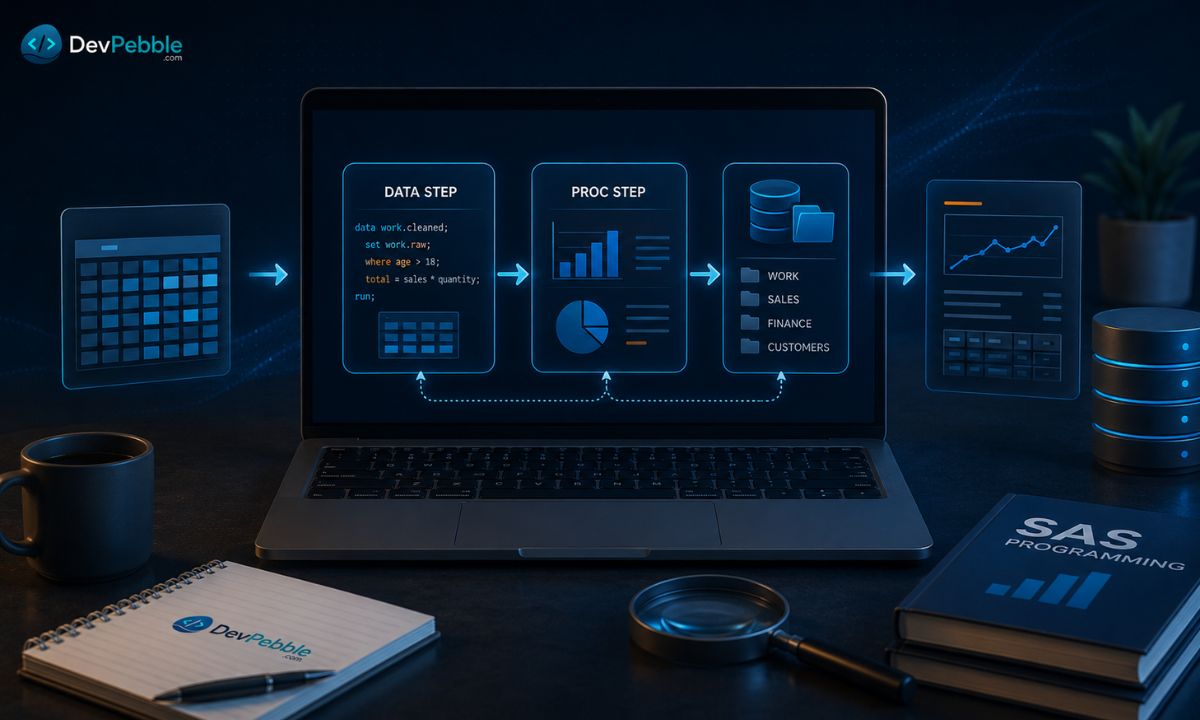
Almost every SAS program is built from two pieces: the DATA step and the PROC step. Most SAS programming comes down to combining them, so get comfortable with both.
The DATA step
The DATA step is where you create and shape SAS datasets. You use it to read raw data in, clean it, build new variables, drop rows, and deal with missing values. Here is a short one that reads a raw dataset, removes records with no age, and builds a combined name:
DATA work.customers;
    SET rawdata.customers;
    IF age = . THEN DELETE;
    full_name = CATX(' ', first_name, last_name);
RUN;
The PROC step
Once the data is ready, the PROC step (short for procedure) is where you do something with it: sort, summarize, run a test, generate a report. SAS ships with hundreds of procedures. Early on you will lean on PROC PRINT to display data, PROC SORT to order it, PROC FREQ for frequency tables, and PROC MEANS for summary statistics.
SAS libraries
A library is a pointer to a folder where SAS datasets live. The default, WORK, is temporary and clears at the end of each session. For data that needs to persist, you define a permanent library with a LIBNAME statement:
LIBNAME mydata '/path/to/my/data/folder';
After that you reference a dataset as library.dataset, for example mydata.sales2026. Nearly every program touches a library, so get this straight early.
Key concepts to learn first
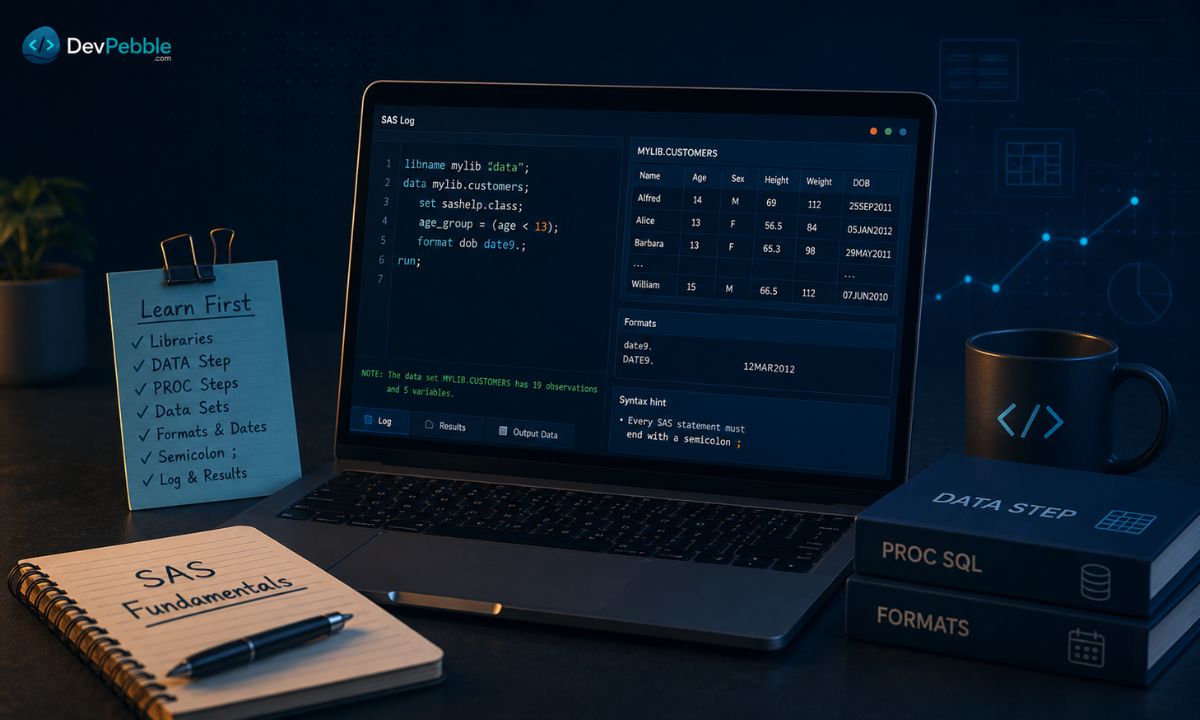
Trying to learn everything at once is the fastest way to get overwhelmed. Nail these foundations first.
Syntax and semicolons
SAS code is organized into steps, and every statement ends with a semicolon. Forgetting one is the classic beginner error. SAS does not always flag it right away; instead it reads the next line as a continuation of the last statement, which produces errors that look unrelated to the actual cause. Ending every statement deliberately saves a lot of confusion.
Datasets, variables, and observations
A SAS dataset is essentially a table. Variables are the columns (age, income, region), and observations are the rows. Keeping that picture in mind helps you reason about each step.
Formats and informats
Formats and informats control how SAS reads and shows values. A date stored as a number needs a format like DATE9. to display as 27JUN2026 instead of a raw integer.
Reading data into SAS
SAS reads from plenty of sources: text files, CSVs, Excel, databases, and existing SAS datasets. The INFILE and INPUT statements handle raw data, while SET reads from an existing SAS dataset.
The SAS log: your main debugging tool
If you build one habit early, make it reading the log. Every run, SAS writes notes there about how many rows it processed, warnings about anything questionable, and errors that stopped execution. Scan for lines starting with ERROR: and WARNING: first. The log often flags problems even on successful looking runs, which is exactly when bugs slip through.
Cleaning and transforming data with the DATA step
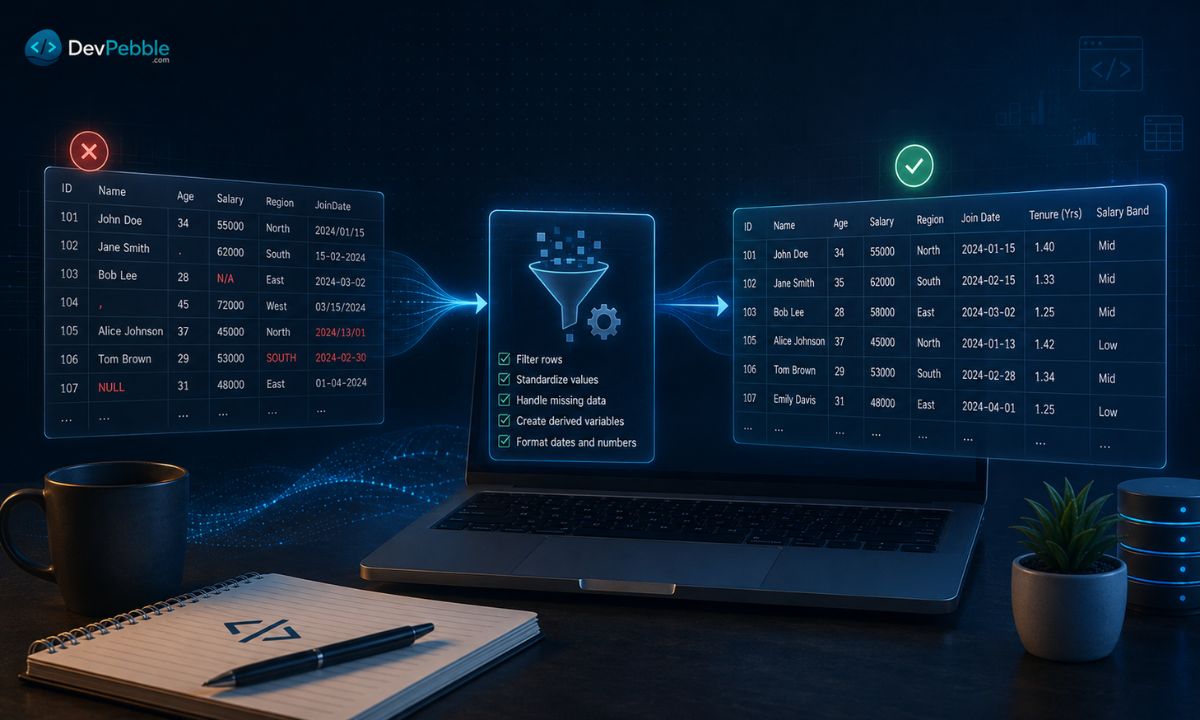
The DATA step reads one observation at a time, runs it through your instructions, and writes the result out. That row by row model gives you tight control over every record.
Creating new variables
Deriving columns is one of the most common tasks. With revenue and cost already present, a profit column is one line:
profit = revenue - cost;
SAS evaluates that for every row and adds the variable automatically.
Filtering rows
To keep only the records you want, use an IF or WHERE statement. To retain rows from 2025 onward:
IF year >= 2025;
Any row where the condition is false drops out before it reaches the output.
Handling missing values
Real data is messy. Missing numeric values show up as a period (.) and missing character values as blanks. You can test for them and respond: swap in a default, flag the record, or delete the row. A common move is replacing a missing number with zero or an average before it reaches a reporting procedure. Cleaning belongs in the DATA step, not your analysis code.
Reshaping data for analysis
Beyond cleaning, the DATA step reshapes: turning date strings into real SAS dates, splitting a full name into first and last, recoding numbers into labels. In SAS Studio or SAS Viya you write the same code but get a browser editor with autocomplete and inline error highlighting, which catches mistakes faster than the classic windowing environment.
Analyzing data with SAS procedures
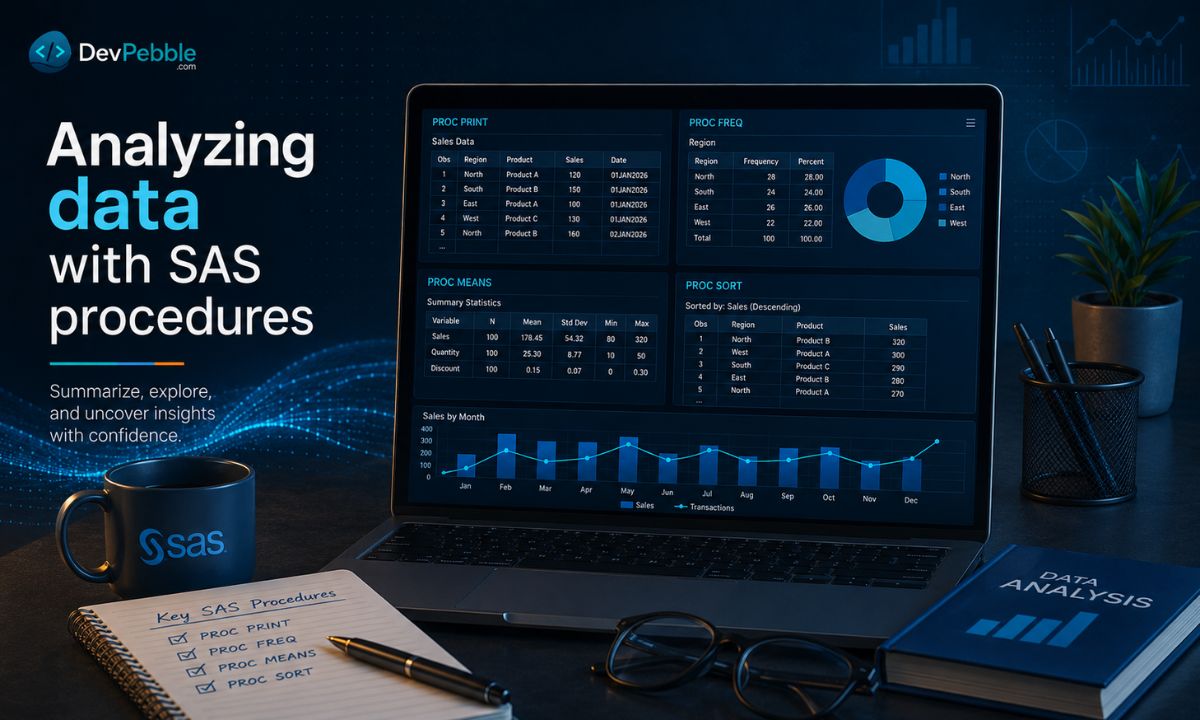
Where the DATA step prepares data, procedures do the analysis. A procedure is a prebuilt routine that does one job well, so you skip writing the logic yourself.
PROC PRINT is the one you reach for first; it displays a dataset so you can confirm it looks right, and OBS= limits how many rows appear. PROC MEANS returns descriptive statistics (mean, min, max, standard deviation, count) for the variables in a VAR statement. PROC FREQ builds frequency tables, handy for checking categorical data and spotting odd values. PROC SORT orders a dataset, and some procedures expect sorted input; PROC MEANS with a BY statement, for instance, needs the data sorted by the grouping variable first.
You could write sorting or cross tabulation by hand in a DATA step, but it would be slow and error prone. Procedures are tested and consistent. Later you will meet procedures for regression, time series, and survival analysis, but those four are where most beginners start.
Running SQL inside SAS with PROC SQL
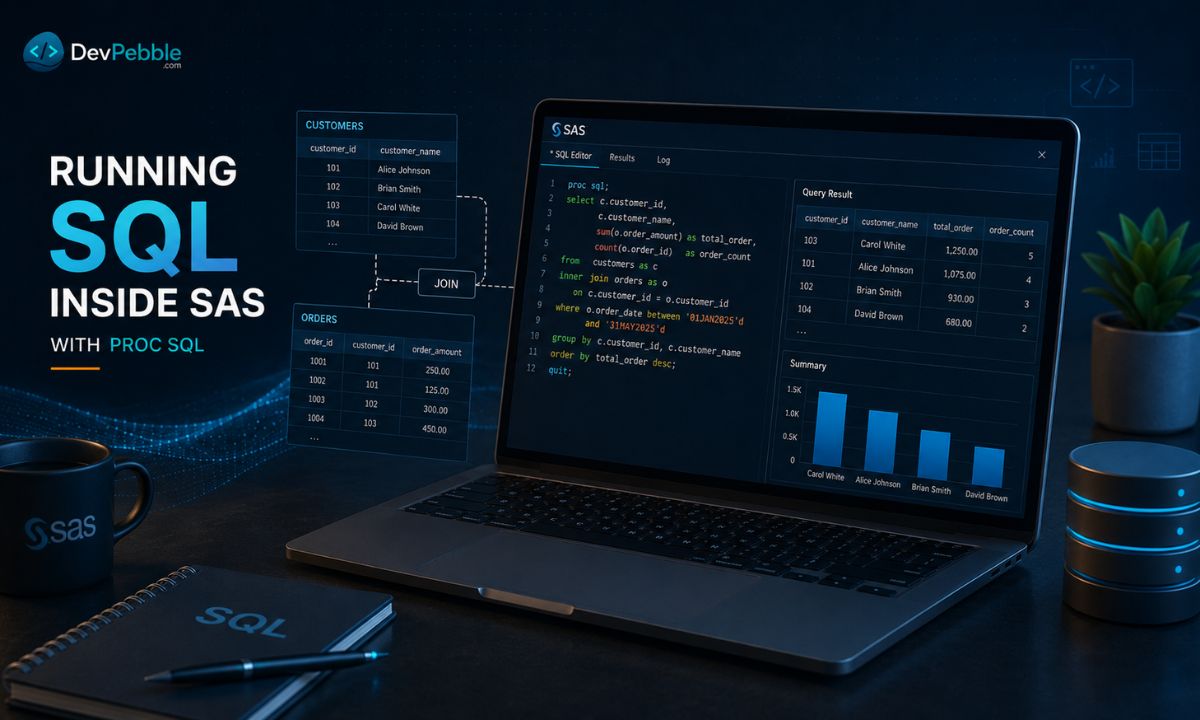
If you have used databases before, PROC SQL will feel like home. It runs standard SQL right inside a SAS program: selecting columns, filtering, joining tables, grouping, and summarizing.
PROC SQL;
    SELECT region, SUM(sales) AS total_sales
    FROM work.transactions
    WHERE year = 2026
    GROUP BY region
    ORDER BY total_sales DESC;
QUIT;
That groups sales by region, filters to the current year, and sorts descending in one step.
PROC SQL shines at joins. Merging in the DATA step means sorting both datasets by the key first, and the syntax runs long. PROC SQL uses the same INNER JOIN, LEFT JOIN, and RIGHT JOIN you would write against a database, so the logic reads cleanly. As a rule of thumb, use the DATA step for row by row control or logic that depends on earlier rows, and PROC SQL when the task is relational. Experienced programmers use both.
Common SAS statements you will use often
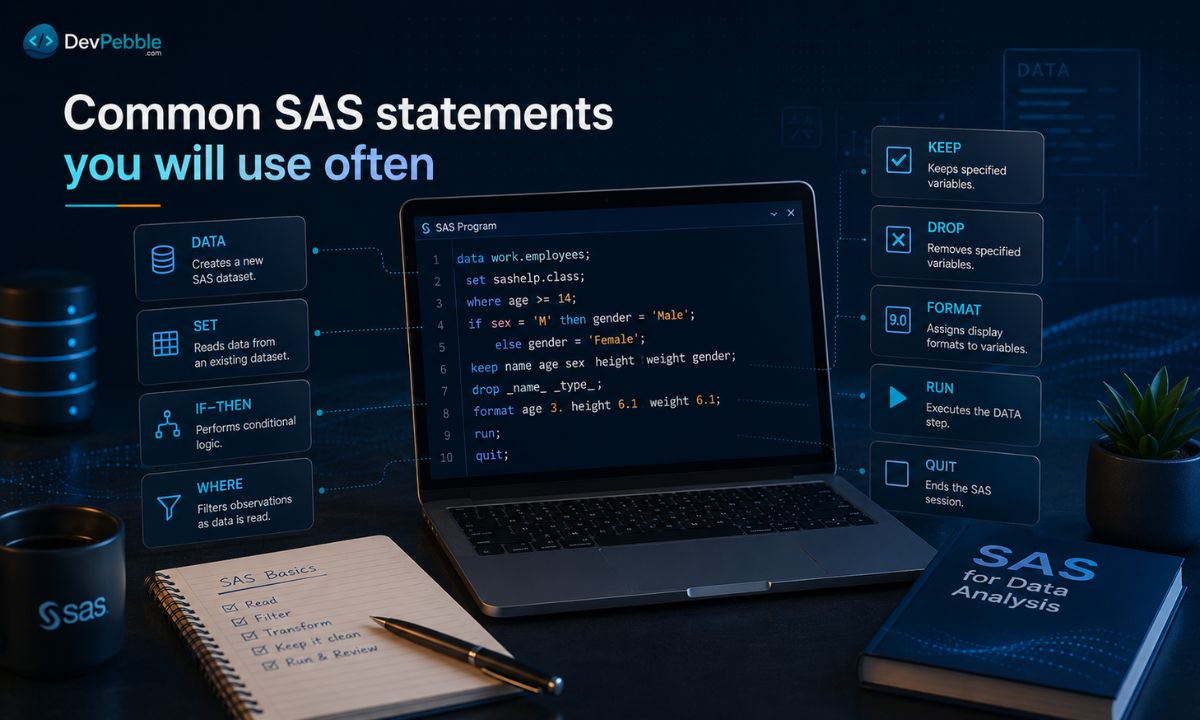
A handful of statements show up in nearly every program. DATA opens a DATA step and names the output dataset. SET reads observations from an existing dataset. IF-THEN (with optional ELSE IF and ELSE) applies conditional logic. WHERE filters during the read, a touch more efficient than IF. KEEP and DROP control which variables survive into the output. FORMAT sets how a variable displays (dates, currency, percentages). RUN ends and executes a step. PROC SQL is the odd one out: it closes with QUIT rather than RUN.
Where SAS programming is used

In healthcare and clinical research, SAS processes patient data, analyzes trial outcomes, and produces regulatory submission tables. Clinical SAS programmers work on CDISC compliant datasets such as SDTM and ADaM, plus adverse event and efficacy summaries. One of the steadier, better paid niches in the field.
In finance and banking, SAS drives risk modeling, credit scoring, fraud detection, and regulatory reporting. Large banks run it in the background, generating thousands of automated reports a month and flagging transactions against compliance thresholds.
In government and research, it manages survey data, census records, and public health surveillance, where an audit trail and reproducible results carry real weight. In enterprise analytics, SAS builds repeatable pipelines from source systems into clean, analysis ready data, with SAS Viya extending that into cloud based workloads that scale without on site hardware.
SAS programming vs Python and R
This is the question beginners ask first, and the honest answer is that it depends on where you want to work.
SAS is strongest in enterprise analytics, structured reporting, and regulated workflows. Its procedures are documented, validated, and trusted by compliance teams, and it comes with formal support and guaranteed performance at scale that open source tools cannot always promise in a contract. If you are targeting pharma, hospitals, government, insurance, or large banks, it is probably what they run.
Python is the better pick for automation, machine learning, and AI work. Its ecosystem (pandas, scikit-learn, TensorFlow) moves faster than any commercial platform, and it is free, so easy to self teach. R is built for statistical analysis and research grade visualization, and it dominates in academia, epidemiology, and the social sciences, where heavy modeling and publication quality graphics are the point.
So which first? For clinical, financial, or government roles, start with SAS. For tech, AI, or data engineering, start with Python. For academia and research, prioritize R. They get along, though: plenty of professionals pair SAS with SQL and reach for Python or R when they model. Learning Base SAS first builds structured thinking that carries into all of them.
Careers, certifications, and job outlook
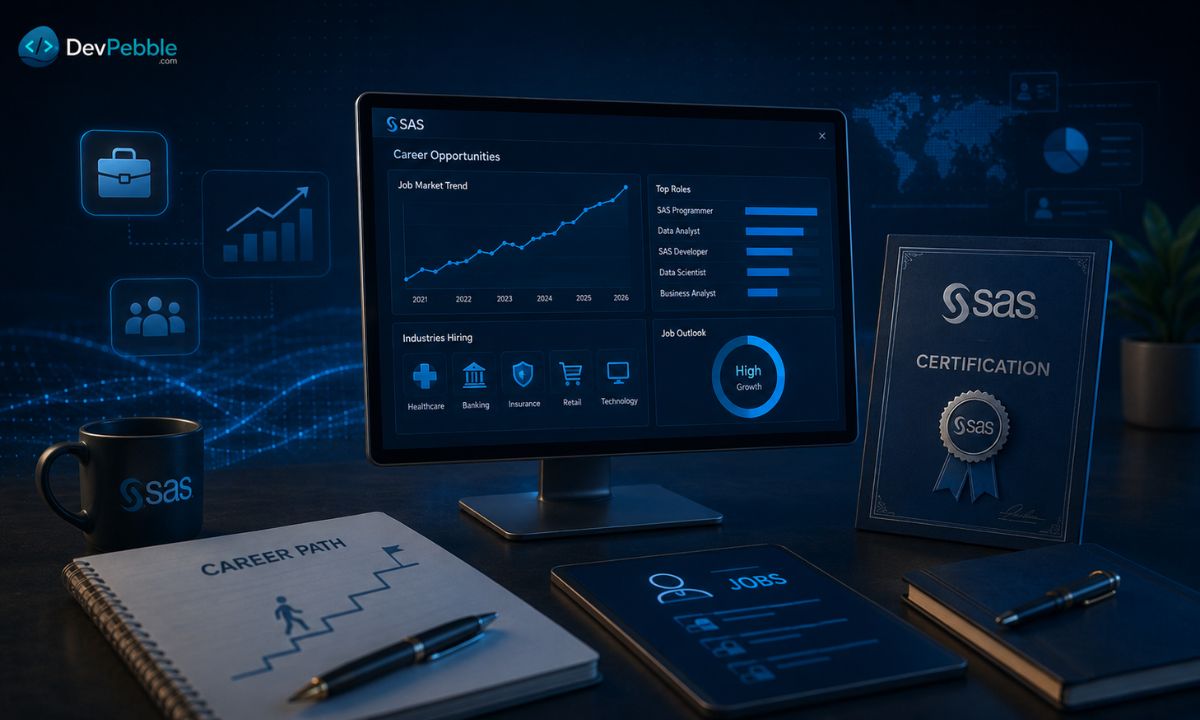
SAS skills are still in demand in 2026, especially in industries that never migrated off their SAS systems, and many have not, because switching is costly and compliance heavy.
A SAS programmer builds and maintains pipelines, writes DATA step and PROC code, generates reports, and handles cleaning and validation. A clinical SAS programmer does that inside trial environments with CDISC standards and submission packages. A statistical programmer leans toward modeling, often beside a biostatistician. And many data analyst and business analyst roles in regulated fields list SAS even when the title does not.
Job postings usually ask for Base SAS, DATA step and PROC SQL fluency, comfort with cleaning and transformation, reporting, and error handling, with macro language and SAS Viya increasingly common. On the credential side, SAS Institute offers the SAS Certified Specialist: Base Programming Using SAS 9.4 (exam A00-231), covering DATA step programming, procedures, and data management. A certificate does not replace experience, but it gives employers a benchmark, useful when you are early and building a portfolio. Most people who study consistently can target it in two to three months. Demand varies by location and sector: clinical roles cluster around pharma hubs, financial roles around banking centers, and fully remote roles want more proven experience first.
How to learn SAS faster and avoid common mistakes
A few habits separate people who get fluent quickly from people who stall.
Start with Base SAS before Viya or advanced modules; everything builds on the core. Write code daily, even 30 minutes; you absorb the DATA step and PROC step by making mistakes and fixing them, not by reading about it. Learn PROC SQL early, especially if you already know SQL. And take a real dataset, public health or survey data say, from raw input to a finished report; that end to end work teaches judgment isolated exercises never will.
A few things to avoid. Do not copy code you cannot explain line by line; SAS errors are brutal to debug in code you do not understand. Do not skip semicolons, which cause a disproportionate share of beginner errors. And do not get pulled into the which is better debate before you are solid in one language. The platform keeps moving too, with SAS Viya adding cloud native and AI features, so the core stays stable while the tools around it evolve.
Conclusion
SAS earned its place in healthcare, finance, government, and enterprise analytics the slow way: decades of reliability in settings where accuracy and auditability cannot slip. For a beginner, SAS programming is a structured, logical way into data analysis and reporting that maps onto real jobs. Start with Base SAS, drill the DATA step and the core procedures, learn to read the log, and build small projects that resemble real work. Whether you land in clinical programming, financial analytics, or enterprise reporting, a solid SAS foundation holds up and pairs cleanly with SQL, Python, or R.