CNC programming: a complete beginner's guide
A complete beginner's guide to CNC programming — what it is, how G-code, M-code, and CAM software work together, the types of CNC machines, common mistakes, and a realistic path to learning it yourself.
On this page⌄
- What is CNC programming?
- How CNC programming works, from design to finished part
- G-code and M-code explained
- Types of CNC machines that use programming
- Manual programming vs CAM software
- Popular CNC programming software
- Basic concepts every beginner should know
- A simple CNC programming example
- Common mistakes to avoid
- Skills you need for CNC programming jobs
- How to learn CNC programming step by step
- Is CNC programming a good career?
- Final thoughts
- FAQ
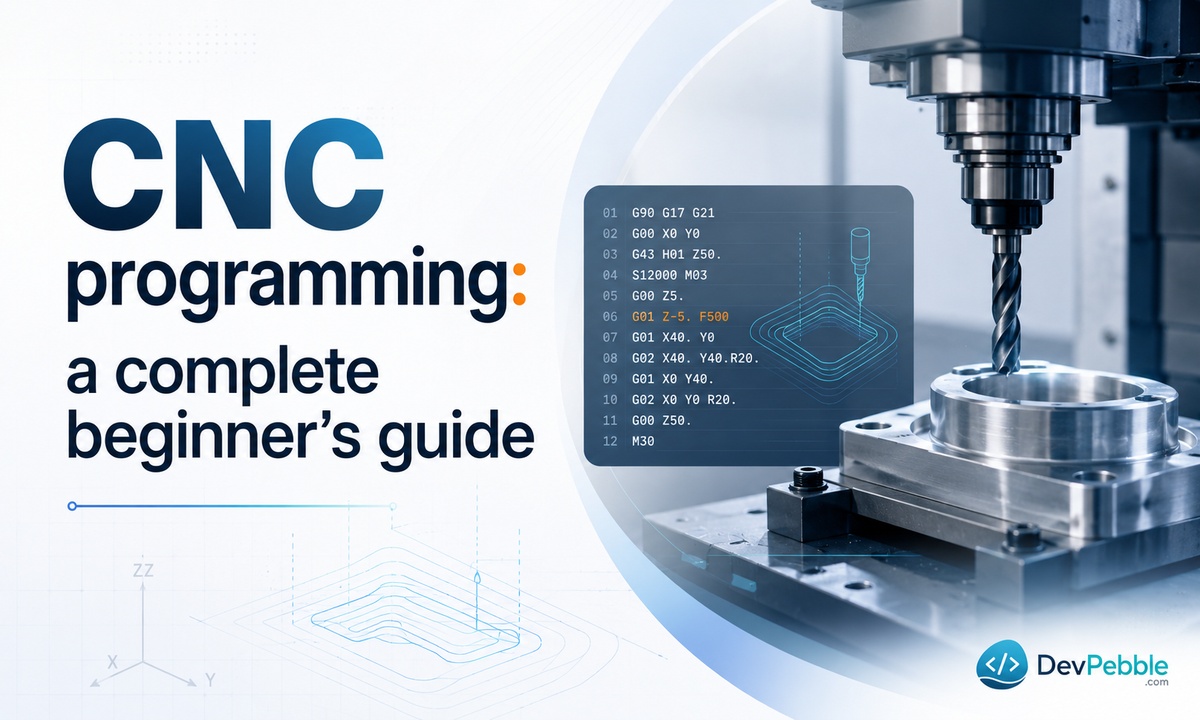
A block of aluminum goes into a machine. A few minutes later it comes out as a bracket with holes drilled to a fraction of a millimeter. The instructions that made that happen are CNC programming, and once you see how they work, the whole process stops looking like magic.
This guide is for people who are new to machining or just curious about how factories turn digital designs into physical parts. You will learn what CNC programming is, how G-code and CAM software fit together, the mistakes that scrap parts and break tools, and a realistic path to learning it yourself. No prior experience needed.
What is CNC programming?
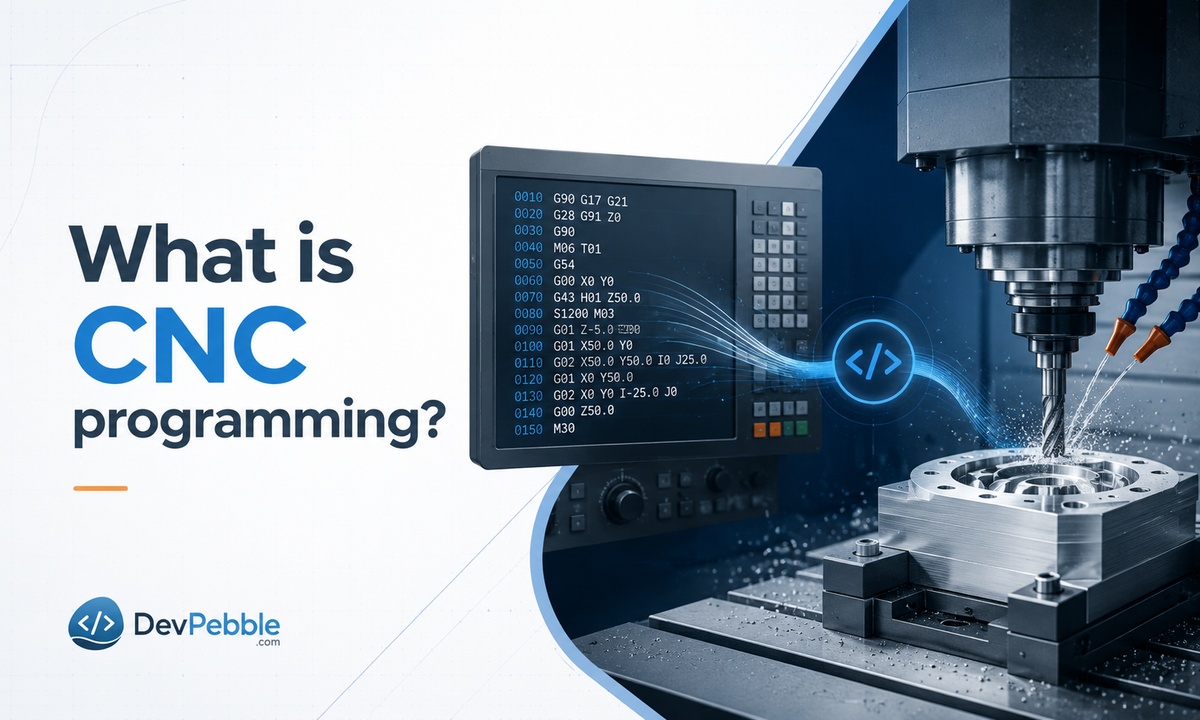
CNC stands for Computer Numerical Control. CNC programming is how you tell a machine what to do using code instead of your hands. Rather than turning dials or pulling levers, the machine reads a written set of instructions that control tool position, cutting speed, depth, and direction.
A programmer writes the commands, the machine follows them, and raw material gets cut, drilled, or shaped to spec. The biggest reason shops rely on it is repeatability. Once a program runs correctly, you can run it a thousand more times and get the same part each time, which is exactly what you need when a customer orders ten thousand identical pieces.
How CNC programming works, from design to finished part
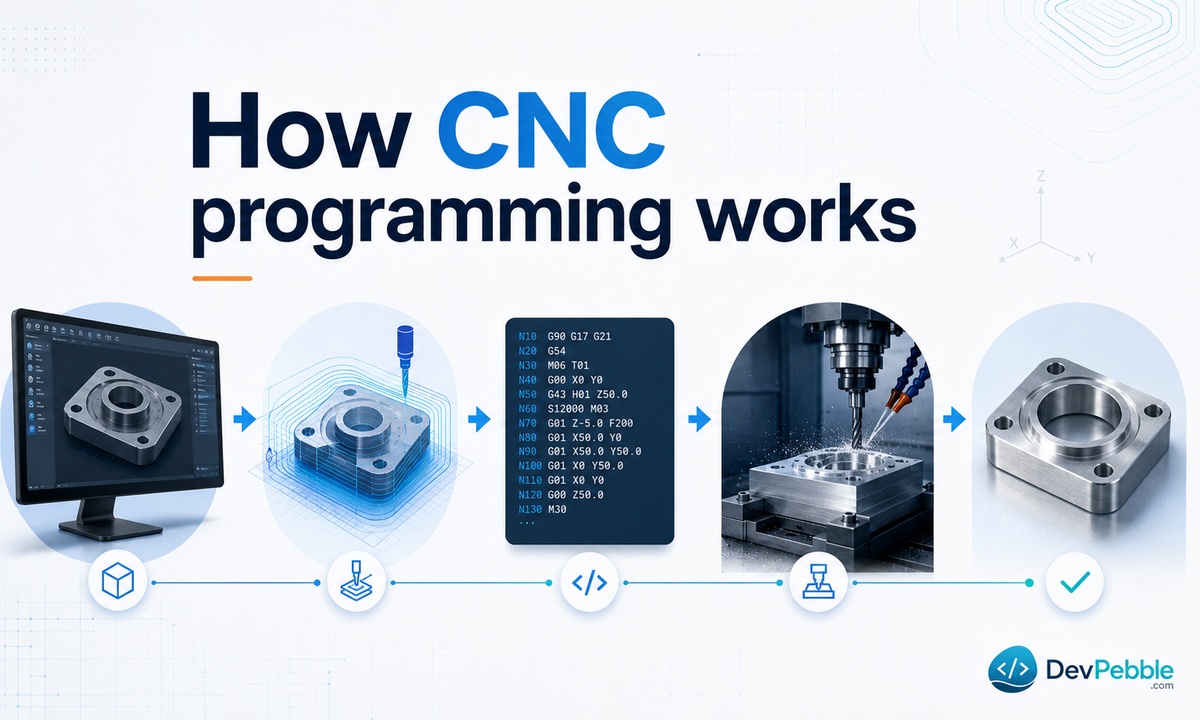
Every CNC part starts as a digital design. Someone models it in CAD (computer-aided design) software as a 2D or 3D drawing that defines the shape, dimensions, and tolerances.
That model then moves into CAM (computer-aided manufacturing) software, where the toolpaths get generated. A toolpath is the exact route the cutting tool follows through the material. CAD decides what the part looks like; CAM works out how to cut it. This handoff from CAD to CAM is the bridge between an idea and a finished object.
Once the toolpaths are set, the software posts them out as machine-readable code. That code loads onto the CNC machine, which runs it line by line to cut the raw stock into the final part.
Before hitting the start button, a good operator checks the tool sizes, the material, the cutting speeds, and the setup. Catching a wrong number here costs a few seconds. Catching it after a tool plows into a fixture costs a broken tool and a scrapped part.
G-code and M-code explained
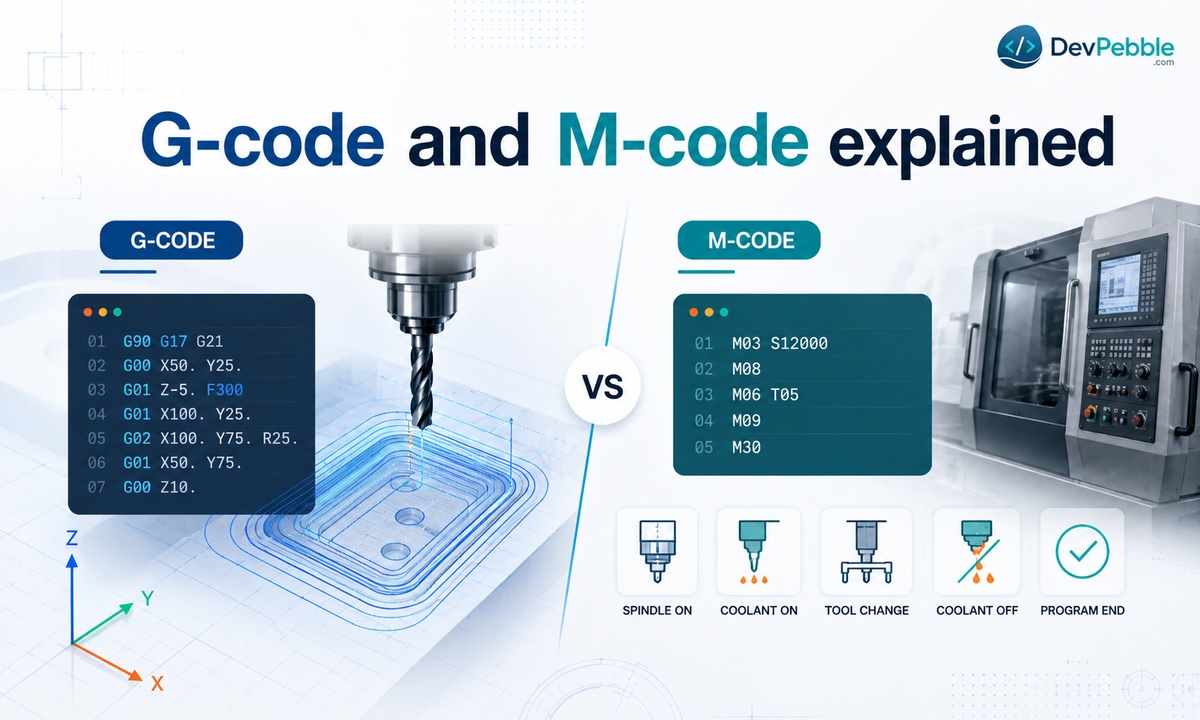
G-code is the language CNC machines read. If CNC programming is the overall process, G-code is its vocabulary. Each line tells the machine to do one specific thing: move to this point, cut along this path, run at this feed rate. The commands are short combinations of letters and numbers that are easier to read than they look.
What is G-code?
G-code mostly controls motion. One command moves the tool in a straight line, another traces an arc, another sets whether coordinates are read as absolute or relative. For example, G00 is a rapid move to a position, while G01 is a controlled cutting move at a set feed rate.
You do not need to memorize every G-code to understand CNC programming. Most of the time, CAM software writes it for you. But knowing what the codes do helps you read a program, spot a problem, and picture what the machine is about to do before it moves.
What are M-codes?
While G-code handles movement, M-codes handle everything else the machine needs to switch on and off. Think of them as the support commands. M03 starts the spindle turning, M05 stops it, M08 turns on coolant, and M30 ends the program and resets it to the top.
M-codes do not move the cutting tool, but they keep the operation running safely around it. G-code and M-code work together as the backbone of every program: one drives the cutting motion, the other manages the machine's functions.
Types of CNC machines that use programming
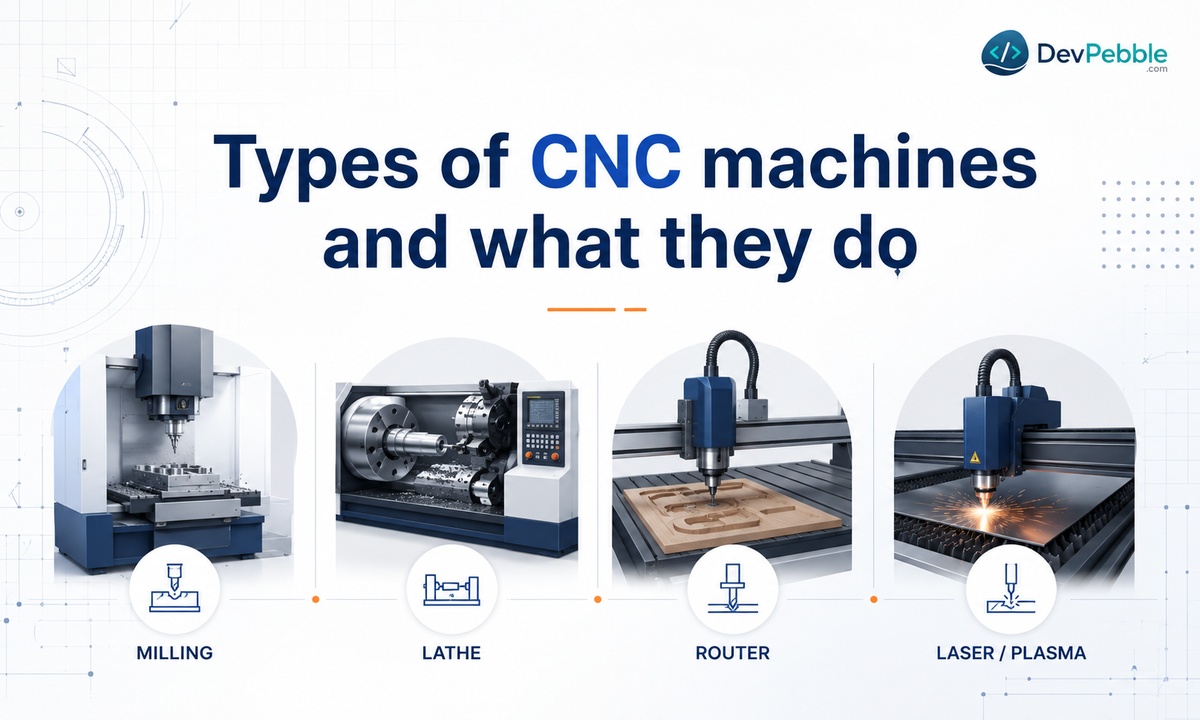
The same core idea drives a wide range of equipment, each suited to different work.
CNC mills cut and shape material with a rotating tool, which makes them a fit for flat surfaces, slots, and complex contours. CNC lathes flip that around: the material spins while a stationary tool cuts it, which is ideal for round or cylindrical parts like shafts and fittings.
CNC routers show up in woodworking and sign shops, cutting softer materials like wood, plastic, and foam quickly. Plasma and laser cutters skip the physical tool altogether and use heat or a focused beam to slice cleanly through sheet metal.
Different as they are, all of them run on programmed instructions written in G-code and M-code. Learn the logic once and it carries across every type of machine.
Manual programming vs CAM software
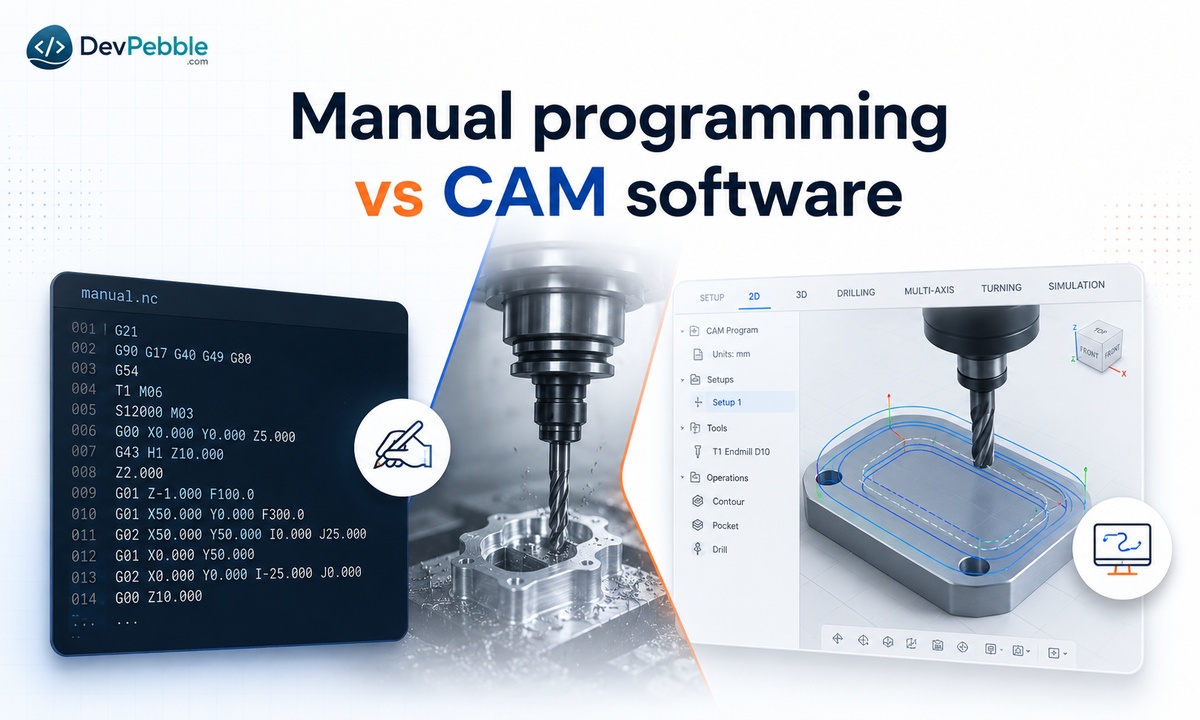
There are two ways to create a program: write the code by hand, or let software generate it.
Manual programming means typing G-code and M-code line by line with no software help. It gives you full control over every move and works well for simple parts with basic geometry. The catch is time. The moment a part involves curves, angles, or layered toolpaths, hand-coding gets slow and easy to get wrong.
CAM programming uses software to generate the code from a CAD model. You set your tools and cutting parameters, and the software calculates the toolpaths for you. It is faster and far more reliable for complex shapes, though you have to learn the software first. Most shops today use both: CAM for the heavy lifting, a few manual edits at the machine to fine-tune.
Popular CNC programming software
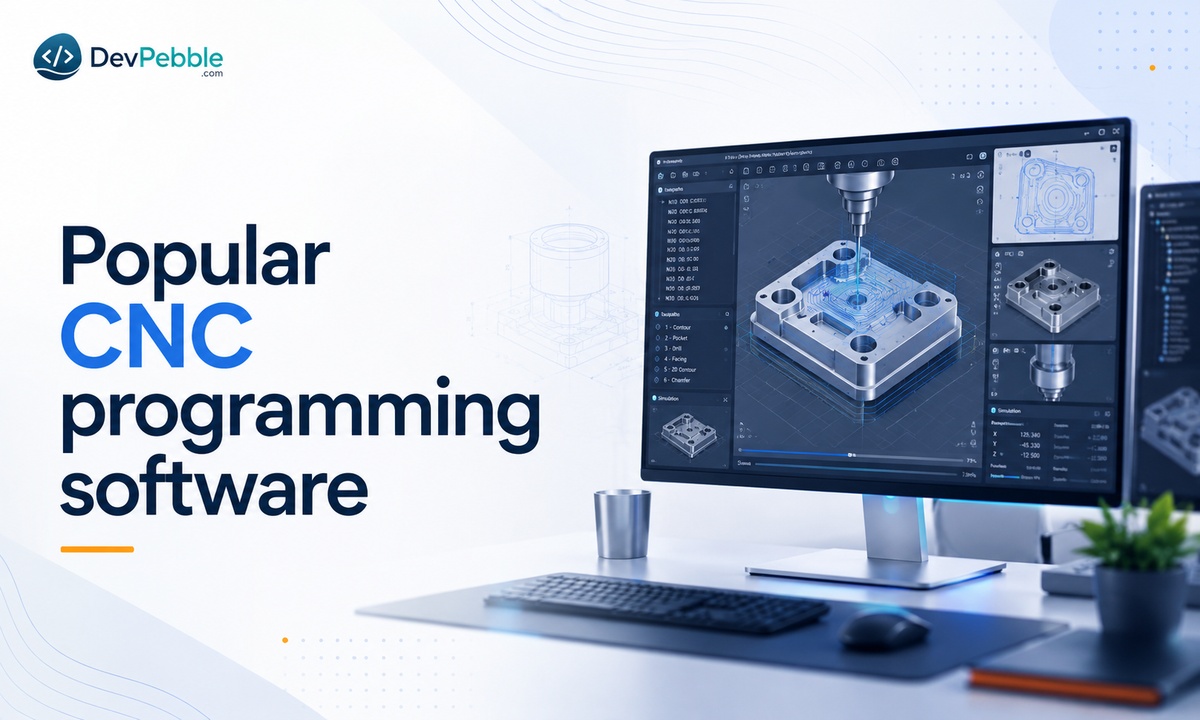
The right software depends on your machine, your budget, and the kind of work you do.
Fusion 360, now branded Autodesk Fusion, is a common starting point for beginners and small shops because it combines CAD and CAM in one program. Autodesk still offers a free personal-use license, but it is limited to non-commercial hobby projects and renews on a three-year term, so anyone earning real revenue from their work needs a paid subscription.
Mastercam is one of the most widely used CAM packages in industry, known for handling complex toolpaths and production machining. SolidCAM runs inside SolidWorks, which makes it a natural pick for teams already designing there. Siemens NX shows up a lot in aerospace and automotive work, where advanced simulation and tight tolerances matter. Each of these plugs into the same CAD to CAM workflow, turning your design into machine-ready code.
Basic concepts every beginner should know
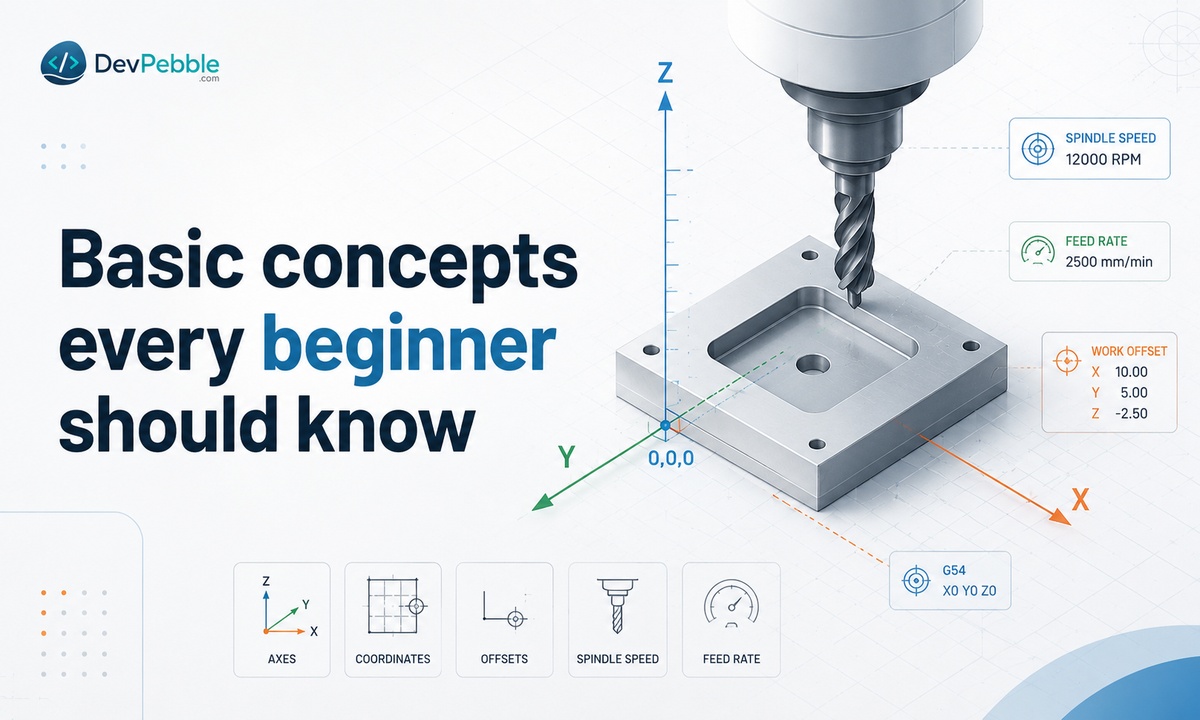
A handful of ideas come up again and again, and understanding them makes the rest much easier.
Coordinates define exact positions along the X, Y, and Z axes. Every move the machine makes is built on these points. Offsets tell the machine where the workpiece and tool sit relative to a reference position. Work offsets like G54 set the part's zero point, and tool offsets account for each tool's length and diameter. Getting an offset wrong is one of the most common ways to scrap a part or crash a machine.
Feed rate controls how fast the tool moves through the material. Push it too fast and you can snap a tool; too slow and you waste time and leave a rough finish. Spindle speed is how fast the tool spins, measured in RPM, and the right number depends on the material and the tool. Once these four click, you can read, write, and troubleshoot almost any program you come across.
A simple CNC programming example
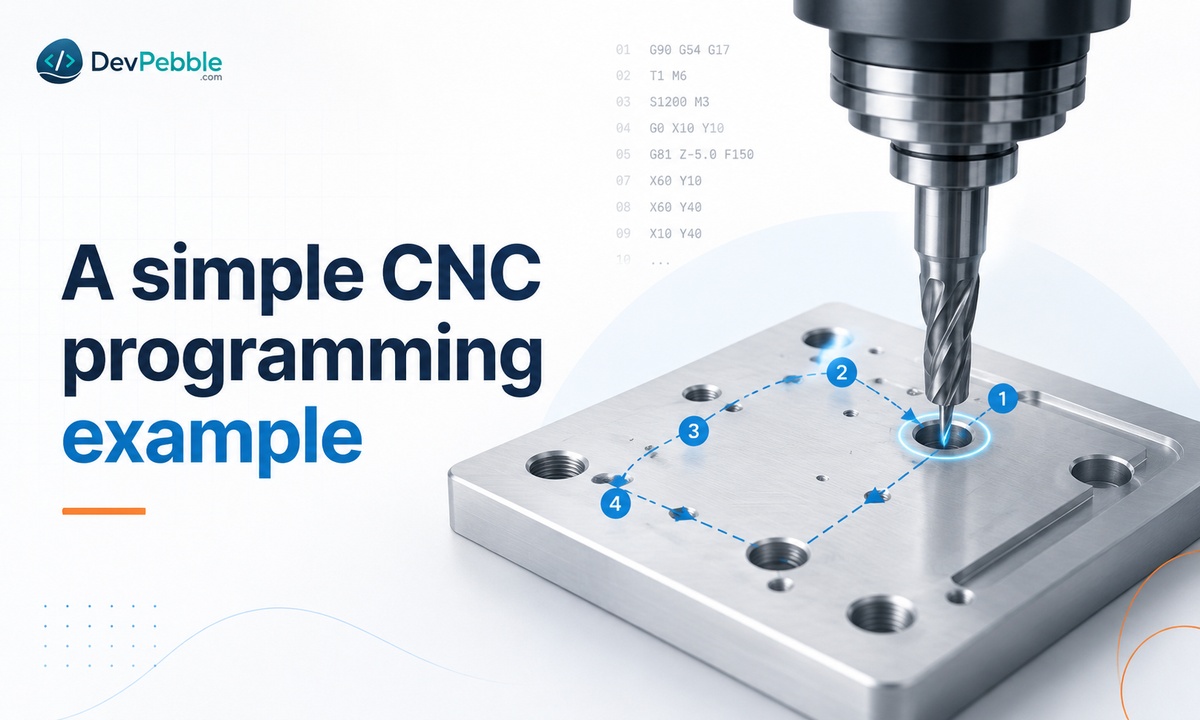
Say you need to drill one hole in a flat piece of aluminum. In plain terms, the program moves the tool over the hole, spins up the spindle, drops the drill to the right depth at a safe feed rate, then retracts.
Written out in simplified G-code, it looks something like this:
G21 G90 G54          (mm units, absolute positioning, work offset G54)
T01 M06              (select and load tool 1, the drill)
S1200 M03            (spindle on clockwise at 1200 rpm)
G00 X25.0 Y25.0      (rapid move to the hole location)
G00 Z5.0             (rapid down to a safe height above the part)
G01 Z-10.0 F100      (feed down to 10 mm depth at 100 mm/min)
G00 Z25.0            (rapid retract)
M05                  (spindle off)
M30                  (end of program)
Real programs add tool changes, safety moves, and often several tools, but the logic is the same all the way up. Even a complex aerospace part is this basic pattern repeated with more moves and tighter tolerances.
Common mistakes to avoid
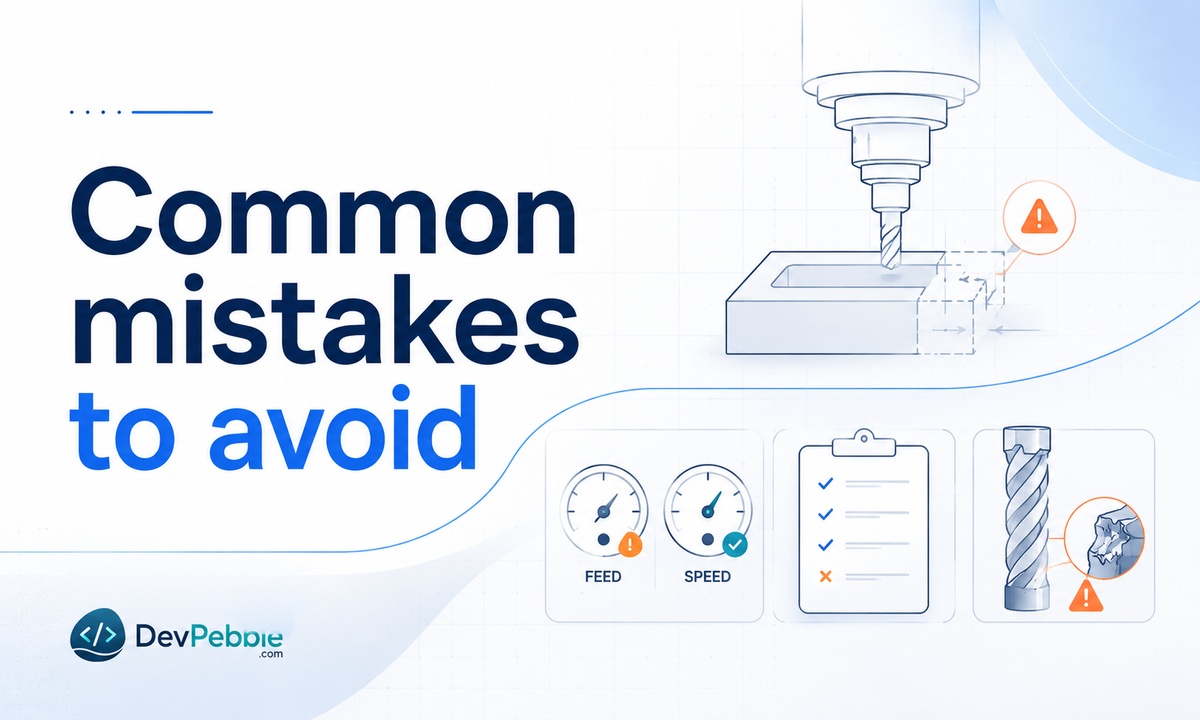
Even experienced programmers hit these, and a few show up more than the rest.
Wrong offsets are a top cause of crashes and scrapped parts. Always confirm your work and tool offsets before you run anything. A mismatched feed rate or spindle speed is next: set it wrong for the material and you will damage the tool or ruin the surface finish.
Skipping a dry run is a gamble that rarely pays off. Running the program in simulation, or in the air above the part first, catches errors before they cost you material or a tool. And ignoring tool wear slowly pushes your parts out of tolerance, so check and swap tools on a schedule instead of waiting for a bad part to tell you. Catching these early saves time, material, and machine downtime.
Skills you need for CNC programming jobs
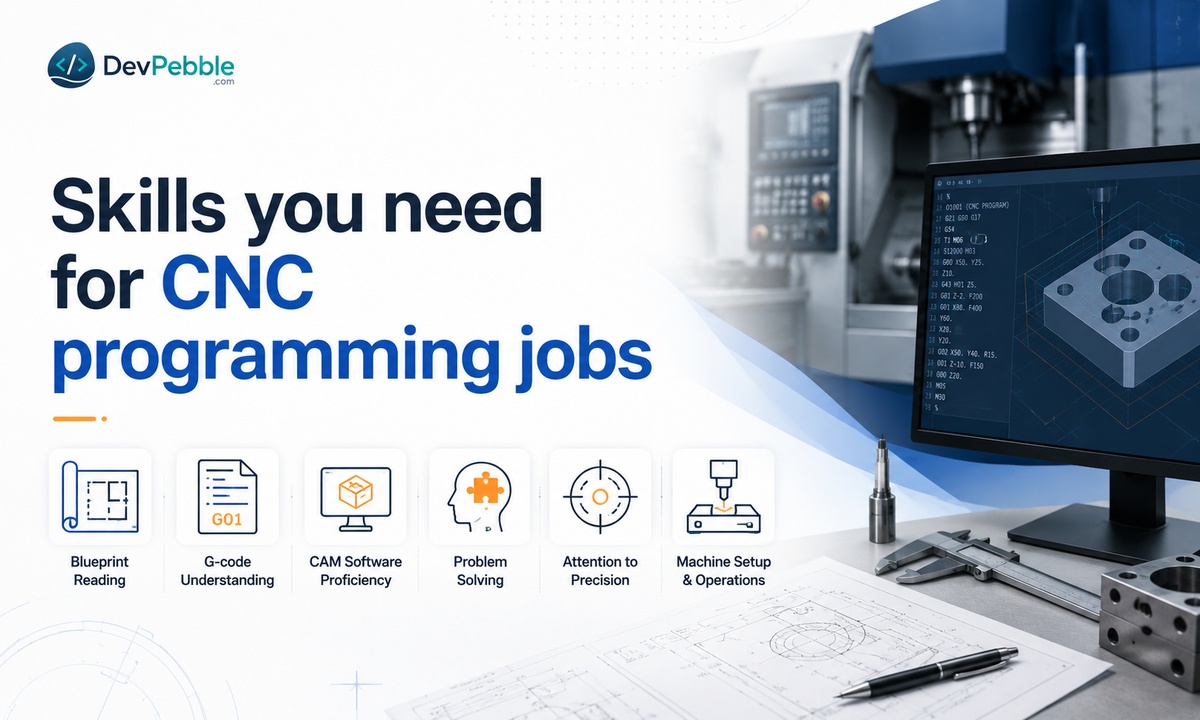
If you are aiming for a job, a few skills stand out to employers.
You will be expected to understand G-code and M-code and to be comfortable in CAM software like Fusion 360 or Mastercam. Reading blueprints and technical drawings matters just as much, since the whole job is translating a design into a working program. Attention to detail is not optional: a single wrong digit in a coordinate or offset can turn an expensive blank into scrap. And because machines do not always behave, problem-solving and quick troubleshooting are some of the most valued traits on any shop floor.
How to learn CNC programming step by step
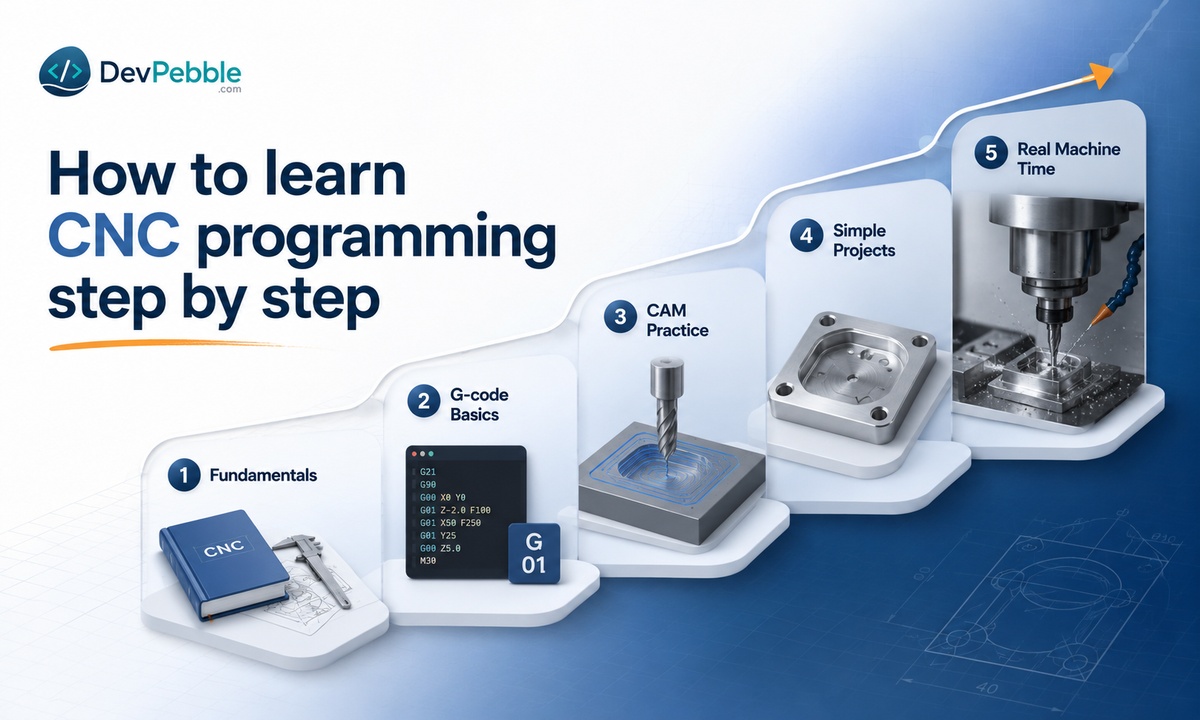
You do not have to learn everything at once. Break it into stages.
Start with the fundamentals: coordinates, offsets, feed rate, and spindle speed, plus the basics of G-code and M-code. Then pick one CAM program and learn it well rather than dabbling in several. Fusion 360 is a sensible first choice because the personal-use version is free and there are countless tutorials for it online.
Practice on simple projects, like drilling holes or cutting basic pockets, before you move into contours and multi-axis work. Finally, get real machine time if you can. Reading about CNC programming only takes you so far. Watching a program run, hearing the cut, and fixing what goes wrong is where it sticks. A local makerspace, community college, or trade school is often the easiest way to get your hands on a machine.
Is CNC programming a good career?
Demand is real, but it helps to be specific about it. According to the U.S. Bureau of Labor Statistics, machinist employment is projected to dip about 2 percent through 2034 as automation lets fewer people make more parts. That sounds discouraging until you look closer: the field still expects roughly 34,000 openings a year, mostly from retirements, and the programming end of the trade holds up far better than pure machine operating.
Pay reflects that split. The BLS put the median wage for CNC tool programmers at about $65,670 in May 2024, well above the $56,150 median for machinists. Jobs that involve writing and proving out programs, setting up work, and solving problems are the ones shops struggle hardest to fill, especially in aerospace, medical devices, and automotive manufacturing.
CNC programming also opens doors beyond the machine, into quality control, engineering support, and production management. As shops modernize, the people who can program and troubleshoot are the ones who stay in demand.
Final thoughts
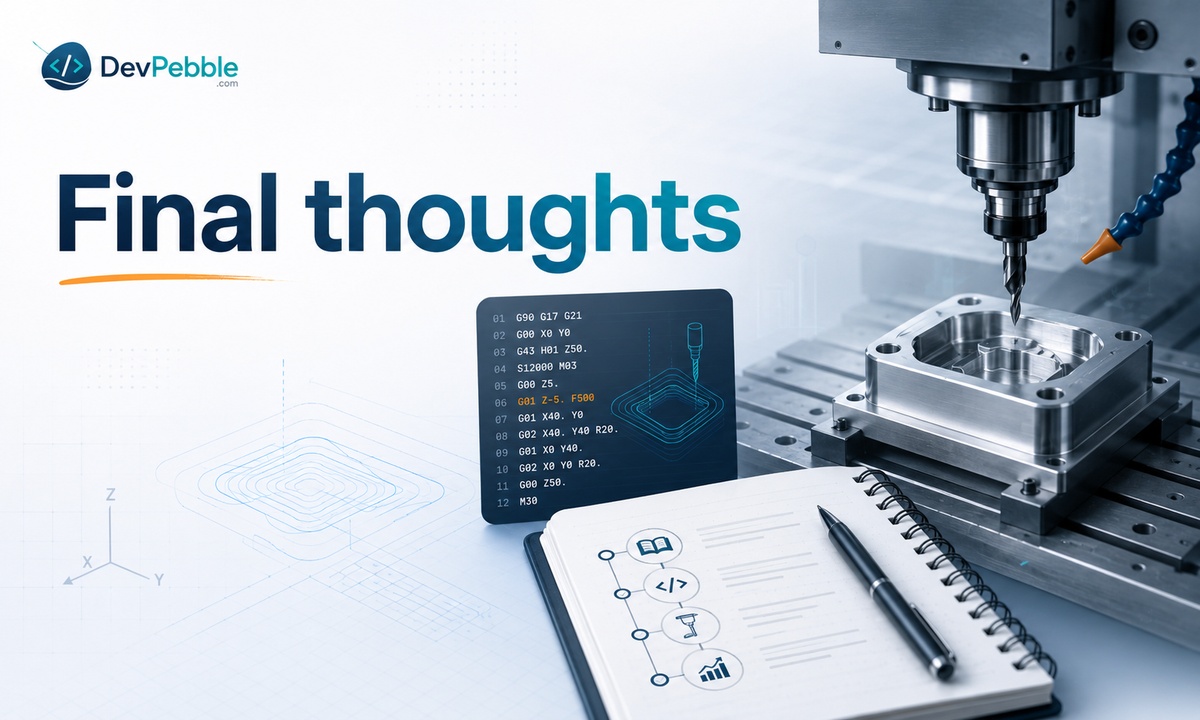
CNC programming turns a digital design into a real, precisely cut part, whether that is a one-off bracket or a batch of aerospace components. Underneath all the software, it comes down to a few ideas repeated at different levels of difficulty: know your coordinates, understand your code, and let the machine do the repeatable work.
If you are starting out, keep it simple. Learn the fundamentals, get comfortable reading G-code and M-code, commit to one CAM program, and practice on easy parts before chasing complex ones. Then get real machine time as soon as you can, because nothing replaces it.
Start small, stay consistent, and the rest builds from there.