Best laptop for programming: a complete 2026 buying guide
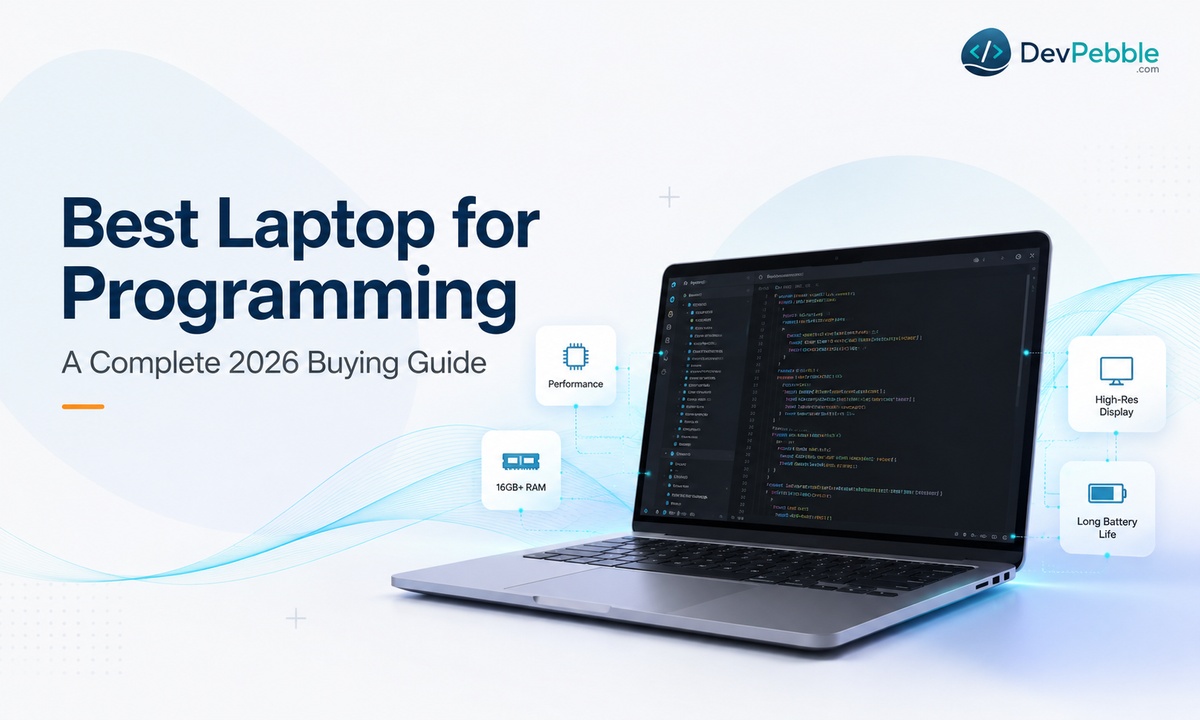
The best laptop for programming in 2026 — how much RAM, storage, and processor you really need, whether to pick a MacBook, Windows, or Linux, when a GPU is worth it, and picks by developer type, with this year's higher memory prices factored in.
On this page⌄
- The short answer
- What actually makes a laptop good for programming
- How much RAM do you need?
- Which processor is best: Intel, AMD, or Apple silicon?
- How much storage do you need?
- Do you need a dedicated GPU?
- Display, keyboard, and build quality
- Battery life and portability
- MacBook, Windows, or Linux?
- The best laptop for programming by developer type
- How much should you spend?
- Common mistakes to avoid
- A quick buying checklist
- The bottom line
- FAQ
Ask ten developers what laptop you need to learn to code and you will get ten answers. One insists on 32GB of RAM. Another says any cheap machine is fine to start. So how do you pick the best laptop for programming without overspending or ending up with something that chokes three months in?
Here is the reassuring part: a good coding laptop does not have to be the priciest one in the store. It just has to handle a few specific things well. Running an IDE, keeping a dozen browser tabs open, spinning up a database or a Docker container, and not freezing when you do all of that at once. Get those right and everything about learning to code gets a little easier.
This guide is for people buying a development laptop with intention, maybe for the first time: beginners starting with Python or JavaScript, CS students heading into their first semester, self-taught coders working through courses, and junior developers about to start a first job.
One piece of 2026 context first, because it changes the math. A global shortage of DRAM and NAND chips has sent memory and storage prices up sharply this year, with consumer RAM roughly doubling in early 2026 as AI data centers soak up supply (Tom's Hardware, IDC). Most thin laptops also solder the RAM in place, so you cannot add more later. Getting the configuration right up front matters more than it did a year ago.
The short answer
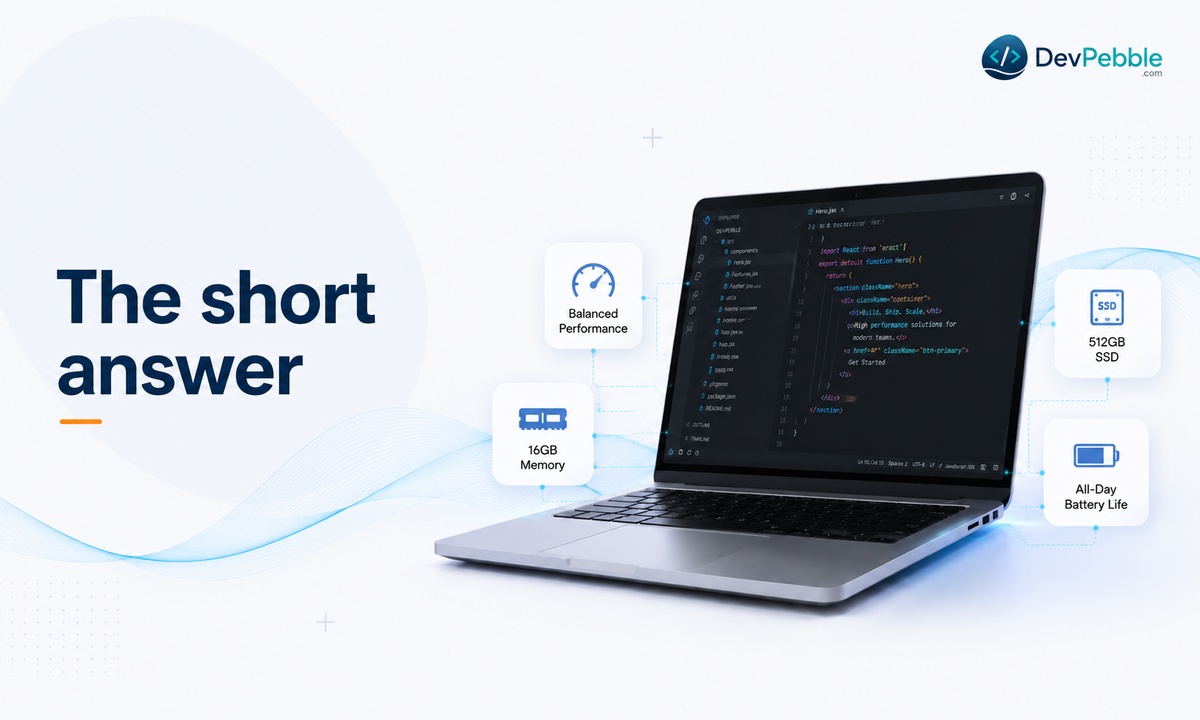
For most students and working developers, the sweet spot is a modern multi-core processor, 16GB of RAM, and a 512GB SSD. That combination runs an IDE, a browser full of documentation tabs, Docker, and a lightweight database at the same time without constant slowdown.
If money is tight and you are just starting out, you can begin with 8GB of RAM and a 256GB SSD on a Windows or Linux laptop. It is enough to learn Python, HTML and CSS, or JavaScript in an editor like VS Code. You will probably outgrow it within a year, so treat it as a starting point. (New MacBooks no longer sell an 8GB option at all.)
If your work is heavier, think Android Studio emulators, several Docker containers, virtual machines, or data science on large datasets, look at 32GB of RAM, a 1TB or larger SSD, and a stronger processor.
What actually makes a laptop good for programming
A machine built for browsing and video will not struggle with a code editor on its own. The strain shows up when you start layering tasks the way real development does.
Picture an ordinary session: VS Code open with a project loaded, a browser with ten tabs of docs and Stack Overflow, a terminal running a local server, and Docker spinning up a container in the background. That is not an unusual day. That is a Tuesday. A programming laptop needs to hold all of that at once without the fans screaming or everything crawling. The rest of this guide is about the parts that make that possible.
How much RAM do you need?
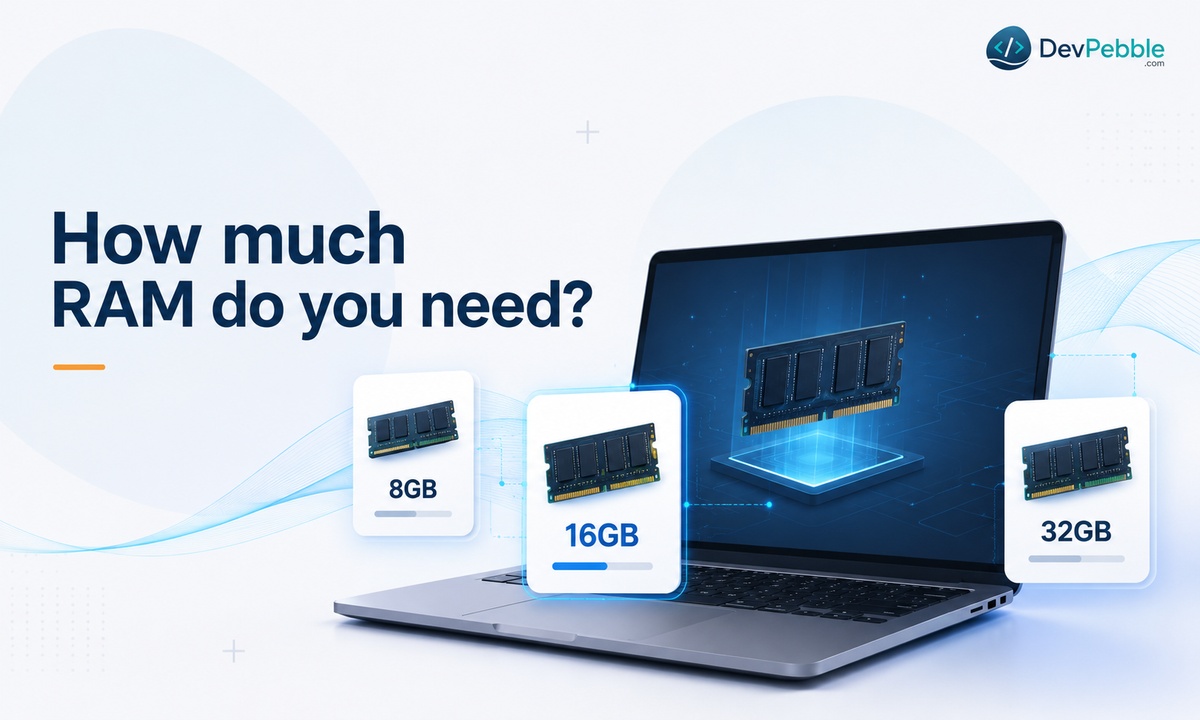
RAM fills up faster than anything else once you start real work, so it is worth knowing exactly where the limits are.
Is 8GB enough?
For light learning, yes. Python basics, small scripts, or an HTML and CSS tutorial with one editor and a browser will run fine. The trouble starts when you add a second or third thing, a local server, a database client, a pile of tabs. Modern tools do not help: VS Code is built on Electron and is surprisingly memory-hungry, and Windows 11 uses more than it used to. Call 8GB limiting rather than unusable. You can start there, but plan to feel the ceiling.
Why 16GB is the practical baseline
16GB is where most day-to-day friction disappears. You can run VS Code with a stack of extensions, keep docs and testing tabs open, run a local database, and start a Docker container without constantly closing things to free memory. This is why 16GB is the realistic floor for serious coding in 2026, and it is no coincidence that Microsoft requires at least 16GB for its Copilot+ PCs, or that Apple raised its entire Mac lineup to a 16GB minimum (MacRumors).
When you need 32GB
32GB earns its keep once the workload gets heavy: multiple Docker containers, virtual machines, Android emulators running alongside your IDE, or data science work holding large datasets in memory. If that is your routine, 32GB removes a lot of guesswork. Just remember the 2026 price caveat, since the jump from 16 to 32GB costs more right now than it usually would. Buy it because your work needs it.
A note for Mac buyers: Apple uses unified memory shared between the CPU, GPU, and Neural Engine, and it cannot be upgraded after purchase. Whatever you pick at checkout is what you live with, so err up rather than down.
Which processor is best: Intel, AMD, or Apple silicon?
There is no single correct chip for coding. Each has trade-offs.
Intel
Intel's Core and newer Core Ultra chips are the most common in Windows programming laptops. The current generation, Core Ultra Series 3 (codenamed Panther Lake), arrived in early 2026 and brings solid multi-core performance plus better efficiency for longer battery life (Intel). Older Core i5 and i7 laptops are still on shelves and still perfectly capable for most coding.
AMD
AMD's Ryzen chips, now branded Ryzen AI in the current 400 series, tend to offer strong multi-core performance for the money. If you run several processes at once, a dev server, a database, a build tool, they hold up well without a big price jump. For multi-threaded work per dollar, AMD is often the value pick.
Apple silicon
Apple's M-series chips pair performance with excellent battery life, and the current M5 family (the M5, M5 Pro, and M5 Max, released across late 2025 and early 2026) continues that (Apple). A MacBook is the obvious choice for iOS work, since Xcode only runs on macOS, and it is popular well beyond that for its battery life and Unix-based terminal.
Single-core versus multi-core
Single-core speed affects how snappy everyday things feel, like moving around your IDE or running a quick script. Multi-core matters more for compiling large projects or running containers. Most modern chips balance both well enough that this matters less than it used to.
How much storage do you need?
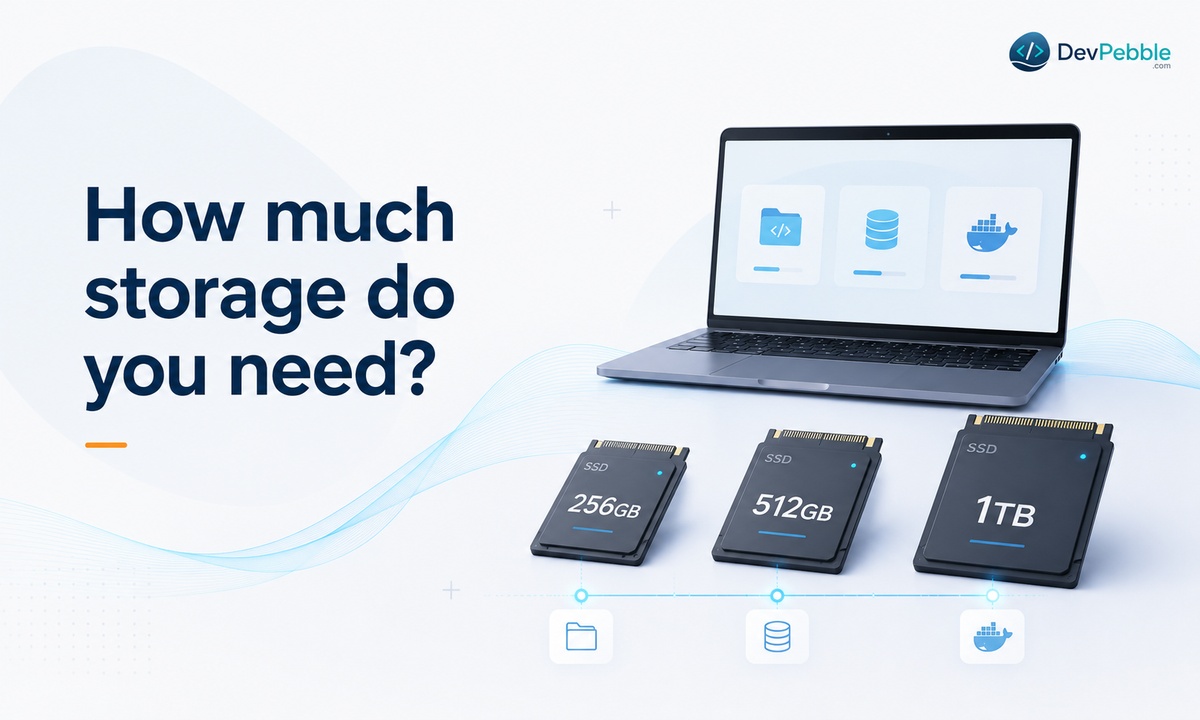
256GB, 512GB, or 1TB
256GB works for a lean setup with one or two IDEs and a few projects, but it fills fast once datasets, VMs, or dependency-heavy folders pile up. 512GB is the comfortable middle for most developers. 1TB and up makes sense for large datasets, several virtual machines, or media-heavy app projects. One sign of where the floor has moved: the 2026 MacBook Air now starts at 512GB, double the old 256GB base (Apple).
SSD, not HDD
An SSD changes how fast your IDE indexes a project, how quickly a local server spins up, and how long dependencies take to install. A spinning hard drive cannot keep up. In 2026 an SSD is the baseline for a coding laptop, and nearly every new laptop ships with one anyway. Just note the same shortage has pushed SSD prices up too, so larger drives cost more than they recently did.
Docker, datasets, and mobile development
Docker images and containers quietly eat space across projects, and mobile development piles on more, since Android Studio's SDKs, emulators, and Gradle caches add up over time. If either is part of your routine, treat 512GB as the floor rather than the target.
Do you need a dedicated GPU?
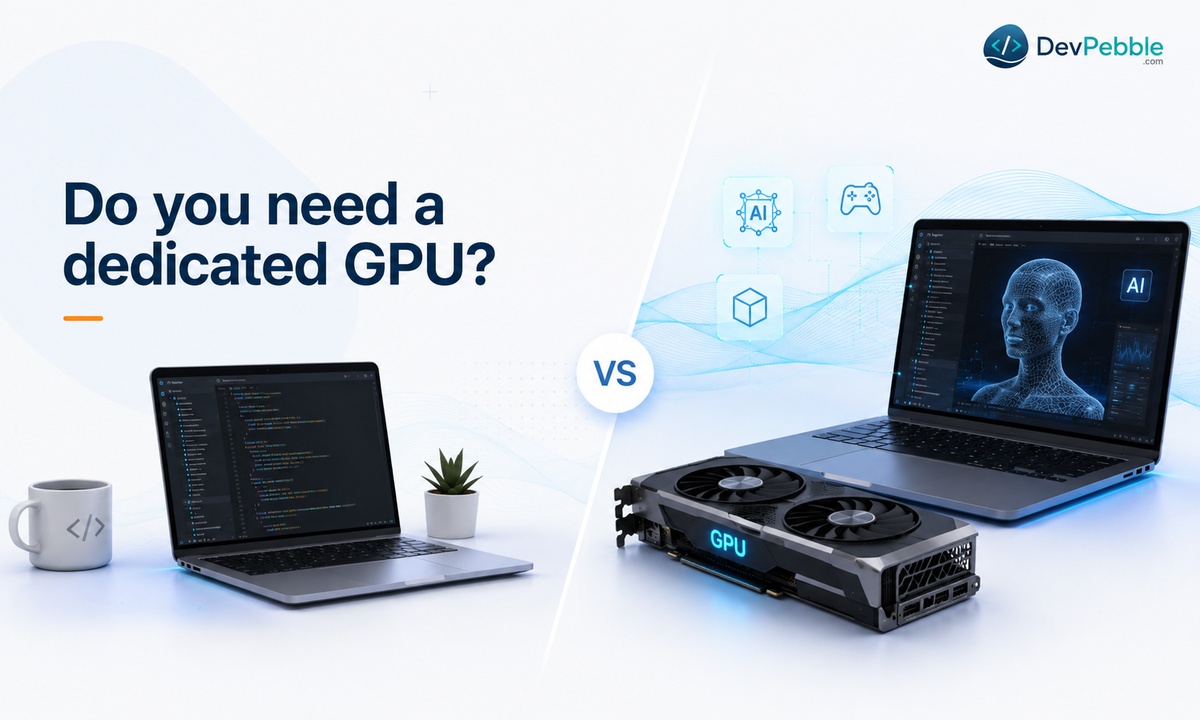
When integrated graphics are plenty
For most programming, web development, backend work, Python scripting, mobile apps, integrated graphics are fine. This is the single spec beginners overspend on most.
When a dedicated GPU earns its place
A discrete GPU earns its place once you train machine learning models locally, do GPU-accelerated data work, or build 3D and game content. For AI and ML, a GPU speeds up local model training dramatically compared with the CPU alone. Game developers using Unity or Unreal benefit from one for real-time rendering and testing. Outside those cases, it is mostly cost and weight you do not need, so put the money into RAM or storage instead.
Display, keyboard, and build quality
Screen size: 13, 14, 15, or 16 inches
13-inch laptops are the most portable, good for students moving between classes. 14 inches is a comfortable middle. 15 and 16 inches give you room for side-by-side panes when debugging, at the cost of weight you will notice if you carry it every day.
Keyboard feel
You will type for hours, so key travel and spacing really do wear on you over a long session. A cramped or mushy keyboard slows you down mid-debug. Keyboard feel is the most personal spec on this list, so type on one before buying if you can.
Ports and external monitors
Check for at least one USB-C port that can drive an external monitor, plus a couple of USB-A ports for accessories. Most developers end up connecting a second screen eventually, so confirm that works, either directly or through a dock.
Battery life and portability
Coding is not as demanding on a battery as gaming or video editing, but an IDE, a browser, and background processes together still add up. Aim for something that realistically lasts a workday, roughly 7 to 10 hours of normal use, so you are not hunting for an outlet between classes or meetings. Apple silicon MacBooks are the standout here and often run well past that.
Then decide between light and powerful. Lightweight laptops favor portability and battery, which suits students and web developers who move around. Workstation-style laptops trade both away for raw performance, which matters for AI training or heavy VM use. Pick based on how often you work away from a plug.
MacBook, Windows, or Linux?
When a MacBook makes sense
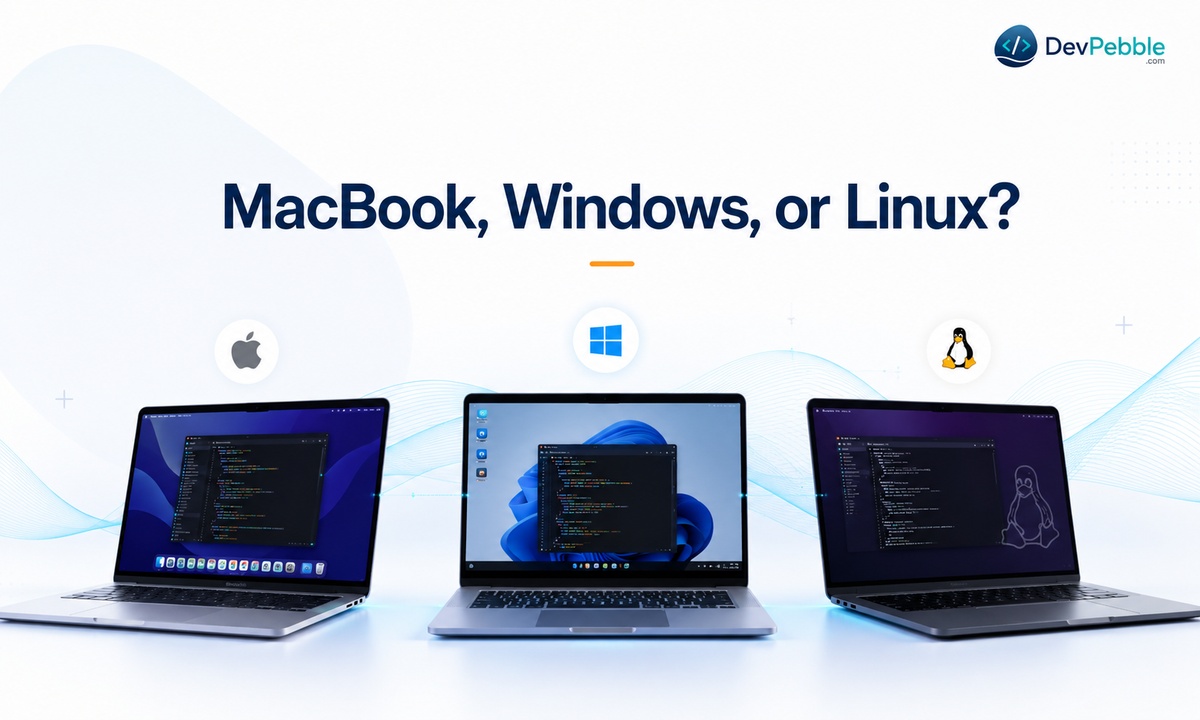
A MacBook is the clear pick for iOS or macOS app development, as noted above. It is also popular for web and general development thanks to long battery life and a Unix-based terminal that lines up neatly with most server environments. The catch is price, plus the fact that memory and storage cannot be upgraded later.
When Windows is the better call
Windows is the most flexible option for game development, general software engineering, and anyone who needs Windows-only or enterprise tools. It also offers far more hardware variety at every price point, which helps if you are on a budget.
Why Linux appeals to some developers
Linux is popular with backend and DevOps engineers because most production servers run it. Working in Linux locally removes a layer of translation between your machine and where your code actually runs.
The middle ground: WSL
If you want Windows hardware but a Linux workflow, the Windows Subsystem for Linux bridges the two. It runs Linux command-line tools, package managers, and Docker in a real Linux environment without leaving Windows. For a lot of web and backend developers, that is a legitimate best-of-both setup rather than a compromise.
The best laptop for programming by developer type
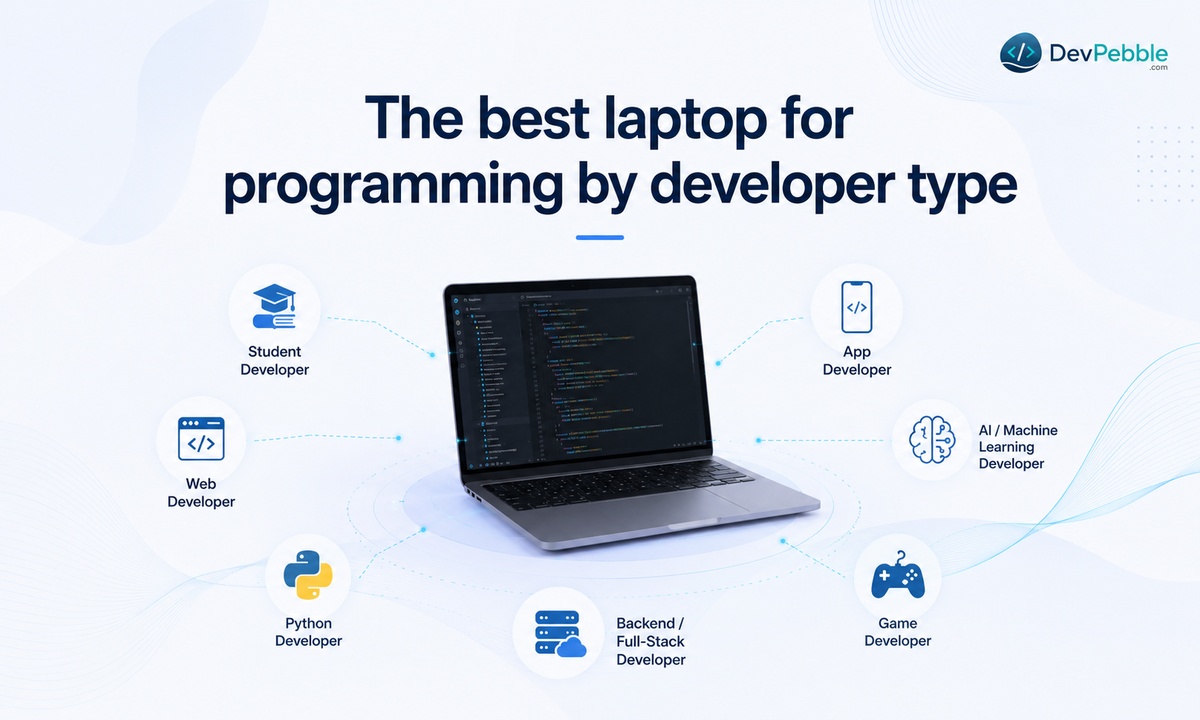
Once you know roughly what you do, here is a quick cross-reference:
- Students: 16GB RAM, a 256 to 512GB SSD, and a light build easy to carry between classes.
- Web development: 16GB RAM, a 512GB SSD, and a solid multi-core chip for local servers and browser testing.
- Python: 8 to 16GB for scripting; 16GB if you also use Jupyter or data libraries.
- App development: 16GB minimum for Android Studio or Xcode, 32GB if you run emulators alongside other tools.
- AI and machine learning: 32GB RAM, a strong processor, and a dedicated GPU for local model training.
- Game development: a dedicated GPU, 16 to 32GB RAM, and a fast SSD for engines and real-time rendering.
- Backend and full stack: 16 to 32GB depending on how many services and containers you run at once.
How much should you spend?
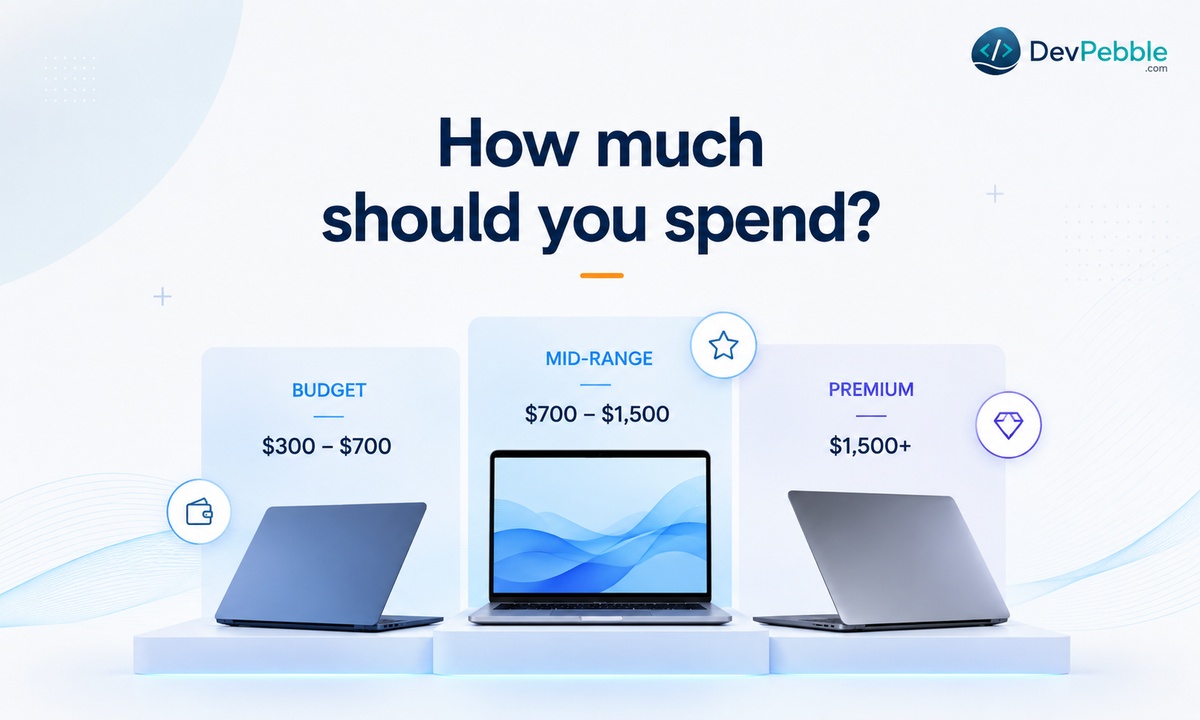
Budget laptops at the entry tier usually give you 8 to 16GB of RAM and a 256 to 512GB SSD, which suits beginners testing the waters. Mid-range machines land at 16GB, a 512GB SSD, and a capable modern processor, covering most working developers comfortably. Premium laptops bring 32GB, larger SSDs, stronger chips, and sometimes a discrete GPU, worth it for AI and ML, heavy emulator use, or anyone who wants years of headroom.
Spend more when the work truly demands it, not because a bigger number feels safer. Running VMs or training models daily makes the upgrade pay for itself in saved time. With 2026 prices elevated, the gap between tiers is wider than usual, so match the spec to real needs rather than buying the ceiling by default.
Common mistakes to avoid
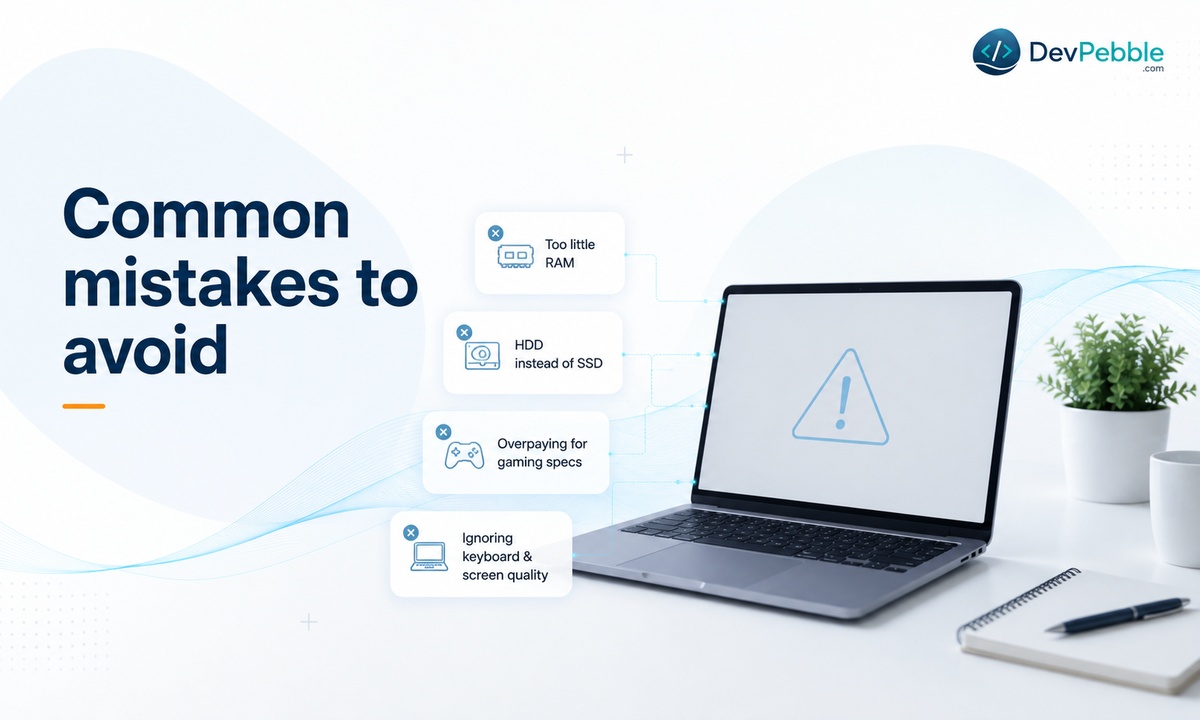
Buying too little RAM. Going with 8GB to save a bit often backfires within months, and because many laptops solder the RAM, you cannot fix it later. Stretch to 16GB if you can.
Choosing a hard drive over an SSD. Cheaper HDDs offer more space per dollar, but the speed loss touches everything you do. Take the SSD even if it means less total storage.
Ignoring the keyboard and screen. Neither shows up in a benchmark, but you feel both every day. Try them in person when you can.
Overpaying for gaming specs. A high-end GPU looks impressive and sits idle for most programming. Unless you do AI, ML, 3D, or game work, that money is better spent on RAM or storage.
Buying on brand name alone. A familiar logo does not guarantee the right specs. Compare actual RAM, storage, and processor details instead of trusting reputation.
A quick buying checklist
For beginners: 8 to 16GB RAM, a 256GB SSD (or 512GB if the price gap is small), a modern processor, a comfortable keyboard, and 6-plus hours of battery.
For working developers: 16 to 32GB RAM, a 512GB to 1TB SSD, a strong multi-core processor, good ports for external monitors, and 8-plus hours of battery.
To future-proof: a little more RAM than you think you need today, an SSD with room to grow, a processor with solid multi-core performance, and build quality that survives years of daily use.
The bottom line
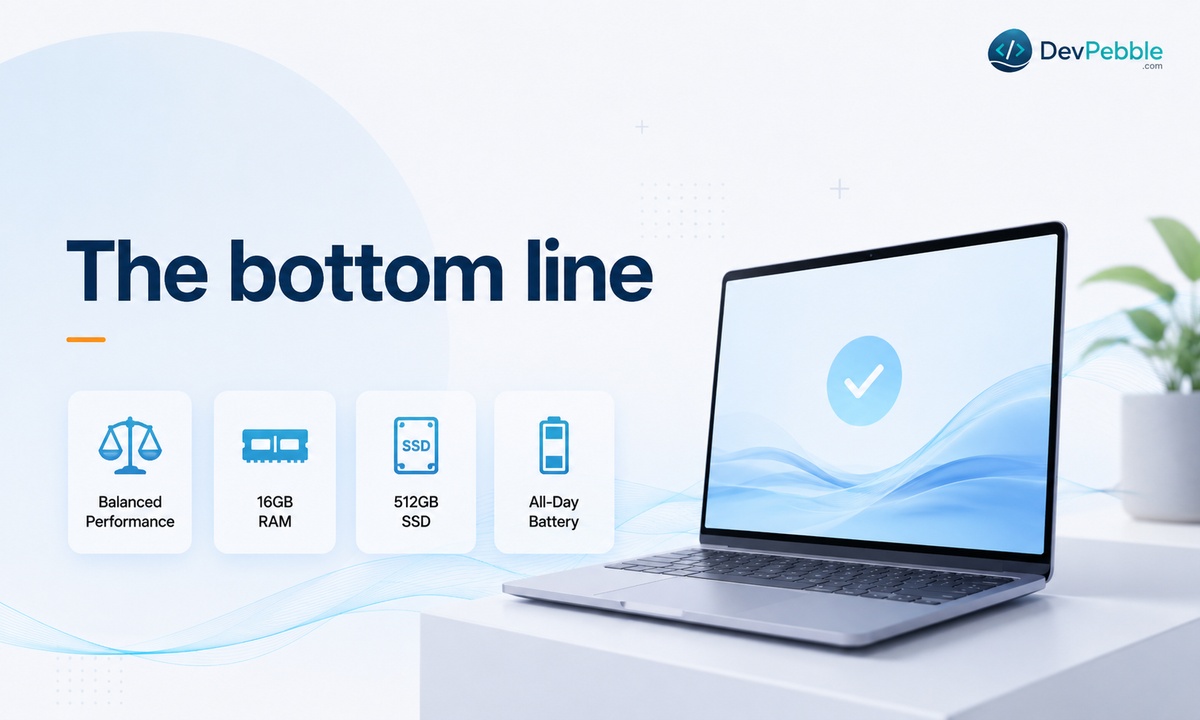
The best laptop for programming is the one that fits how you actually work, not the one with the flashiest spec sheet. For most people that means 16GB of RAM, a 512GB SSD, and a modern processor, a setup that stays comfortable for years without overspending. Beginners on a tight budget can start lower and upgrade the machine later; developers doing AI, heavy app work, or lots of virtual machines should reach for 32GB and a dedicated GPU.
Start with your real workload, match the specs to it, and factor in this year's higher memory prices while you are at it. Do that and you end up with a laptop that gets out of the way and lets you code.