Top programming tutorials in 2026: 10 best free and paid learning paths
Compare 10 top programming tutorials for beginners, web development, Python, coding practice, and interviews, with verified free and paid options.
On this page⌄
- Top programming tutorials at a glance
- What makes a programming tutorial worth recommending?
- Best all-around programming tutorials for beginners
- Best programming tutorials for web development
- Best specialist resources for reference, fluency, and interviews
- How do you choose the right programming tutorial?
- How do you learn from programming tutorials without getting stuck?
- Final recommendation: choose one path and start building
- 3. Fact-check log
- 4. Final source ledger
- 5. Publication and SEO delivery pack
- FAQ
No single programming tutorial fits every learner. The right pick depends on whether you want free project practice, computer-science foundations, guided interactive lessons, authoritative documentation, or focused interview prep. This guide compares ten established resources, matched to the outcome each one serves best, with the real limitations to weigh before you commit your time. The picks reflect current curricula and pricing rather than raw popularity.
Top programming tutorials at a glance
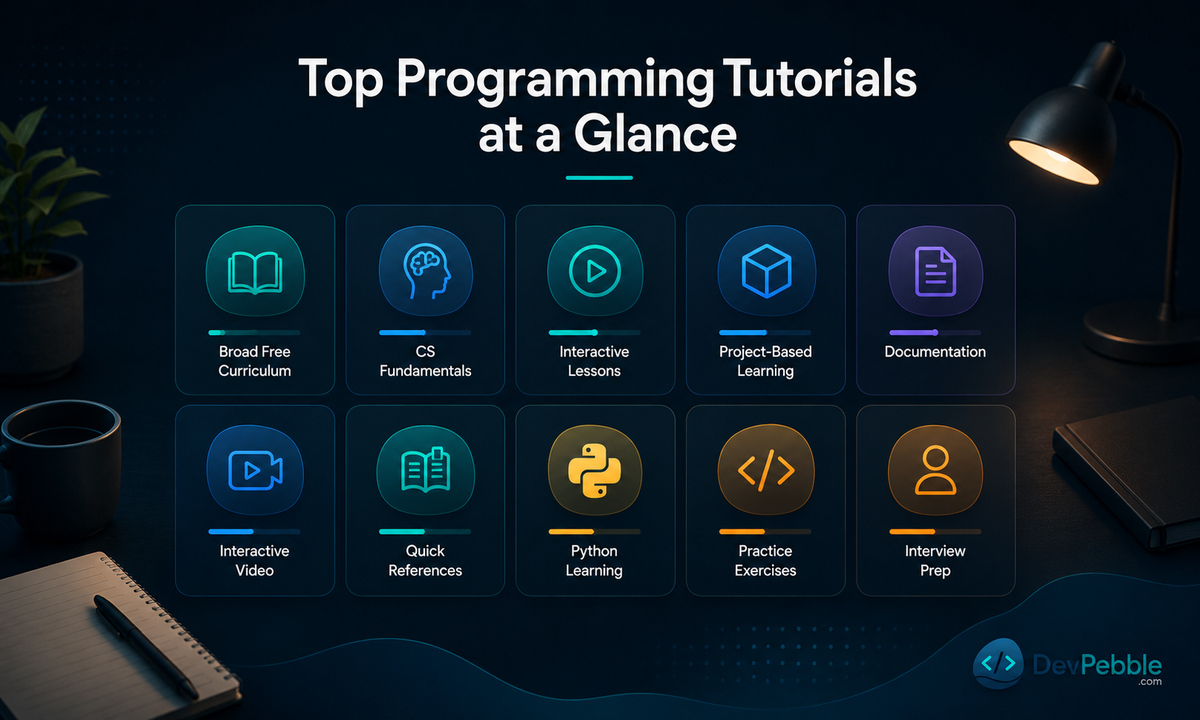
These ten resources are not interchangeable, even though search results tend to list them side by side. A university-grade course, a browser-based interactive platform, a project-driven curriculum, and a documentation site each solve a different problem. The table below groups each one by its strongest use case.
| Resource | Best for | Level | Type | Practice/projects | Cost | Main limitation | |---|---|---|---|---|---|---| | freeCodeCamp | Broad free curriculum | Beginner | Certification curriculum | Project-based | Free | Scale can encourage box-checking | | CS50x | CS fundamentals | Beginner to intermediate | University course | Problem sets, final project | Free to audit; paid certificate | Heavier workload than a syntax tutorial | | Codecademy | Guided interactive lessons | Beginner | Interactive platform | Guided exercises, some projects | Freemium | Best features are paywalled | | The Odin Project | Project-based web dev | Beginner to intermediate | Curated curriculum | Heavy project focus | Free | Assumes self-management | | MDN Web Docs | Authoritative web reference | All levels | Docs + learning modules | Reference-led | Free | Not a guided course on its own | | Scrimba | Interactive video and code | Beginner | Interactive video platform | Editable code screencasts | Freemium | Front-end focused | | W3Schools | Fast explanations, runnable examples | Beginner | Reference tutorials | "Try it" examples | Free; paid certs optional | Brevity can omit depth | | Official Python Tutorial | Programmers learning Python | Beginner with prior coding | Official docs | Illustrative examples | Free | Not written for total beginners | | Exercism | Language fluency, mentoring | Beginner to intermediate | Practice platform | Exercises with automated tests | Free | Not a full linear course | | LeetCode | Algorithms, interview prep | Intermediate and up | Practice platform | Problem sets | Freemium | Not a beginner curriculum |
Three of these matter most when you are starting from zero: freeCodeCamp, CS50x, and Codecademy. The other seven make more sense once you know roughly what you want to build.
What makes a programming tutorial worth recommending?
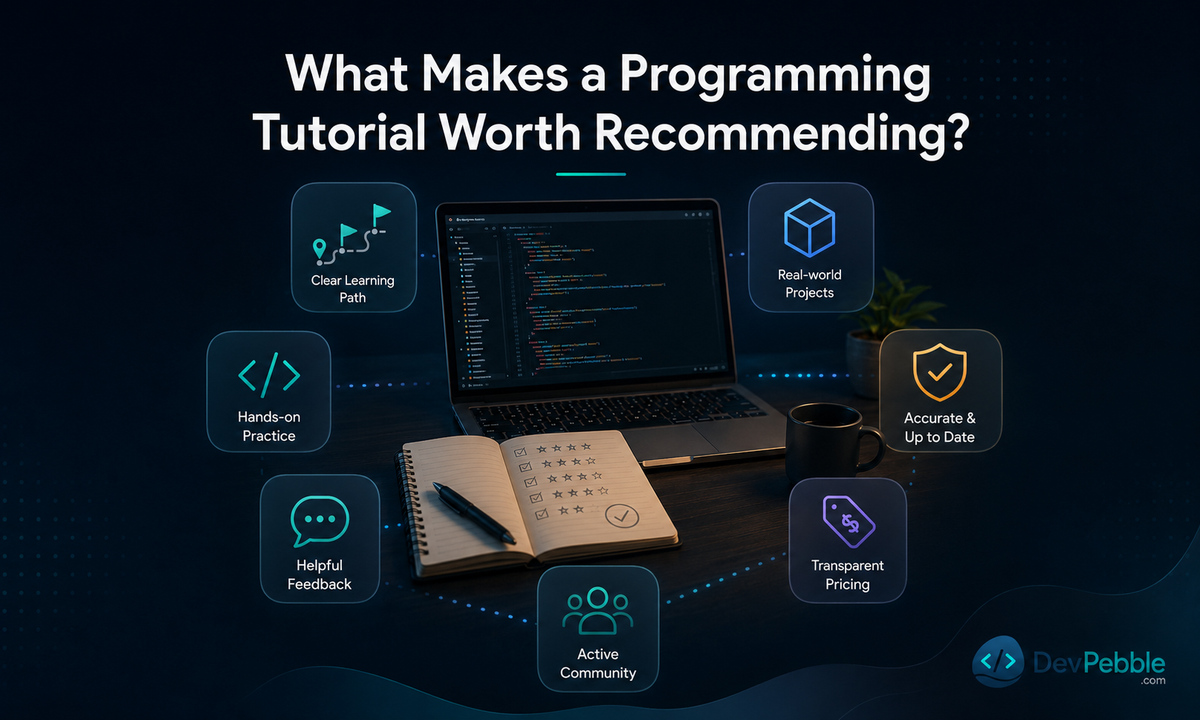
A tutorial worth recommending gets you writing and debugging real code quickly, orders its topics so each lesson builds on the last, and explains an error instead of only flagging it. It connects lessons to independent projects, states its prerequisites honestly, and stays current with the language or framework it teaches.
Seven criteria guided the reviews below:
- Curriculum clarity and progression: does difficulty increase in a sensible order?
- Active coding over passive watching: do you write code, not just watch it?
- Feedback quality: are errors explained, or just marked wrong?
- Independent projects: does the resource push you past guided exercises?
- Technical accuracy and currency: is the content maintained against current versions?
- Transparent pricing and prerequisites: is it clear what is free, what costs money, and who the resource is for?
- Accessibility and community: captions, transcripts, forums, or mentoring where relevant.
The reviews draw on each platform's official curriculum, syllabus, and pricing pages, checked in July 2026. Where pricing or curriculum was mid-change at the time of writing, that is noted in the review.
Best all-around programming tutorials for beginners
Three platforms meet three different beginner needs. freeCodeCamp gives broad, free, self-paced practice. CS50x builds computer-science understanding before narrowing to one language. Codecademy trades some depth for structured, guided interactivity, with its most useful features behind a subscription. None is "easiest" in an absolute sense. Each asks something different of you.
freeCodeCamp: best free all-around curriculum
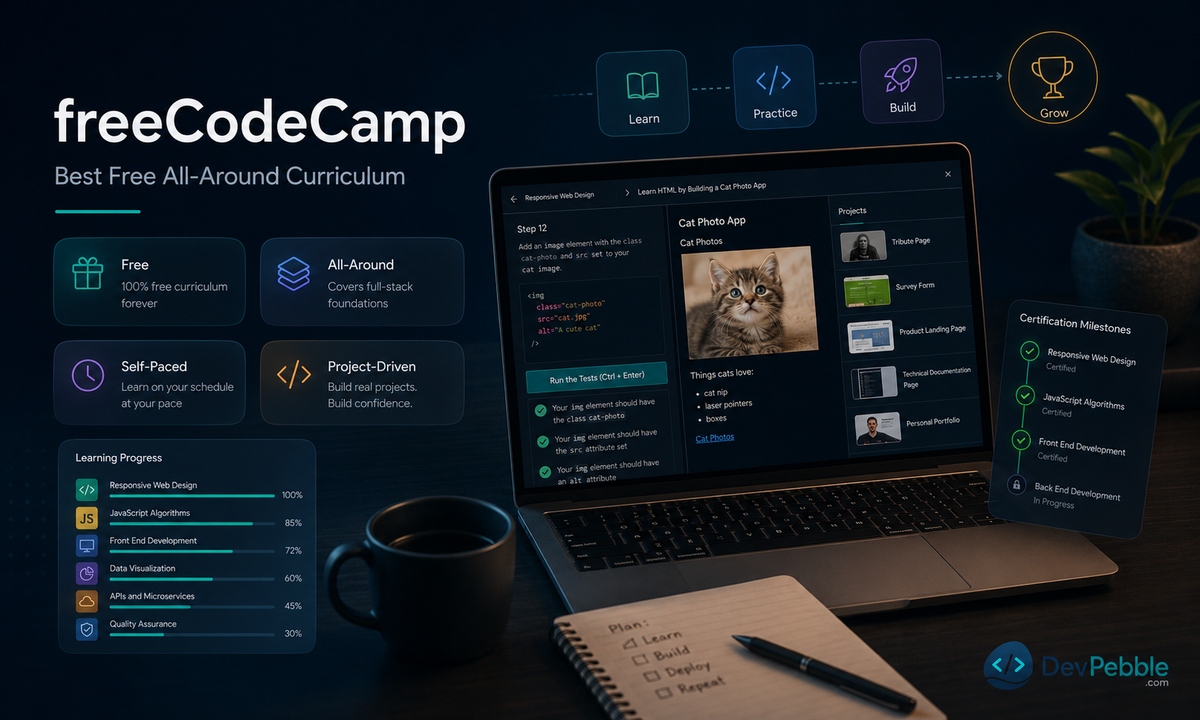
freeCodeCamp is the strongest free starting point if you want browser-based lessons, project-based certifications, and no cost at any stage. Its scale is also the main risk. Without deliberate project work of your own, you can finish modules without building real problem-solving ability.
It is run by a nonprofit, and the curriculum and certificates are free with no paid tier. Coverage runs from responsive web design and JavaScript through Python, databases, and back-end development. Certifications are earned by building and submitting projects, not by passing quizzes. The organization is restructuring its certification curriculum, consolidating most of it into smaller checkpoint certificates that build toward a single Certified Full Stack Developer capstone, so it is worth checking the current structure before you commit to a specific path. This suits budget-conscious, self-directed learners. It suits you less if you want weekly instructor accountability or a live cohort.
CS50x: best for computer-science fundamentals
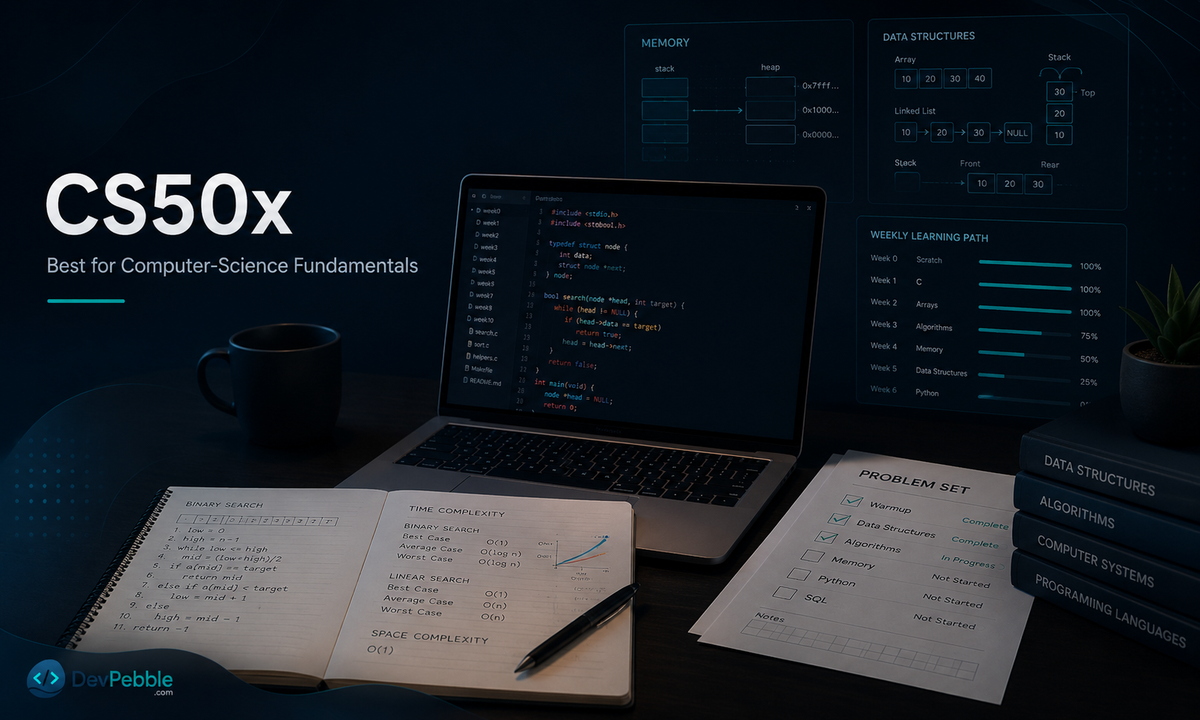
CS50x accepts learners with no prior programming experience. Harvard notes that two-thirds of CS50 students have never taken a computer science course before. It is more demanding than a lightweight syntax tutorial because it teaches problem-solving and computational thinking rather than one language's commands.
It is free to audit through Harvard's OpenCourseWare, with ten problem sets and a final project you can submit for automated feedback. Eleven weeks move from Scratch through C, arrays, algorithms, memory, and data structures, then Python, SQL, a unit on artificial intelligence, and web programming with HTML, CSS, JavaScript, and Flask, ending in a project of your own design. The emphasis throughout is on correctness, design, and style. A verified certificate costs extra through edX; auditing and submitting problem sets for feedback is free. Choose CS50x if you want conceptual depth and can sustain weekly problem sets. It is not the fastest route to shipping one small project.
Codecademy: best for guided interactive lessons
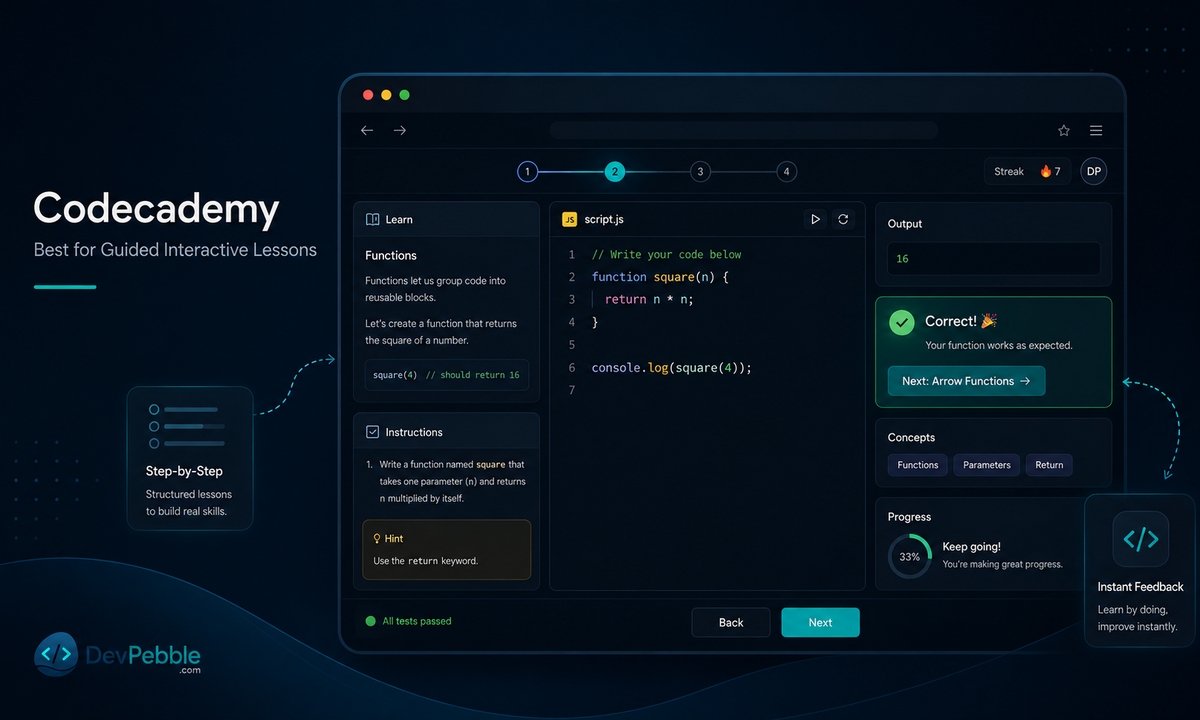
Codecademy suits beginners who want instruction, code entry, and feedback in one browser interface, though its most useful features sit behind a paid plan. The free Basic tier is a genuine preview rather than a full course.
As of July 2026, Codecademy's pricing runs Basic (free, with limited quizzes and projects), Plus ($14.99 a month billed annually, or $29.99 billed monthly), and Pro ($19.99 a month billed annually, or $39.99 billed monthly, marked as the recommended plan). Plus unlocks the full library of 300-plus standalone courses, unlimited quizzes and projects, skill paths, and completion certificates. Pro adds career paths, professional certifications, interview prep, and an AI interview simulator. Regional and promotional pricing varies, so confirm the current rate before you buy. Codecademy is a good fit if you value structure and quick feedback. The risk is following prompts without practicing on your own outside the platform.
Best programming tutorials for web development
Three resources solve web development's core need in different ways. The Odin Project builds full projects in a real development environment, MDN documents the web platform itself, and Scrimba pairs video with editable code. That covers project practice, authoritative reference, and guided interactivity. It is also worth knowing the shape of the ecosystem you are training for: in GitHub's Octoverse 2025 report, TypeScript, Python, and JavaScript sat at the top of language activity, which is why a sensible shortlist covers both web and Python rather than betting on one.
The Odin Project: best project-based full-stack path
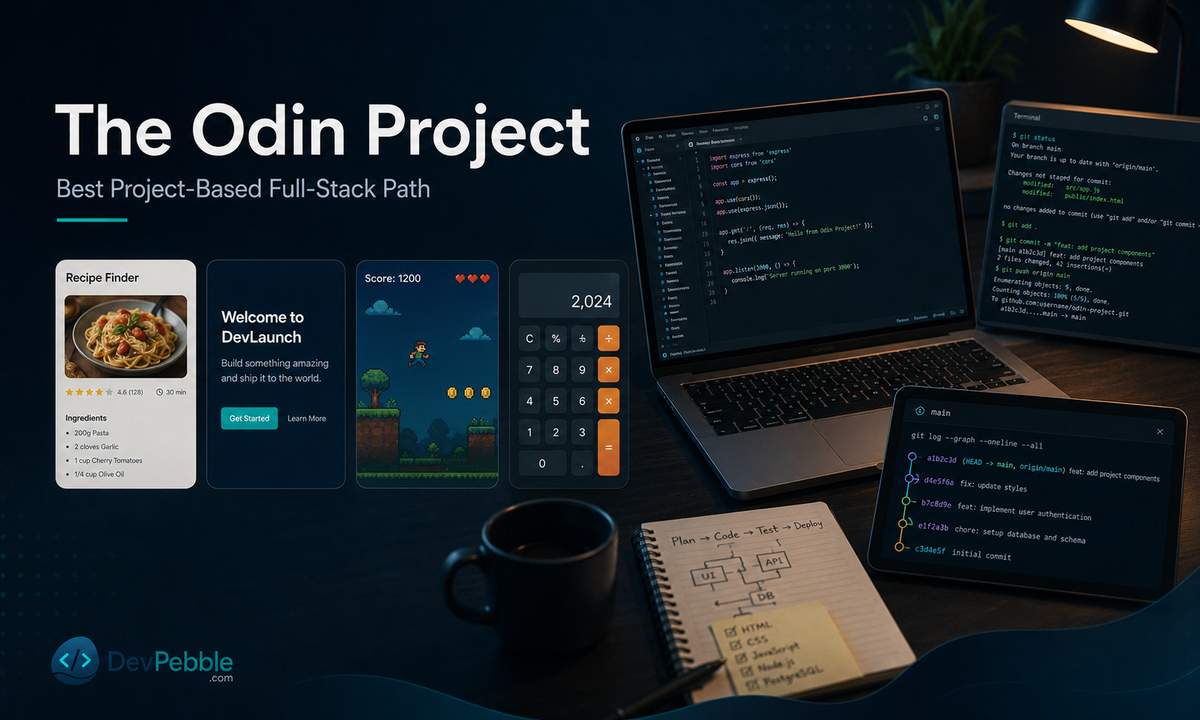
The Odin Project is a strong free choice if you want to build real projects in an actual development environment, the command line, Git, and a text editor, rather than a simplified browser sandbox. That realism means more setup and troubleshooting than a fully guided course asks of you.
It is free and open-source, funded by donations. The Foundations course opens with installations, a text editor, the command line, and Git, before HTML, CSS, and Flexbox. Projects run through every section, including a recipes page, a landing page, Rock Paper Scissors, an Etch-a-Sketch clone, and a calculator, each tied to the concepts just covered. Foundations ends in a branch into a specialized track. This is a good path if you are portfolio-minded and can tolerate independent troubleshooting. It suits you less if you want every step demonstrated first.
MDN Web Docs: best authoritative web reference and learning guide
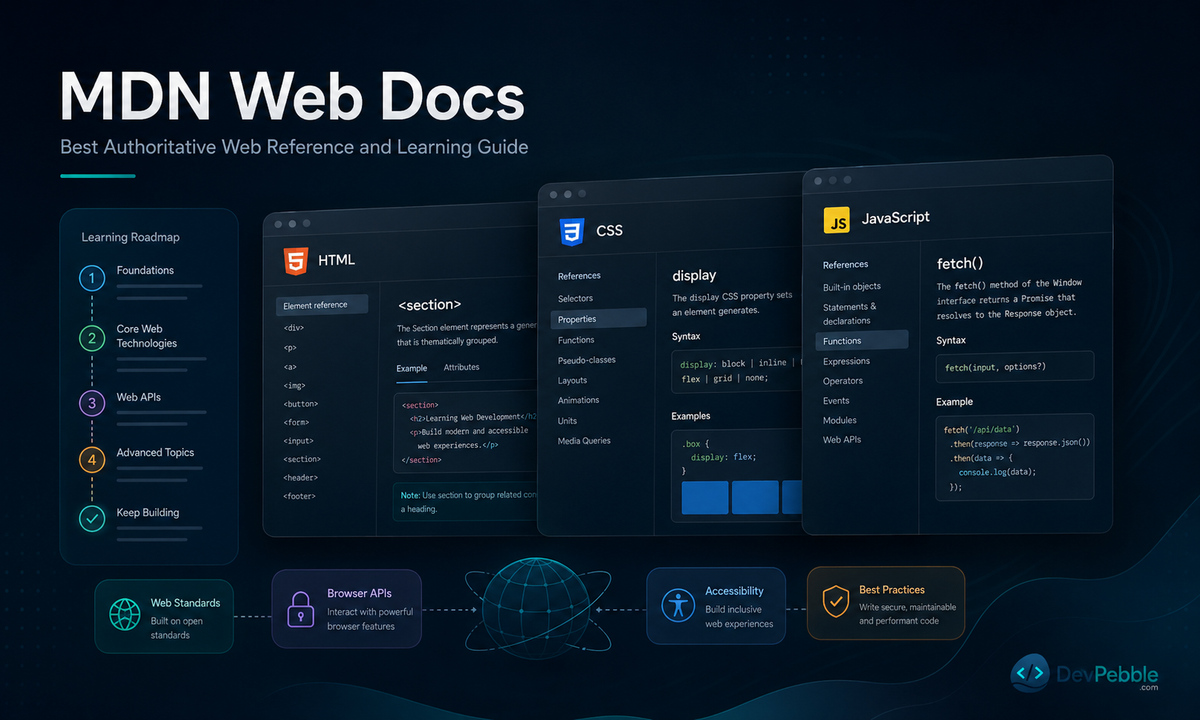
MDN is the strongest authoritative companion for HTML, CSS, JavaScript, and browser APIs, but it is primarily reference documentation, not a hand-holding course. Most beginners move faster pairing it with project-based practice.
Its Learn web development area runs Getting Started, Core, and Extensions modules, built on the MDN Curriculum, a structured skills summary developed with input from educators and the wider community. Getting Started assumes no installed tools and no prior code; Core and Extensions go progressively deeper into HTML, CSS, JavaScript, and forms. Scrimba's Frontend path is built with MDN and aligned to the same curriculum, so the two pair well. Use MDN to understand syntax and browser behavior in depth, and as a long-term reference once you are building on your own. It is not the place to start from scratch.
Scrimba: best interactive video-and-code experience
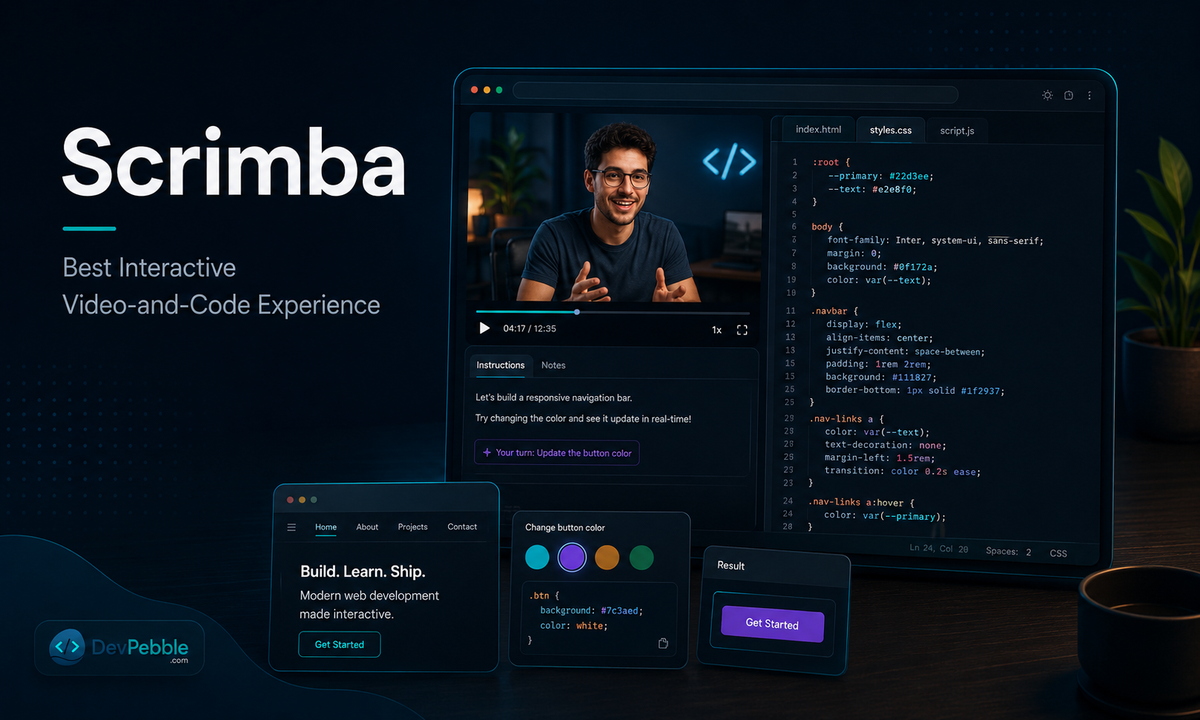
Scrimba suits visual learners who want to pause an instructional video and edit the demonstrated code directly in the browser, especially for front-end topics, though most of its catalog sits behind a paid plan.
The core format, a "scrim," is an interactive screencast: pause anywhere and modify the instructor's code inline instead of switching to a separate editor. A subset of full courses, including introductory JavaScript, HTML and CSS, and React, is free with no credit card. The wider catalog and the four career paths (Frontend, Fullstack, Backend, and AI Engineer) require a paid Pro plan, billed monthly or annually and varying by region and promotion, so confirm the current rate on Scrimba's own pricing page. Scrimba is a good fit if you want more instructor presence than documentation alone provides. The free tier is a real preview, but the deeper paths require payment.
Best specialist resources for reference, fluency, and interviews
A broad beginner curriculum is the wrong tool for a fast syntax lookup, for deepening a second language, or for getting interview-ready. W3Schools, the official Python Tutorial, Exercism, and LeetCode each do one narrower job, and each assumes a different starting point.
W3Schools: best for fast explanations and runnable examples
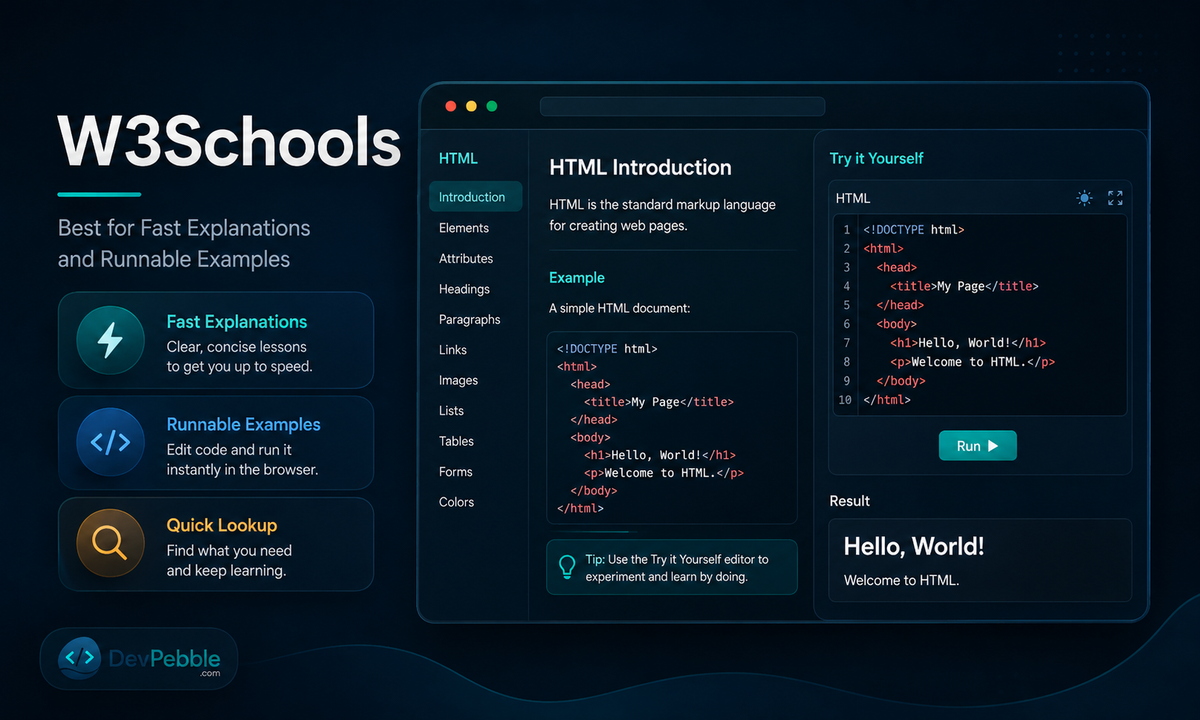
W3Schools works well for a quick, concrete explanation of one concept, backed by a runnable example you can edit in the browser. Its brevity is the trade-off: you will look elsewhere for deeper rationale or edge cases.
Free tutorials and references cover HTML, CSS, JavaScript, SQL, Python, Java, PHP, and dozens more, each with an editable "Try it" example. Paid certification exams and a Plus tier sit alongside the free content, which stays open to everyone. Use it to refresh or introduce one topic mid-project, not to build a full mental model of a language from scratch. W3Schools itself notes its content is reviewed but not warranted as fully correct, so pair it with MDN or official documentation when precision matters.
The official Python Tutorial: best for programmers learning Python
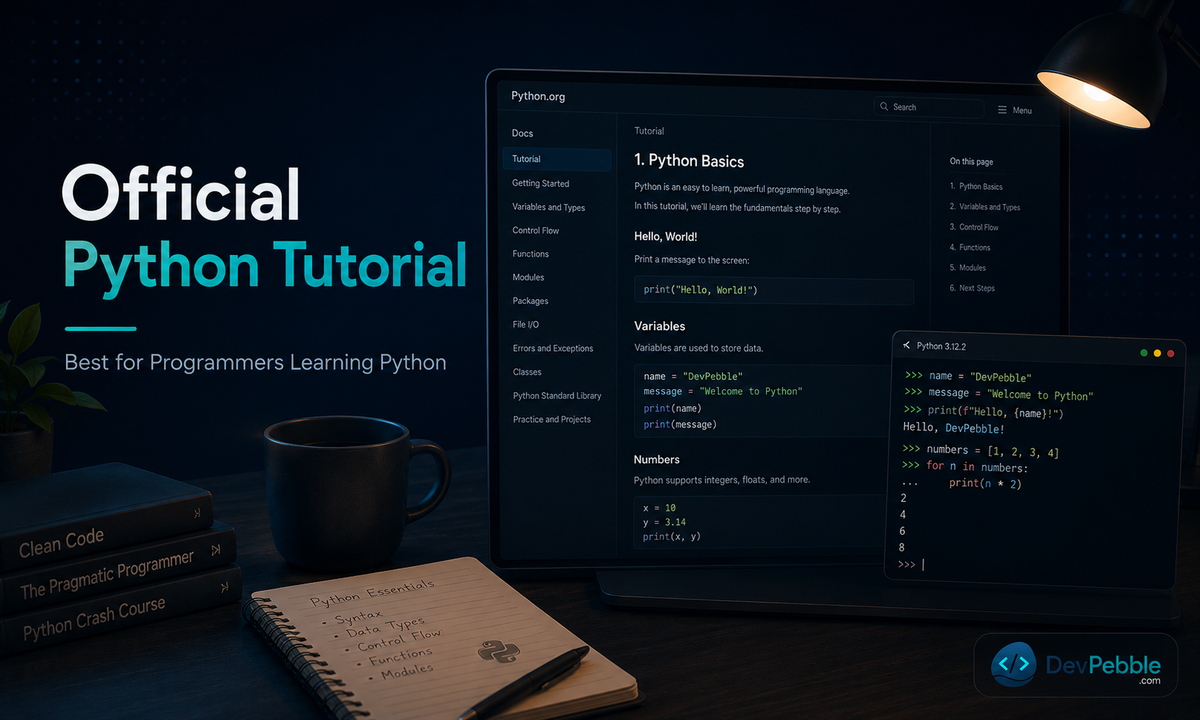
The official Python Tutorial is authoritative and current, but its own introduction says plainly that it is written for programmers new to Python, not for people new to programming. Treat that as a hard prerequisite.
It is maintained by the Python Software Foundation as part of the core documentation, currently covering Python 3.14. It walks through the interpreter, control flow, core data structures, modules, file I/O, exceptions, classes, and virtual environments. Because it assumes you already understand basic programming, it reads as a language reference rather than a computing-fundamentals course. It is the right resource if you are transferring from another language or want Python's own canonical terminology. Pair it with a beginner-friendly course first if you have never coded.
Exercism: best for language fluency and mentored practice
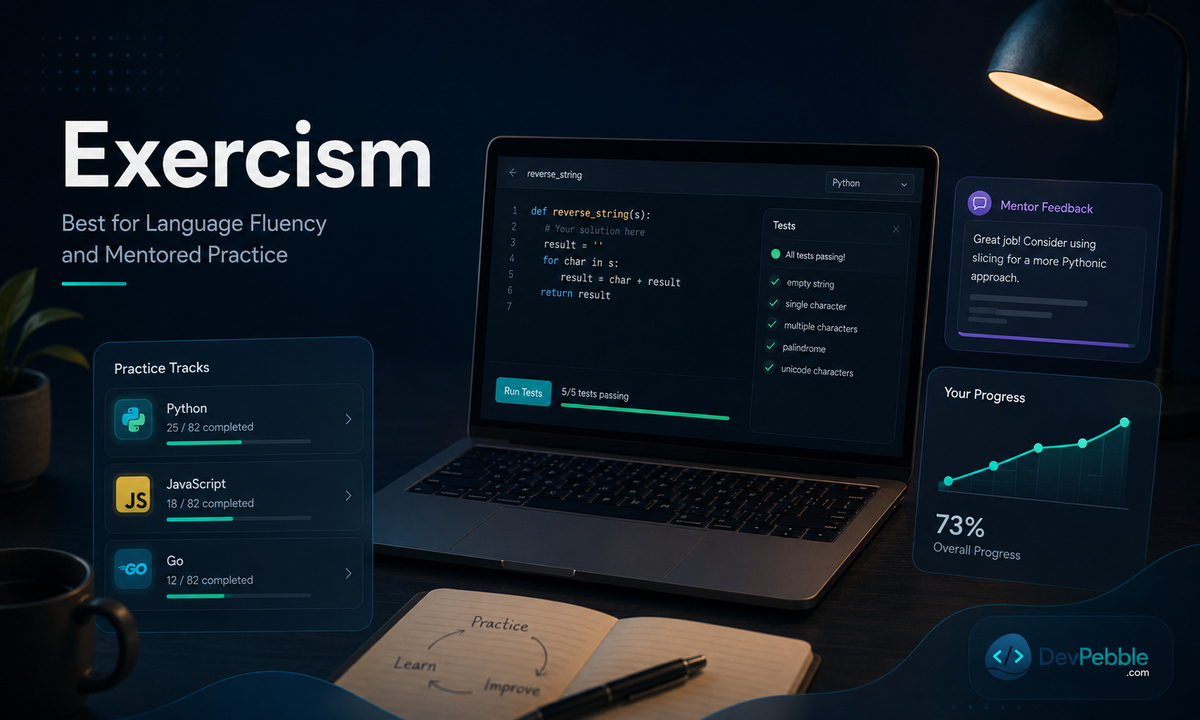
Exercism is best used after, or alongside, an introductory course. It builds fluency through focused exercises, automated tests, and mentoring rather than teaching concepts through a linear syllabus of its own.
It is free, run by a not-for-profit, with language tracks spanning mainstream languages like Python and JavaScript through to niche and esoteric ones. Automated tests confirm correctness, and community solutions plus optional mentoring add the kind of feedback tests cannot give, such as idiomatic style. Exercism also runs Jiki, a separate beginner-oriented platform for learners not yet ready for the language tracks. Use Exercism to build fluency in a language you have already started. It is not a substitute for planning and building a complete application from scratch.
LeetCode: best for data structures, algorithms, and interview prep
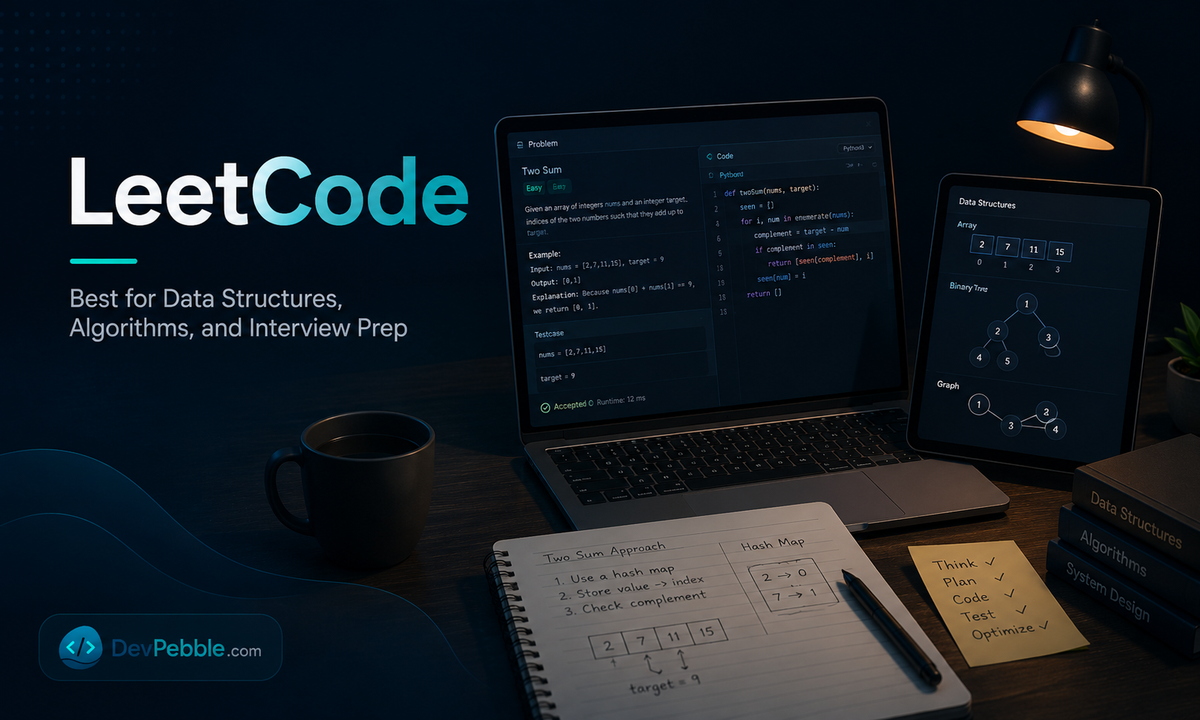
LeetCode is a specialist practice platform for algorithms, data structures, and technical interviews, not a beginner curriculum. It is most useful once you can already write functions, use common data structures, and reason about your own code.
The free tier includes a large bank of practice problems from easy to hard. Premium adds company-tagged questions, extra problems, deeper solution explanations, and mock-interview tools, commonly quoted around $35 a month or $159 a year; check the subscription page for current, regional, or student rates. Used alone, it carries a real risk: you can optimize for puzzle-solving speed instead of software-building skill. Pair it with real projects and code review, once your foundations are in place.
How do you choose the right programming tutorial?
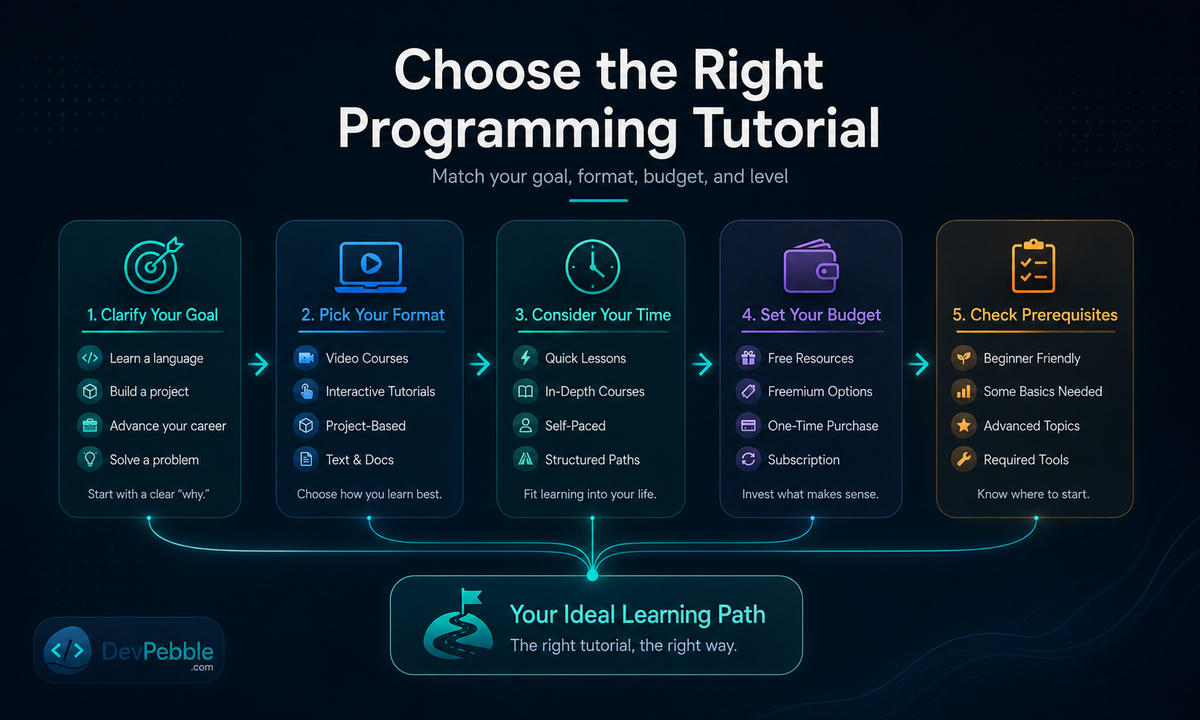
Start with the outcome you want, pick a format you can sustain, then check prerequisites, cost, and time before you enroll. Choosing by catalog size or brand recognition alone tends to produce dropped courses rather than finished projects. One primary curriculum, one reference, and one practice channel is usually enough.
Choose by the outcome you want
To learn programming and computer-science fundamentals, start with CS50x, or freeCodeCamp for a gentler, browser-led alternative. To build full-stack web projects, use The Odin Project, with Scrimba for guided front-end instruction and MDN as the reference layer. To learn Python after another language, use the official Python Tutorial, then Exercism for continued practice. To prepare for technical interviews, use LeetCode, once your foundations and data structures are in place.
Choose by the way you learn best
Format only matters if it leads to active practice rather than passive watching. For interactive browser lessons, look at Codecademy, freeCodeCamp, and selected W3Schools exercises. For lecture and problem-set learning, CS50x. For reading and project-based learning, The Odin Project. For documentation-led learning, MDN and the official Python Tutorial. For deliberate practice, Exercism and LeetCode.
Check the practical constraints before enrolling
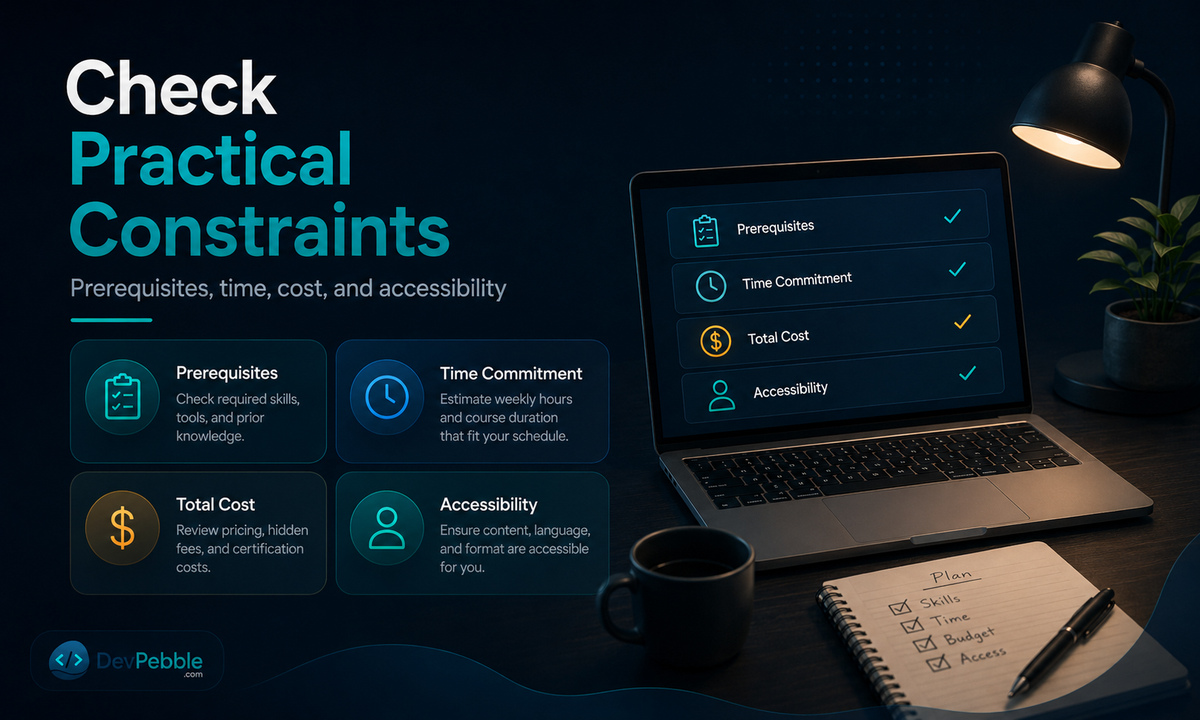
Before you commit, check four things. Prerequisites: prior knowledge, local installs, command-line comfort, and required accounts. Time and workload: lesson length, curriculum scale, deadlines, and self-paced versus cohort. Cost and access: where free content ends, renewal terms, certificate fees, and financial aid. Accessibility: captions, keyboard navigation, screen-reader support, and low-bandwidth use.
How do you learn from programming tutorials without getting stuck?
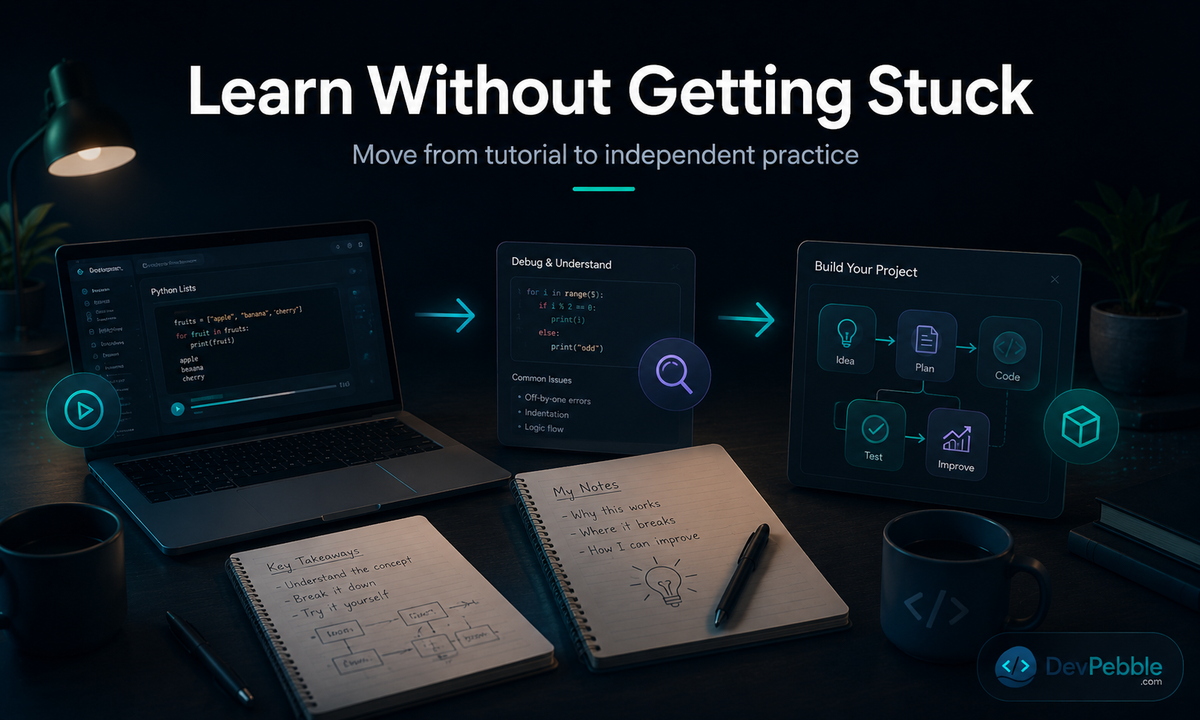
Tutorials work best as scaffolding, not a finish line. Reproduce the lesson, close it, rebuild the idea from memory, then change the requirements and debug using documentation rather than the walkthrough. The aim is progressively less dependence on the tutorial itself.
Follow a five-step tutorial-to-project loop
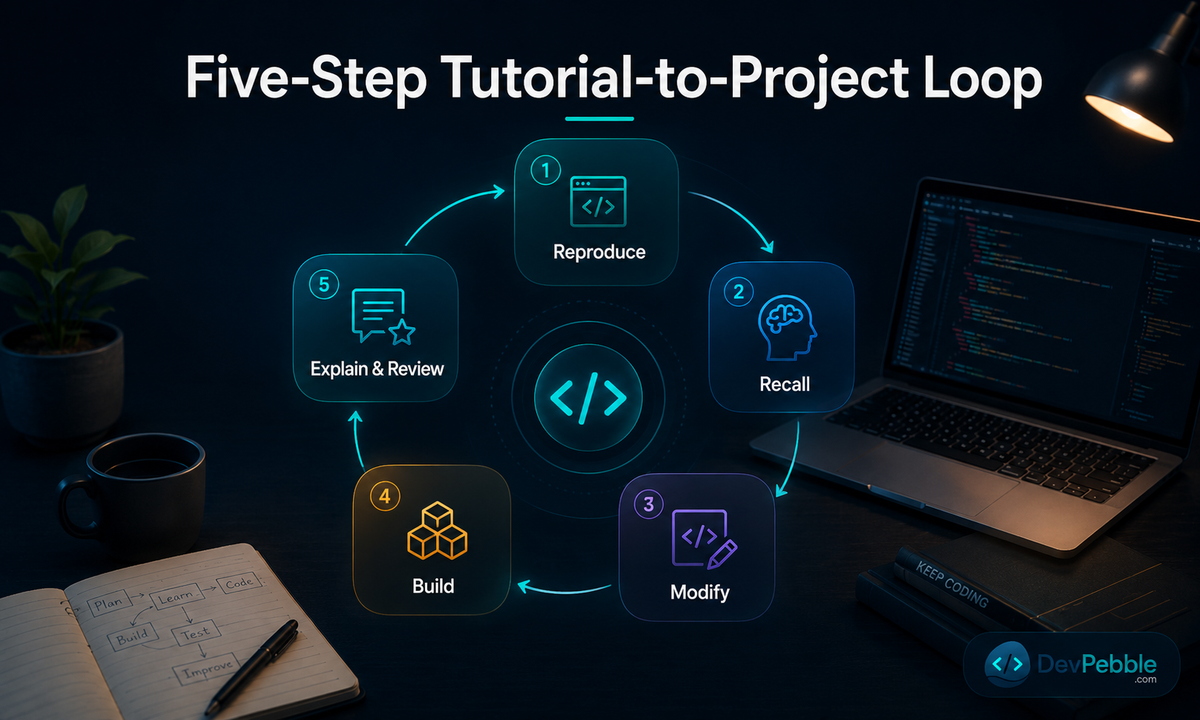
- Reproduce: type and run the example instead of copying it.
- Recall: close the tutorial and rebuild the idea from memory.
- Modify: change the inputs, requirements, or interface behavior.
- Build: apply the concept in a small independent project.
- Explain and review: write a short explanation, keep debugging notes, and revisit errors later.
Know when to switch tutorials, or stop using one
Switch when a resource assumes prerequisites you do not have, is outdated, offers no independent practice, or does not fit your goal. Do not switch simply because one exercise felt hard. Stay when the structure is sound and you are still producing working code each session.
Final recommendation: choose one path and start building
No resource here is wrong; each wins for a specific goal. Complete beginners do well with freeCodeCamp or Codecademy. If you want computer-science depth, start with CS50x. Project-led web development points to The Odin Project paired with MDN, while Scrimba suits learners who want more interactive front-end guidance. W3Schools works as a fast reference once you know what you are looking up. Programmers adding Python should use the official Python Tutorial, then Exercism for fluency and LeetCode once they are ready for interview practice. Pick one path from the list above, and start one small project in the first week rather than waiting to "finish" a course first.