Is HTML a programming language? Clear beginner guide for 2026
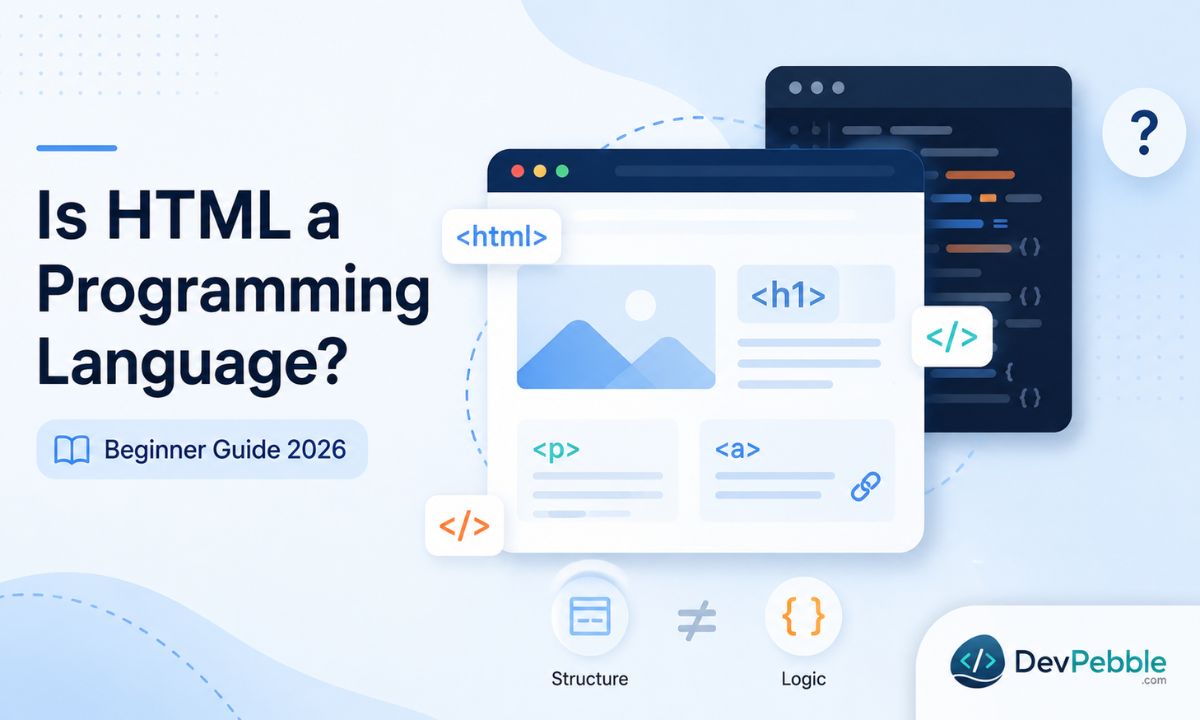
Is HTML a programming language? No — it's a markup language. This beginner guide explains what HTML does, why it isn't programming, how it differs from JavaScript and Python, whether HTML is coding, and why to learn it first.
On this page⌄
- The short answer
- What HTML actually does
- Why it is a markup language and not a programming language
- HTML versus programming languages, in a bit more depth
- Does HTML have logic, variables, or loops?
- Is HTML coding or programming?
- How HTML works with CSS and JavaScript
- What you can build with HTML alone
- Why learn HTML before JavaScript
- Common misconceptions
- Final verdict
- FAQ
If you are new to web development, you have probably bumped into this question already. It comes up constantly, partly because HTML shows up next to JavaScript, Python, and other languages in almost every coding tutorial. The line between them is not always obvious when you are starting out, so it is worth settling early.
The short answer
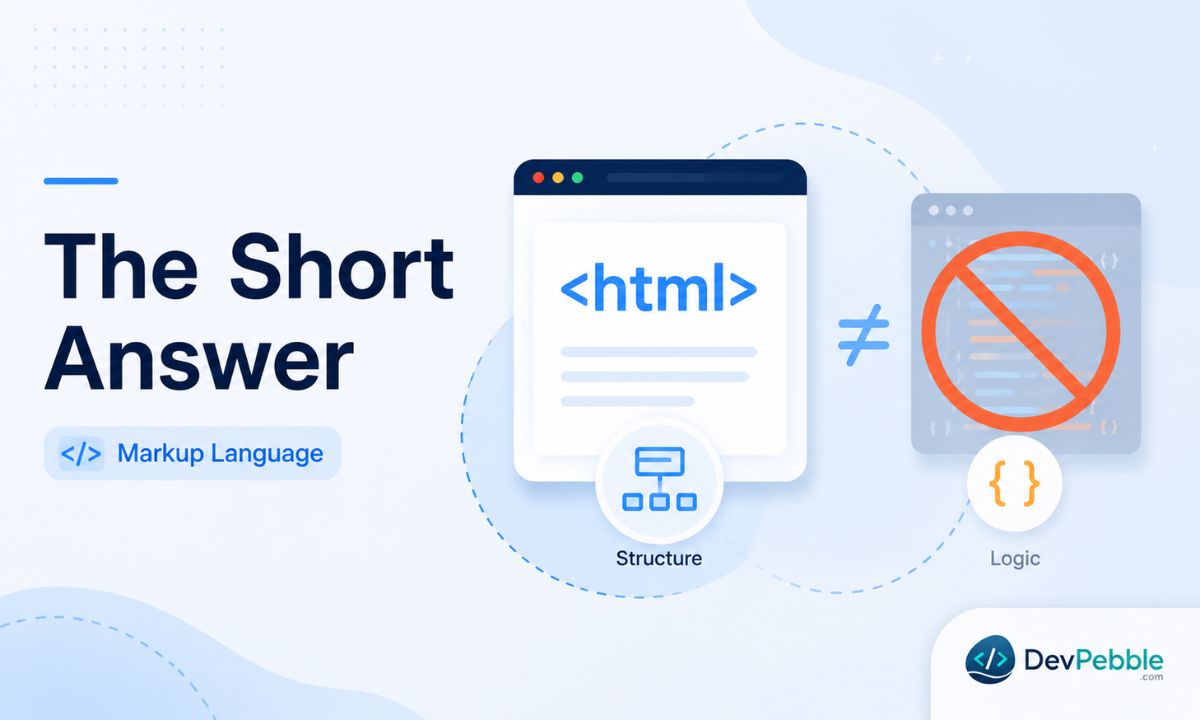
No. HTML is not a programming language. It is a markup language, and that difference shapes how you should think about learning it.
When people ask whether HTML is a programming language, what they usually want to know is whether learning HTML counts as real coding. It does. HTML is a core web development skill. But it works nothing like JavaScript or Python, and understanding why gives you a much steadier foundation as a beginner.
What HTML actually does
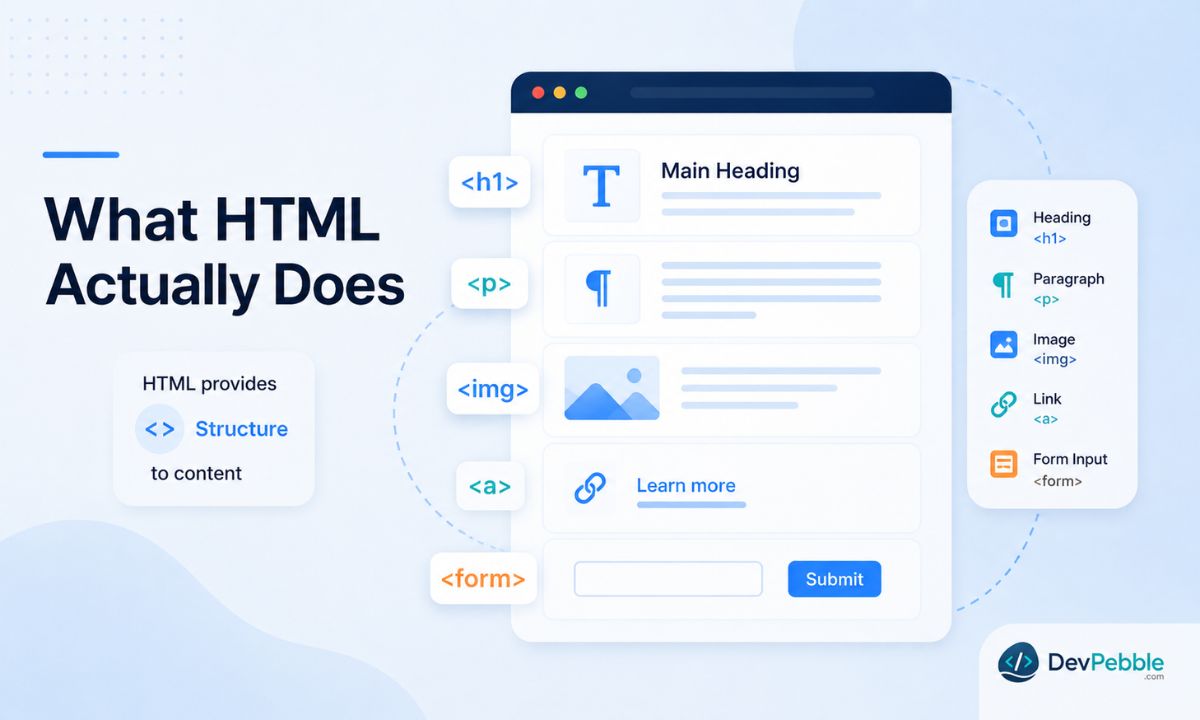
HTML stands for HyperText Markup Language. The name gives the game away: it is a language for marking up content, not for writing programs.
Every web page you load starts with HTML. The browser reads it and treats it as a blueprint for what to display. HTML tells the browser that one block of text is a heading, another is a paragraph, that this thing is an image and here is where to find it, that this is a link, this is a list, and this is a form where someone can type something in.
Here is what that looks like in practice:
<h1>Welcome to my website</h1>
<p>This is a paragraph of text.</p>
<a href="https://example.com">Click here to visit</a>
Each line uses an HTML tag. Tags wrap around content and say what that content is. An h1 tag means "top-level heading." A p tag means "paragraph." An a tag means "link." That is the whole job: HTML gives structure and meaning to raw content. Without it, the browser would have no idea where one section ends and the next begins, or whether a line of text is a title, a caption, or body copy.
HTML rarely works alone. CSS handles how things look, and JavaScript handles interactivity and logic. The three together form the front end of most websites, but HTML is always the starting point, the skeleton everything else hangs on.
Why it is a markup language and not a programming language
To see the difference, think about what a programming language is for.
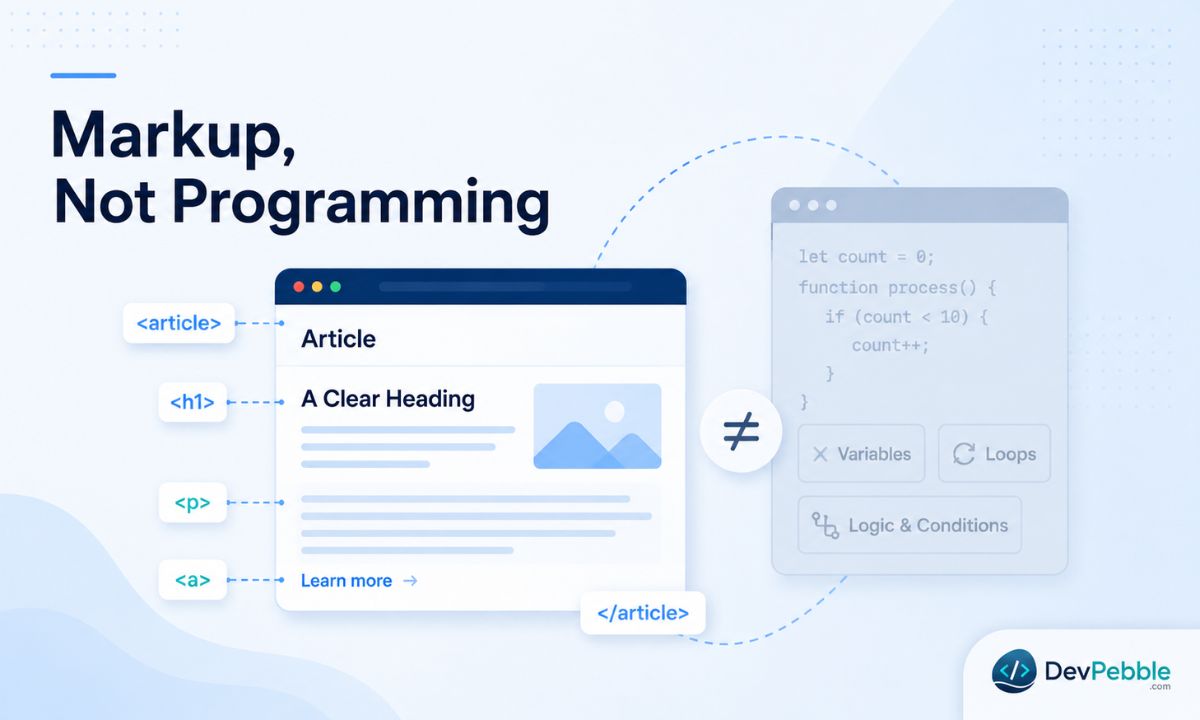
A programming language lets you write logic. You can store values in variables, loop over data, run conditions, write functions, and make a program behave differently depending on what happens. JavaScript can check whether someone is logged in and show different content based on the answer. Python can take a list of numbers and do maths on it. These languages make decisions and control behaviour.
HTML does none of that. No variables, no loops, no conditionals, no functions. You cannot tell HTML "if the user clicks this button, show a message." That job belongs to JavaScript.
What HTML does instead is annotate content with tags that describe its role on the page. It is closer to labelling things in a room than rearranging the furniture. Take this:
<article>
  <h2>Why sleep matters</h2>
  <p>Getting enough sleep improves focus, mood, and overall health.</p>
</article>
The article tag says "this is a self-contained piece of content." The h2 says "section heading." The p says "paragraph." None of them do anything the way a program does something. They describe the content so that browsers, search engines, and screen readers all know what they are looking at. That is what markup means. A newspaper editor does the same thing when they scribble "headline here" or "caption below image" in the margins of a draft.
So that is the core reason for the label. HTML describes structure and meaning. It does not create logic or behaviour. That is not a shortcoming. It is exactly what HTML was built to do, and it does it well.
HTML versus programming languages, in a bit more depth
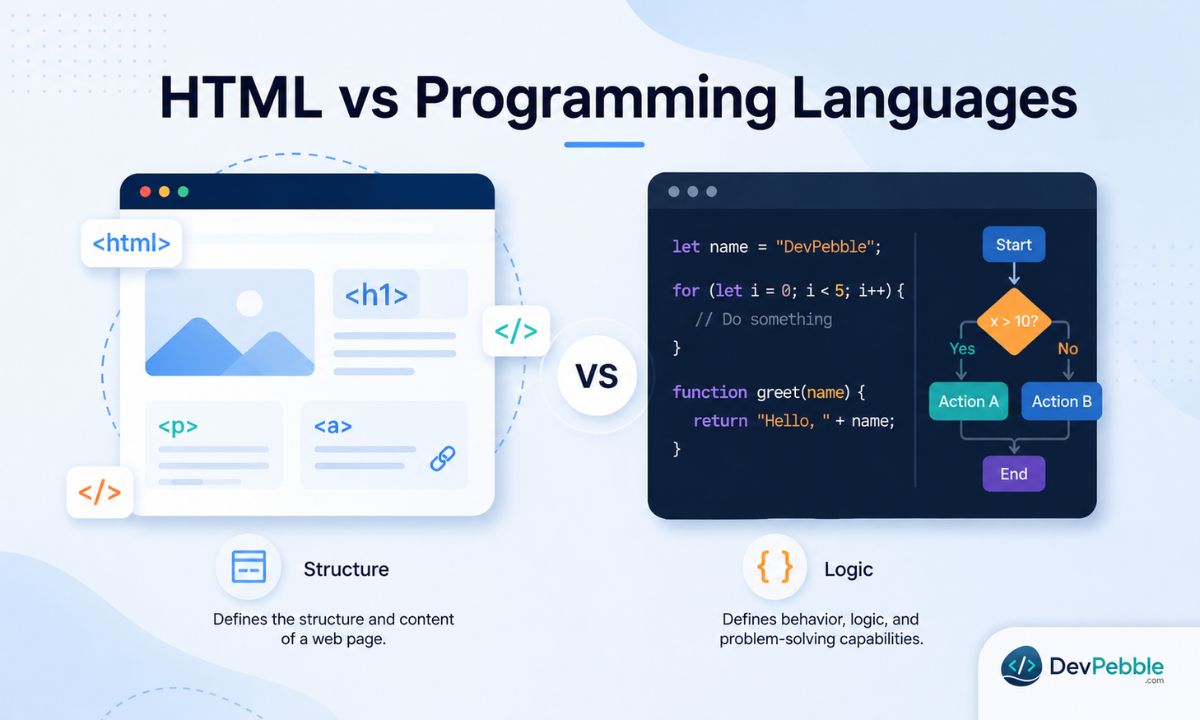
The gap between markup and programming is wider than a label suggests.
Programming languages are built around logic and computation. They hand a computer instructions to follow, decisions to make, and data to work with. When you write JavaScript, Python, or PHP, you are telling a machine what to do, and the machine can respond differently depending on the situation. That usually means the language gives you variables to store data that changes, conditionals for "if this, then that" logic, loops to repeat actions, functions you can reuse, and ways to read and pass information around.
HTML has none of those. When the browser reads an HTML file, it is not running a program, it is interpreting a document. The content sits there exactly as you wrote it. Nothing shifts based on user input, the time of day, or data from a server unless another language steps in.
One comparison tends to stick: a programming language is the chef who cooks the meal, and HTML is the menu that describes every dish. Both matter. Only one of them actually makes anything happen.
Does HTML have logic, variables, or loops?
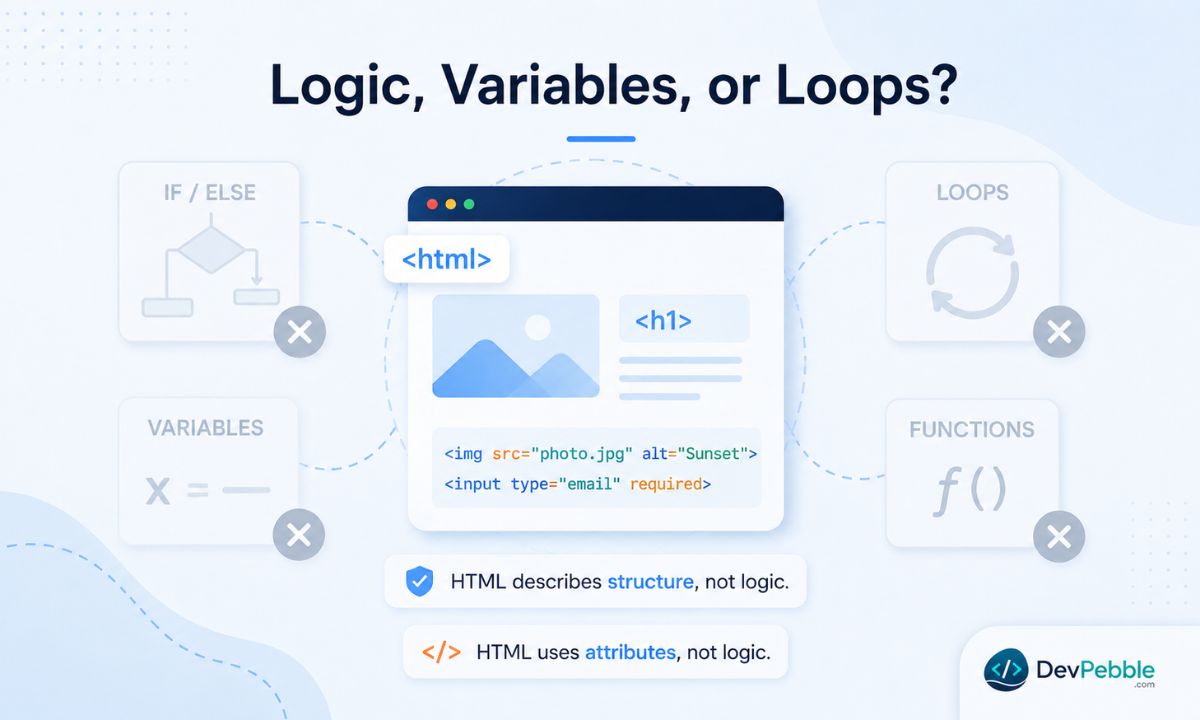
No, and it is worth being blunt about it. You cannot write an if/else in HTML. You cannot loop through a list and generate content automatically. You cannot stash a value in a variable and reuse it later, or define a function and call it. HTML simply does not work that way.
What it does have is attributes, which add extra information to a tag:
<img src="photo.jpg" alt="A sunset over the mountains" width="800">
<a href="https://example.com" target="_blank">Open in new tab</a>
<input type="email" placeholder="Enter your email" required>
Attributes configure how an element looks or behaves, but they are still descriptions, not logic. Take the required attribute on a form field. It can stop a form submitting while the field is empty, which looks like behaviour, but the browser is the one enforcing it, not anything you wrote. HTML forms work the same way: HTML defines the fields and where the form submits to, and that is all. Checking whether a password is strong enough, or saving someone's details, needs a real programming language, JavaScript on the front end or something like Python on the back end.
None of this is a flaw. HTML was never meant to handle logic, and it does not need to. That work belongs to other tools in the stack.
Is HTML coding or programming?
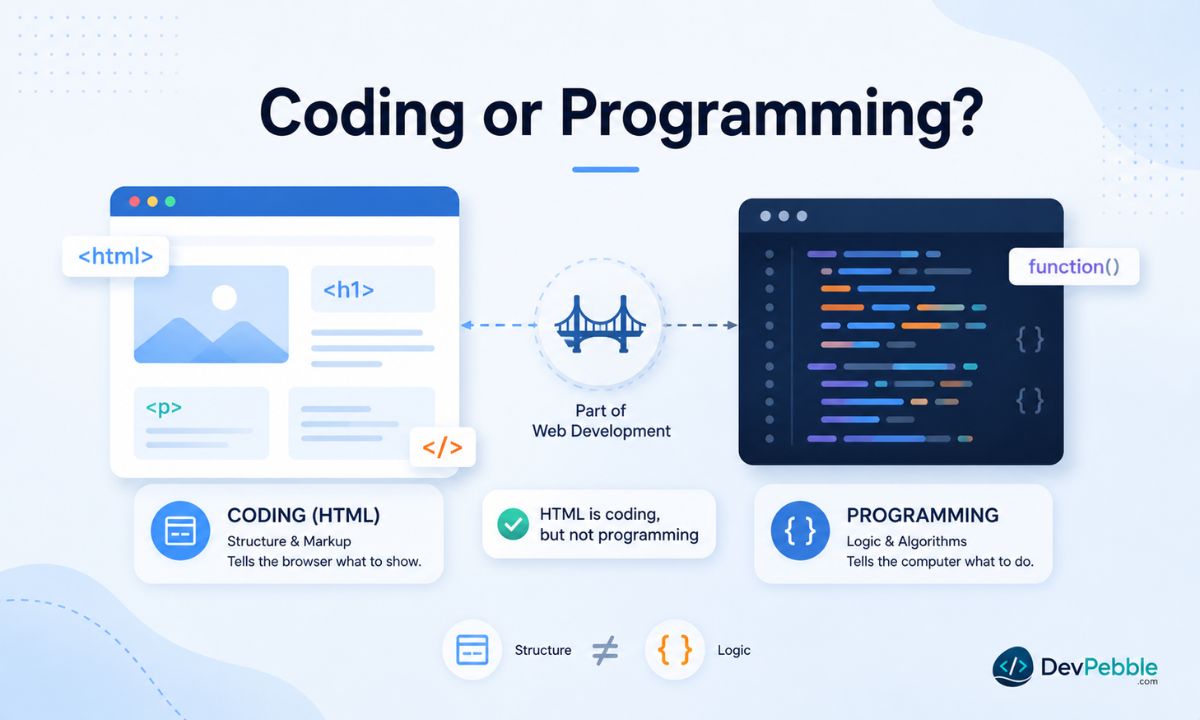
This is where a lot of beginners get tangled, and it usually comes down to treating "coding" and "programming" as the same word. They are related but not identical.
Programming means writing logic-driven instructions that a computer runs. It involves algorithms, data, and control flow. JavaScript is programming. Python is programming.
Coding is the looser term. It just means writing in a code-like syntax that a computer or browser can interpret. By that definition, writing HTML is coding. You work with tags, nest elements, use attributes, and follow syntax rules, and if you get it wrong the page will not render properly. That is coding.
So writing HTML counts as coding, but not as programming in the strict sense. The confusion is understandable. From the outside both look the same, someone typing structured text with specific rules, and beginners usually meet HTML and JavaScript around the same time, so the line blurs early. The cleanest way to keep them apart: if you are writing something that makes decisions or controls behaviour, that is programming. If you are writing something that describes and organises content, that is markup, and HTML is the clearest example of markup there is.
Neither one is worth more than the other. HTML is the entry point for nearly every web developer, and knowing it well makes everything after it easier.
How HTML works with CSS and JavaScript
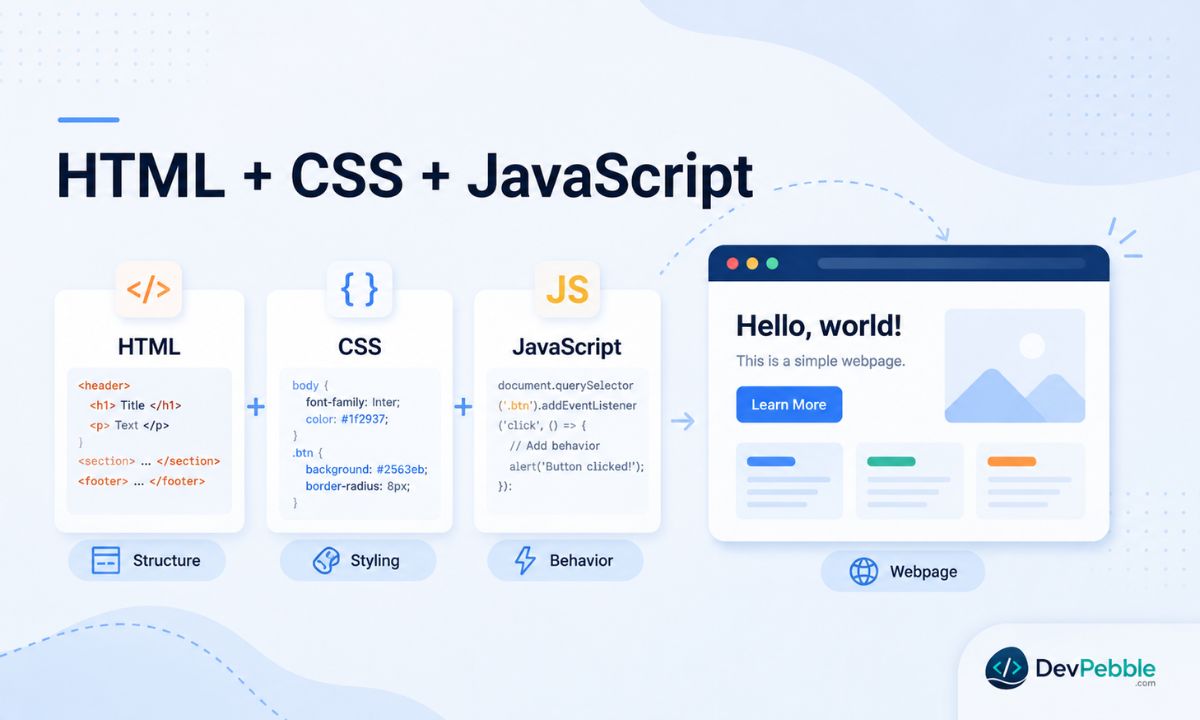
On a real web page, these three technologies work together, each with a clear job.
HTML handles structure and content: the headings, text, images, links, and forms. CSS handles design: colours, fonts, spacing, layout, and how the page responds to different screen sizes. Strip out CSS and an HTML page is just plain text and images on a white background. JavaScript handles behaviour: reacting to clicks, updating content without a reload, fetching data from a server, running the logic behind an app.
A sign-up button makes this concrete. The HTML defines the button:
<button class="signup-btn" id="signupBtn">Sign Up</button>
The CSS makes it look like something worth clicking:
.signup-btn {
  background-color: #4f46e5;
  color: white;
  padding: 12px 24px;
  border-radius: 8px;
  font-size: 1rem;
  cursor: pointer;
}
And the JavaScript makes it do something:
document.getElementById('signupBtn').addEventListener('click', function() {
  alert('Thanks for signing up!');
});
Each layer has one job. Remove the HTML and there is nothing on the page. Remove the CSS and it looks broken. Remove the JavaScript and it just sits there when clicked. This split is one of the core ideas in web development, and knowing where HTML ends and CSS or JavaScript begins is one of the most useful things a beginner can learn. It is also, in a single example, why HTML on its own is not a programming language.
What you can build with HTML alone
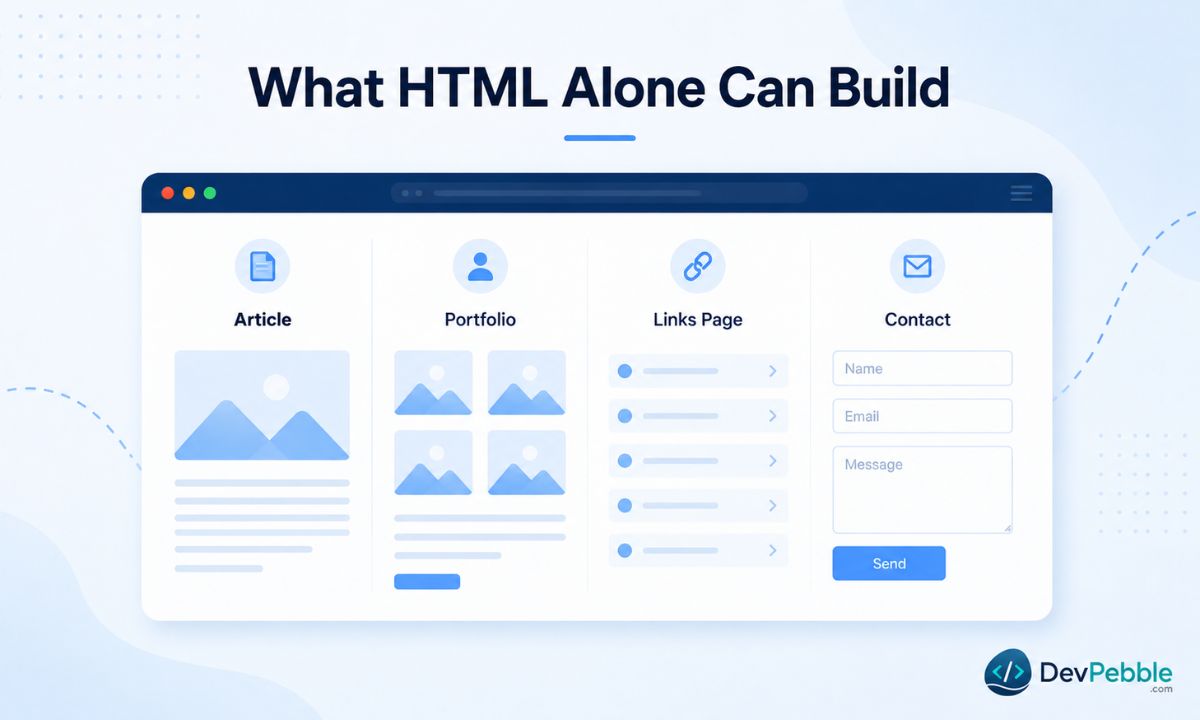
More than beginners expect, and less than most sites need.
With nothing but HTML, you can build a web page that opens in any browser: a personal bio with headings and paragraphs, a simple portfolio of images and captions, a page of links, a basic contact form, a plain text article or documentation page. Open a blank file, write the HTML, save it with a .html extension, and the browser renders it straight away. That is genuinely useful, and it is why HTML is the right first thing to learn.
The limits show up fast, though. Without CSS you get the browser's defaults: black text on white, blue underlined links, no control over fonts or layout. Without JavaScript nothing reacts beyond what the browser does natively, like following a link. No dropdown menus, no image carousels, no live form validation. And without a back-end language like Python, PHP, or Node.js, a submitted form goes nowhere useful, because building the form is one thing and processing the data is another.
HTML on its own is a foundation, not a finished product. But a solid foundation is where every good site starts.
Why learn HTML before JavaScript
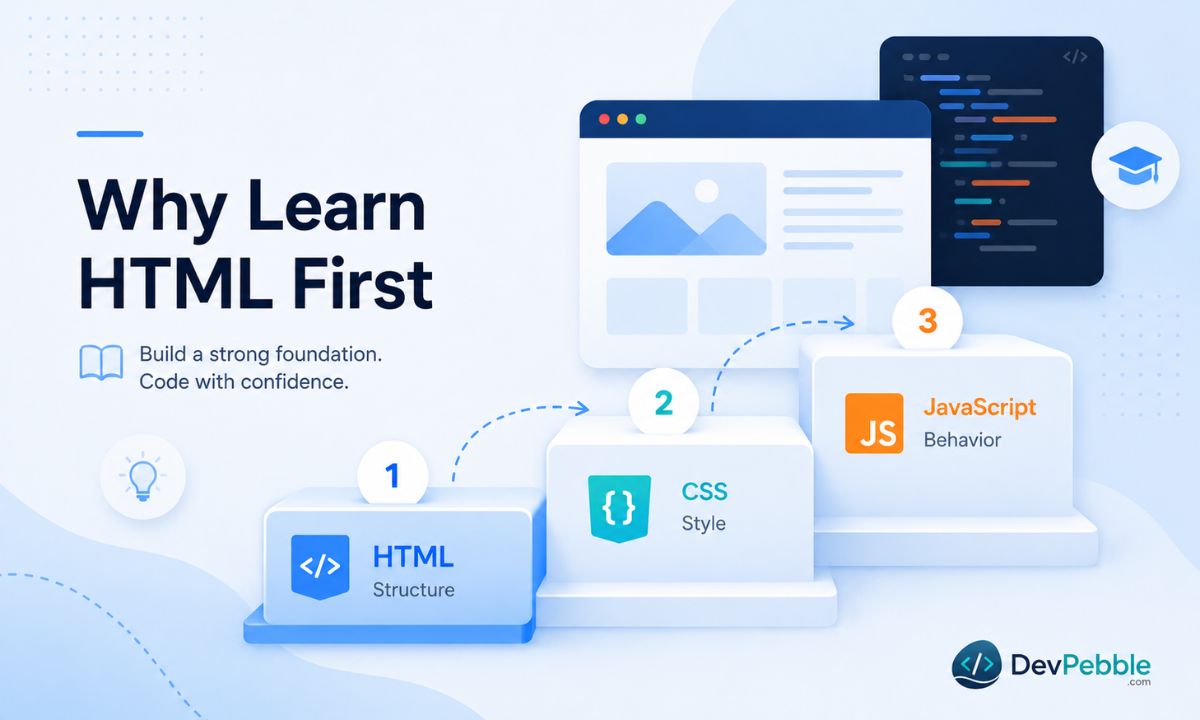
The learning path in 2026 can feel like a lot, with frameworks and build tools multiplying every year. The starting point has not moved, though: HTML first.
The reason is structural. JavaScript works by selecting and changing HTML elements. If you do not know what those elements are, JavaScript will confuse you from day one. When a tutorial says "target the div with the class container," you need to already know what a div is and why classes exist. CSS is the same story, since styling means selecting HTML elements and applying rules to them. Good HTML structure makes both far easier.
There is a motivation angle too. HTML shows results instantly. Write a tag, save, refresh, see it. That fast feedback builds confidence in a way abstract programming concepts sometimes do not. Plenty of developers point back to those first messy HTML pages as the reason they stuck with it. If you are deciding between HTML and jumping straight into a framework, start with HTML. Even a week of focused practice makes the rest considerably easier.
Common misconceptions
A few myths trail HTML around, and they are worth knocking down.
"HTML is useless because it is not programming." It is not useless. Every website depends on it. Search engines read it, browsers render it, screen readers rely on it. Writing it off because it is not programming is like writing off architecture because architects do not pour the concrete themselves.
"HTML is too easy to matter." The low barrier to entry is a strength. But writing good HTML, semantically correct, accessible, properly nested, takes real skill. Sloppy HTML causes problems for SEO, accessibility, and everything built on top of it.
"You can be a full web developer with only HTML." Not really. HTML is the entry point, not the destination. CSS, some JavaScript, and a working sense of how back ends operate are all part of what employers expect today.
"HTML and JavaScript do the same thing." They do not. HTML describes structure and content. JavaScript controls behaviour and logic. They share every modern page but play completely different roles, and confusing the two is what leads beginners to try to make HTML do things it was never designed for.
Final verdict
HTML is not a programming language. It is a markup language, built to structure and describe web content with tags and elements. No variables, no logic, no loops, no functions. It does not tell a computer what to do. It tells a browser what the content is and how it is organised.
But whether HTML is a programming language can distract from the more useful point: HTML is essential. It is the backbone of the web. Every website, web app, and online document begins with it. With the web as central to daily life as it is now, that makes HTML one of the most widely used technologies in existence.
If you are starting out, HTML is the right place to begin. It is approachable, it shows results immediately, and it gives you the base you need for CSS and JavaScript. It may not be programming in the strict sense, but it is absolutely coding, and a skill worth learning properly.