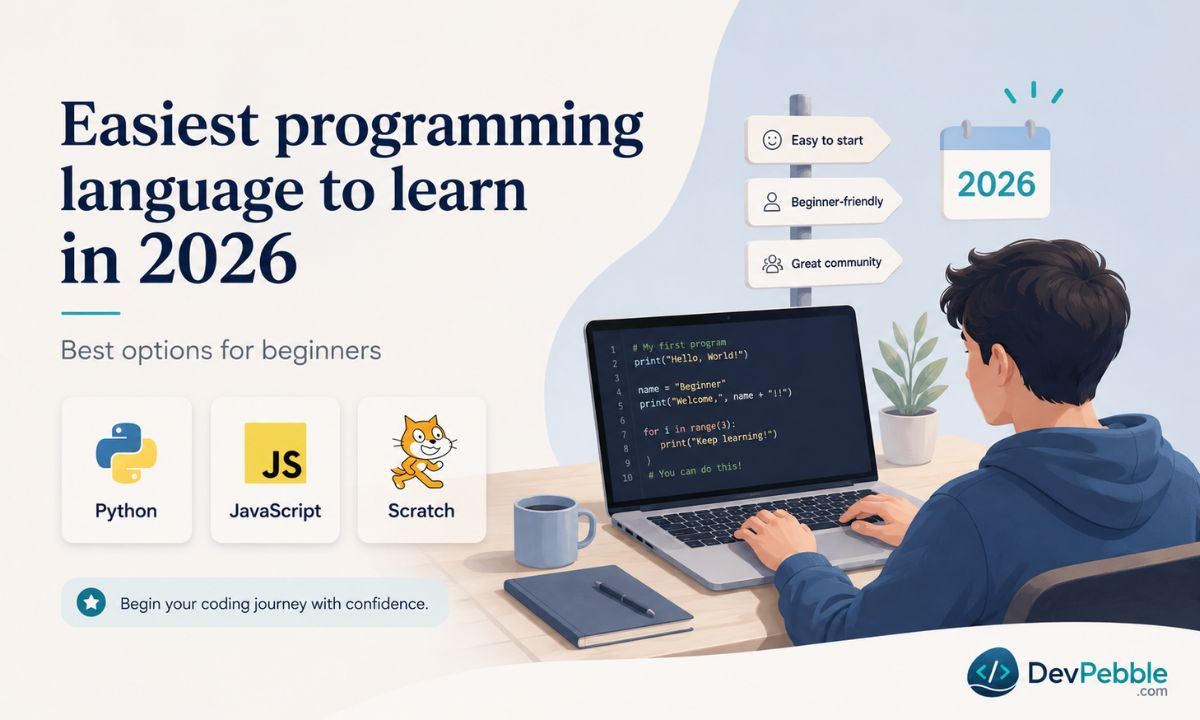
The complete guide to Schlage programming codes: setup, location, and changes
A complete guide to the Schlage programming code — what it is, where the factory default lives, how to change it, how to add or delete user codes, and how programming differs across Schlage's keypad, Connect, and Encode locks.
On this page⌄
- What a Schlage programming code is
- Where to find the default Schlage programming code
- How to change the Schlage programming code
- How to add or delete user codes
- Schlage Encode, Connect, and keypad lock programming code differences
- When your Schlage programming code is not working
- How to reset a Schlage lock when you forgot the code
- Security tips that actually matter
- Final thoughts
- FAQ
If you just installed a Schlage keypad lock, or moved into a place that already has one, the programming code is the first thing worth sorting out. Without it you cannot add a code for a new houseguest, remove one after a tenant leaves, or change the lock's settings. It is also the part of setup people skip most often, since the code is usually buried on a sticker no one thought to look at.
This guide covers what the Schlage programming code is, where the factory default lives, how to change it, and how the process differs across Schlage's keypad and smart lock families.
One thing first. Only change or reset codes on a lock you own or have permission to manage. Reprogramming a lock you do not control can be illegal.
What a Schlage programming code is
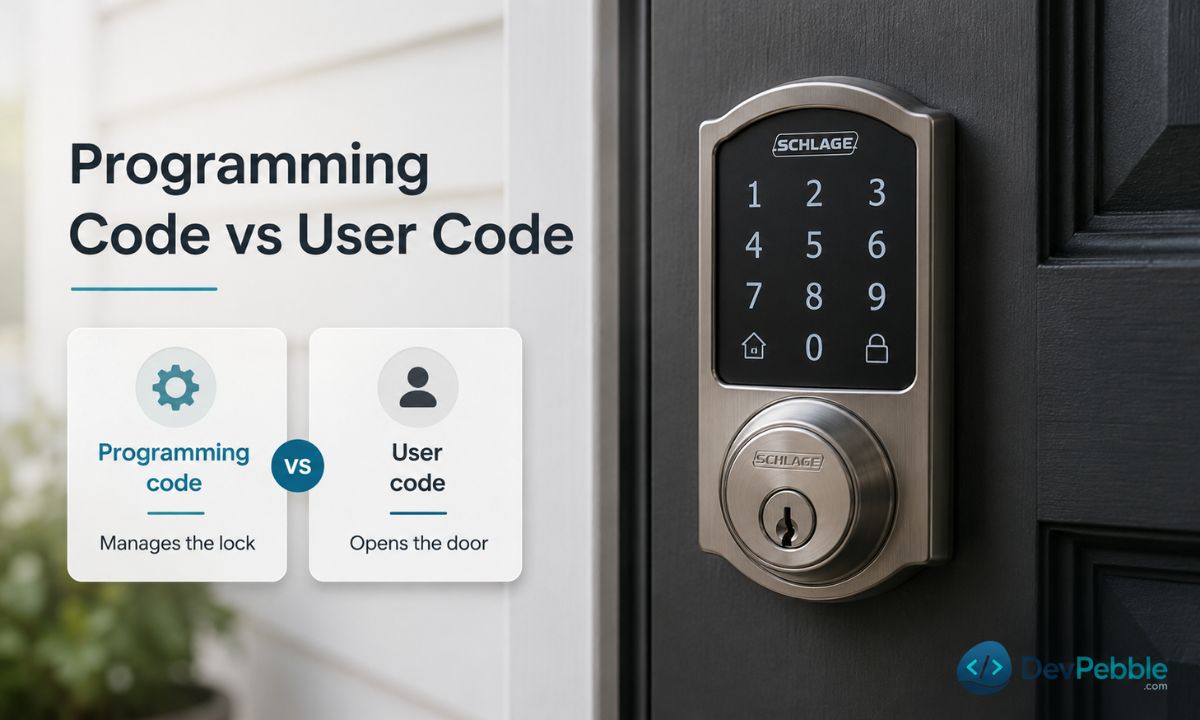
A Schlage programming code (you may also see it called the master code or programming PIN) is the administrative code built into an electronic Schlage lock. It is not the code you punch in every day to open the door. That one is a user code, sometimes called an access code.
The split matters. User codes unlock the door and do nothing else. The programming code is what lets you manage those user codes: add one for a houseguest, delete one when a tenant moves out, or change how the lock behaves. Most people enter it only during setup and the occasional change, not at the door.
Keeping them apart is the whole point. If a tenant knew the programming code, they could add or remove codes without telling you. Because they only ever get a user code, you stay in control. When someone leaves, you delete their code and add one for the next person. No new lock, no locksmith.
| Programming code | User code | |
|---|---|---|
| What it does | Manages the lock | Opens the door |
| Who holds it | Owner, landlord, or admin | Family, tenants, guests |
| Share it? | Keep it private | Share as needed |
| How many | One per lock | Several, varies by model |
Where to find the default Schlage programming code
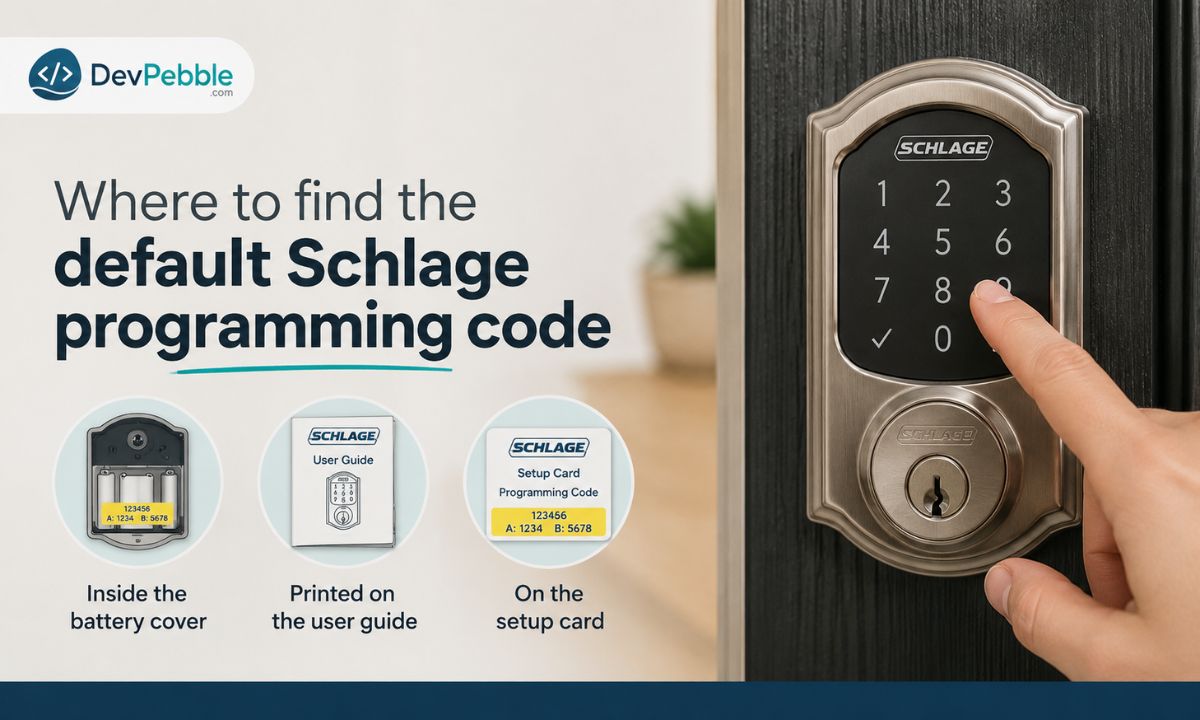
Every Schlage lock ships with a factory default programming code already set, and it is unique to that lock. Two locks of the same model will not share the same default, so there is no universal Schlage code floating around online.
On the traditional keypad models (the BE365, FE575, and FE595), the default codes sit on a yellow label. One copy is on the back of the keypad assembly, which you only reach by taking the lock off the door, and another is printed on the user guide that came in the box. The label lists the six-digit programming code plus the two preset four-digit user codes, usually marked A and B.
On the smart models, look inside the battery cover and on the setup card included with the lock. The companion app walks you through most of this during initial setup anyway.
If the lock is new and boxed, the code is almost certainly on one of those materials. If you bought it used, assume the previous owner changed it, in which case a factory reset is the only way back to the default. One catch: Schlage support cannot look up your default codes, and a keypad reset restores those defaults rather than revealing them, so if you lost both the label and the guide, a reset will not tell you the code. More on that below.
Renting? The programming code should stay with your landlord or property manager. If you are locked out or need a code changed, that is a call to the property owner, not a reason to hunt for the admin code yourself.
How to change the Schlage programming code
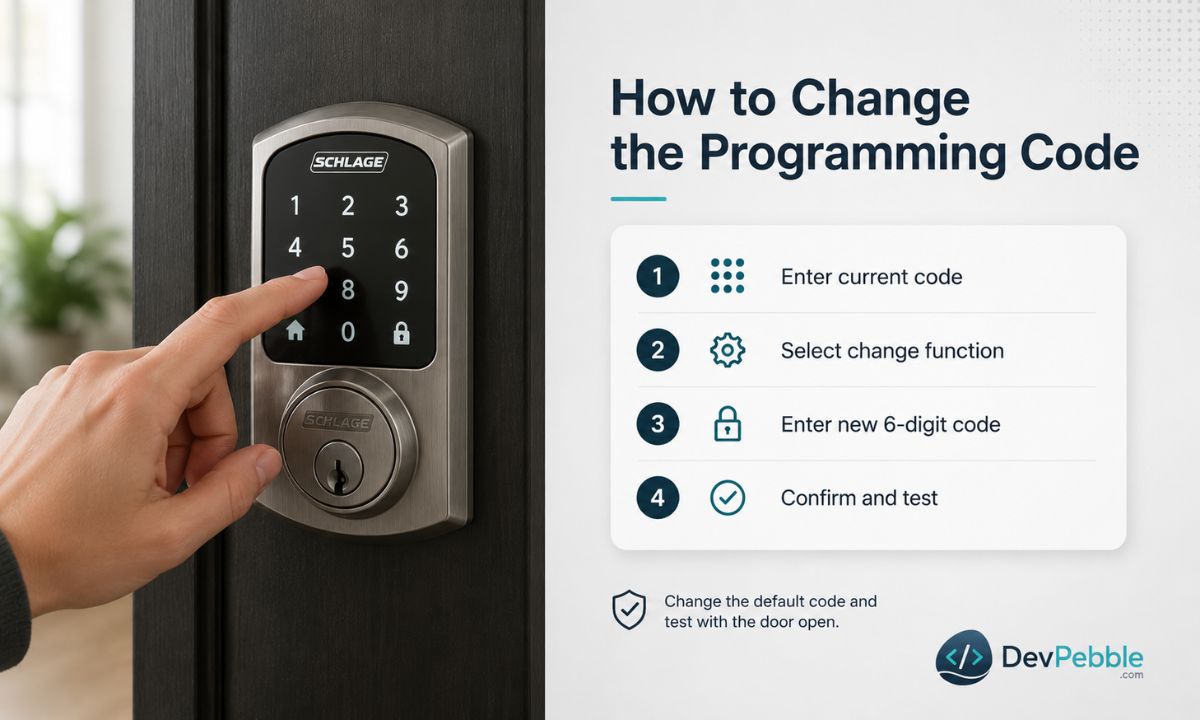
Swapping the factory default for something only you know is a basic security step. The default is printed on a label that anyone can read if they pop the battery cover, so leaving it in place undercuts the point of a keypad lock.
The exact sequence depends on the model, so confirm yours in the manual before you start. On the BE365, FE575, and FE595 keypad family, the flow looks like this:
- Open the door and leave it open, so a mistake cannot lock you out.
- Press the Schlage button, then enter your current six-digit programming code. The keypad signals that you are in programming mode.
- Select the change-programming-code function (the number 3 on these models), then follow the prompt.
- Enter your new six-digit programming code, then enter it again to confirm.
- Wait for the confirmation (a green light and beeps), then test it before you close the door.
Pick something that is not your birthday, your address, or a string like 123456. On app-managed models such as the Encode, you change the equivalent admin code through the Schlage Home app instead, and it can run longer than six digits.
If you manage rentals, keep a written record somewhere only you can reach, and change the code whenever your maintenance crew or management company changes, not only at tenant turnover.
How to add or delete user codes
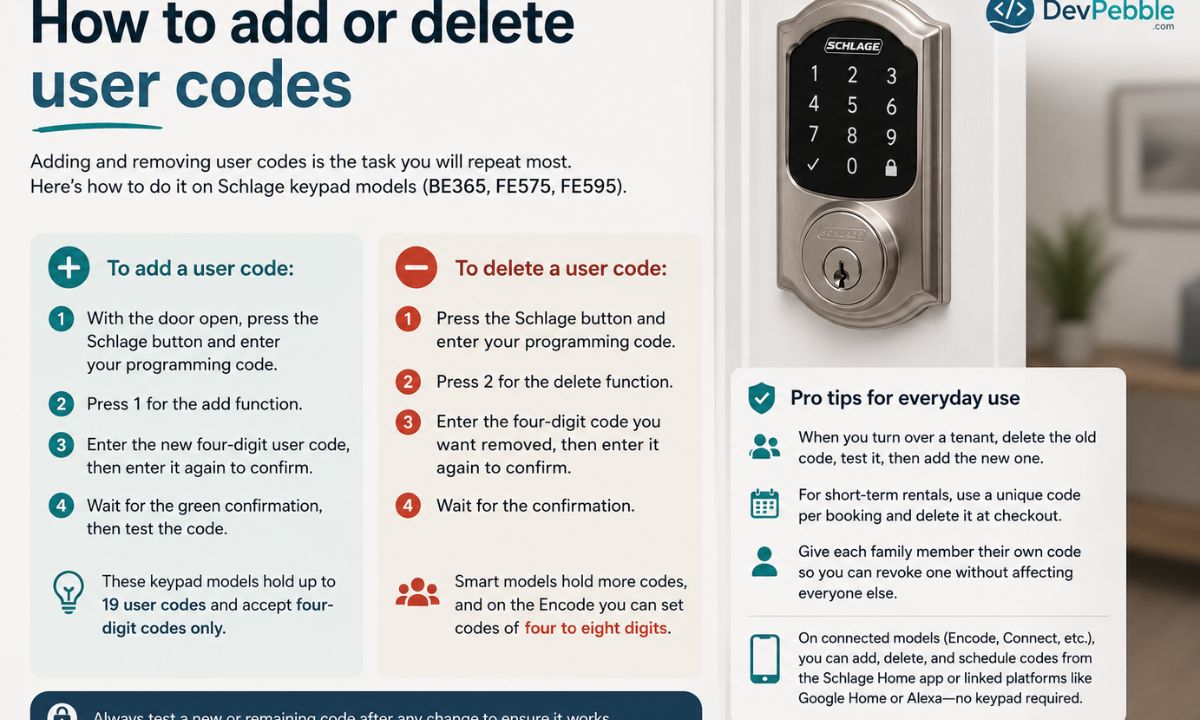
Adding and removing user codes is the task you will repeat most. The keypad family does it by hand; the Encode and other Wi-Fi models do it through the app. Here is the manual version for the BE365, FE575, and FE595.
To add a user code:
- With the door open, press the Schlage button and enter your programming code.
- Press 1 for the add function.
- Enter the new four-digit user code, then enter it again to confirm.
- Wait for the green confirmation, then test the code.
To delete one:
- Press the Schlage button and enter your programming code.
- Press 2 for the delete function.
- Enter the four-digit code you want removed, then enter it again.
- Wait for the confirmation.
These keypad models hold up to 19 user codes and accept four-digit codes only. The smart models hold more, and on the Encode you can set codes of four to eight digits.
When you turn over a tenant, delete the old code first and confirm it no longer works before you hand over access, then add the new one. For short-term rentals, give each booking its own code and delete it at checkout, which keeps the place secure between guests without rekeying anything. For family, give each person their own code so you can revoke one without disrupting everyone else. On an Encode, Connect, or other connected model, you can usually add, delete, and schedule codes from the Schlage Home app or a linked platform like Google Home or Alexa, without touching the keypad.
Schlage Encode, Connect, and keypad lock programming code differences
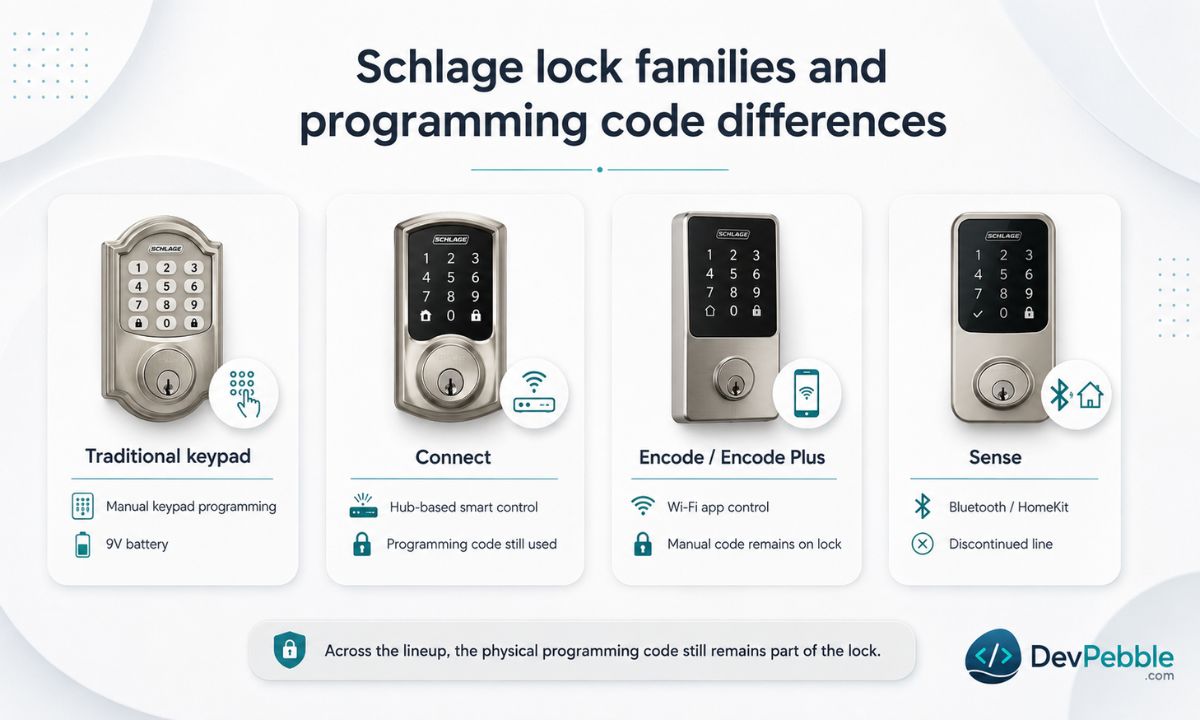
Not every Schlage lock handles programming the same way, and knowing which family yours belongs to saves a lot of guesswork. Here is how the main lines differ.
Traditional keypad locks (BE365, FE575, FE595). These are the workhorses in most homes and rentals. No Wi-Fi, no Bluetooth, all programming done by hand at the keypad using the sequences above, with beeps and colored lights confirming each step. One detail that catches people out: they run on a single 9-volt battery, not AA.
Schlage Connect (BE469, BE468). The Connect adds wireless control and comes in two versions, one using Z-Wave Plus and one using Zigbee. Either pairs with a smart home hub such as Samsung SmartThings (now built around the Aeotec hub), and the Z-Wave Plus version also works with a Ring Alarm base station. You can still program it by hand at the keypad, and the programming code still applies. The hub adds remote control; it does not replace the code. The Connect runs on four AA batteries.
Schlage Encode and Encode Plus. The Encode has Wi-Fi built in and connects straight to your home network with no separate hub. Day-to-day management, including adding codes, setting schedules, and seeing who came and went, happens in the Schlage Home app. The programming code still exists on the lock for manual programming or a reset if the app is unavailable. The Encode Plus adds Apple Home Key, so you can tap a phone or watch to unlock. Both use four AA batteries.
Schlage Sense. The Sense was a Bluetooth lock that paired with an iPhone and worked with Apple HomeKit. Worth flagging: Schlage discontinued it in 2020, so it is only relevant if you already own one. If you are shopping today, the current Wi-Fi lineup (Encode, Encode Plus, and newer releases) is where to look.
The common thread: the physical programming code stays part of the lock even when an app does most of the work. Whatever your model, read its manual before changing anything, because the button sequences and reset steps are not identical across lines.
When your Schlage programming code is not working
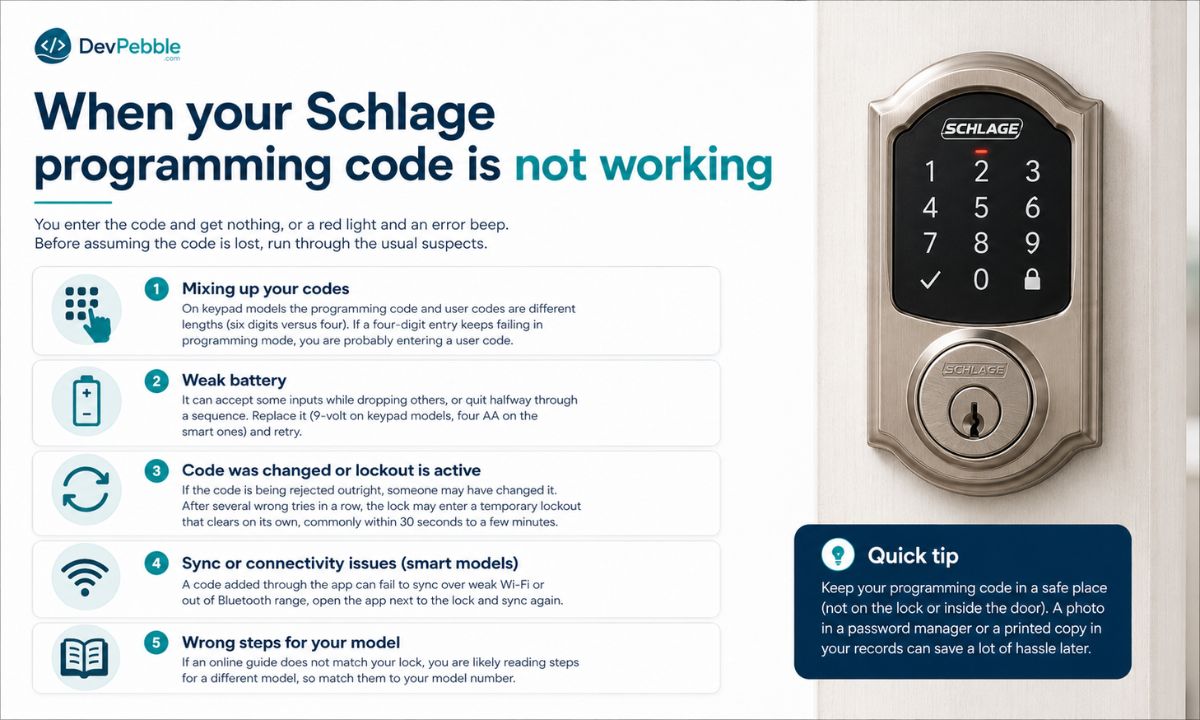
You enter the code and get nothing, or a red light and an error beep. Before assuming the code is lost, run through the usual suspects.
The most common one is mixing up your codes. On the keypad models the programming code and user codes are different lengths (six digits versus four), so if a four-digit entry keeps failing in programming mode, you are probably entering a user code out of habit. Pull the programming code from your documentation and try again.
A weak battery is the next likely cause, and it is sneakier than it sounds. It can accept some inputs while dropping others, or quit halfway through a sequence. Replace it (9-volt on keypad models, four AA on the smart ones) and retry. Plenty of "broken lock" calls are really tired batteries. Timing matters too: the keypad has a timeout, so if you pause too long between digits it cancels the entry. Enter the code at a steady, even pace.
If the code is being rejected outright, someone may have changed it. A previous owner, property manager, or technician could have set a new one, leaving the sticker code dead. And after several wrong tries in a row, the lock may enter a temporary lockout that clears on its own, commonly within 30 seconds to a few minutes.
Two more. On smart models, a code added through the app can fail to sync over weak Wi-Fi or out of Bluetooth range; open the app next to the lock and sync again. And if an online guide does not match your lock, you are likely reading steps for a different model, so match them to your model number.
How to reset a Schlage lock when you forgot the code
If you have worked through everything and still cannot get into programming mode, a factory reset is the last resort. It returns the lock to its out-of-the-box state, which means it wipes every custom user code and the custom programming code along with them.
That is the catch, and it is why a reset really is a last resort. On a keypad model, the reset restores the original factory codes, the ones on that yellow label and in the guide. If you still have them, you are back in. If you lost them too, the reset will not help, since you will not know the restored default either. Smart models are kinder: after a reset you set up fresh codes through the app, so a forgotten code is less of a dead end.
On most keypad models the reset goes roughly like this, though you should confirm it in your manual first:
- Remove the battery.
- Press and hold the outside Schlage button.
- While still holding it, reconnect the battery.
- Keep holding (about ten seconds) until the lock flashes green and beeps.
- Release the button and let it finish.
If you run a rental, plan to re-enter every code you need right after the reset, because the lock will not have any until you do. On the Encode, Encode Plus, and other connected models the reset may run through the app instead, so check Schlage's support pages for your model.
Security tips that actually matter
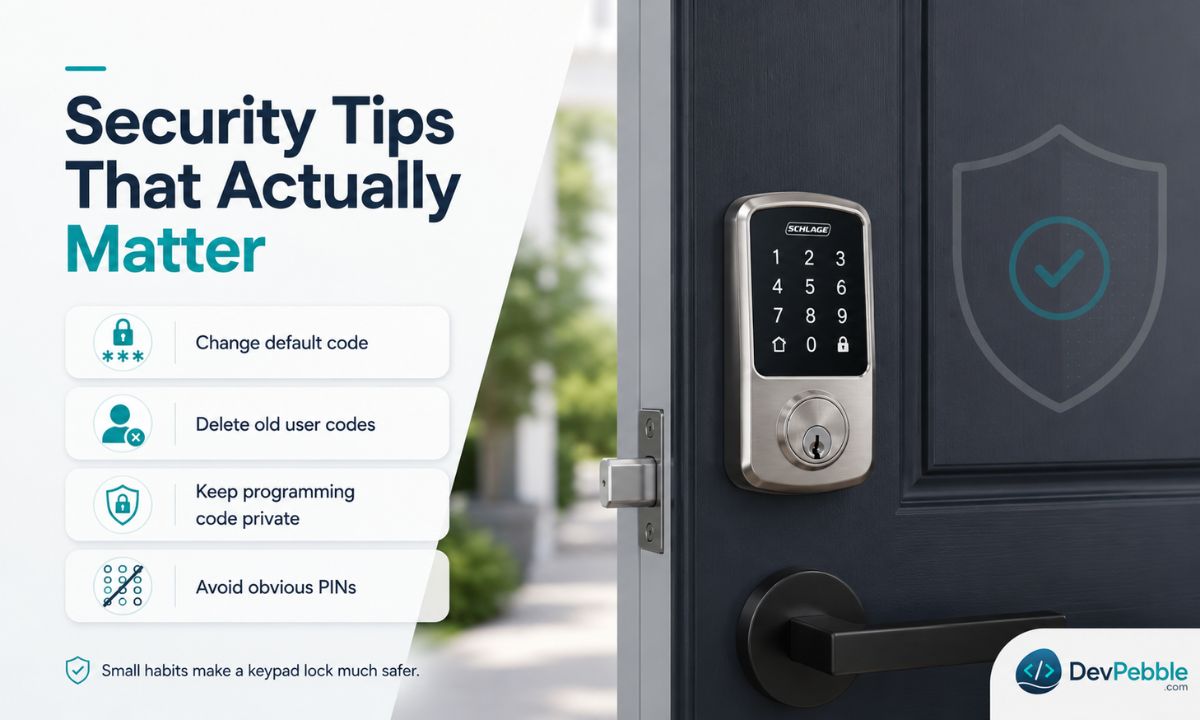
A keypad lock only protects your door as well as you manage it. A few habits do most of the work.
Change the factory default right after installation, since it sits on a label anyone with a screwdriver could read.
Delete codes the moment they are no longer needed. A former tenant, an ex, a cleaner you stopped using, last summer's guest: each leftover code is a door left unlocked. Make removal part of the routine whenever someone's access ends.
Do not pass the programming code around. It is the master key to your settings, and sharing it, even with people you trust, is a risk you do not need. If someone else has to manage the lock, a smart model that grants limited app access is the better route.
Skip the obvious codes. 1234, 0000, your address, your birthday, and repeated digits like 112233 are all easy guesses. Pick something that does not map to anything about you.
Keep an offline record: a locked drawer, a home safe, or an encrypted password manager, not a plain note in your phone. And if you own an Encode or similar, lean on the app, which logs when codes were used and lets you manage access remotely without exposing the programming code.
Final thoughts
The Schlage programming code is the administrative key to your lock. It controls adding and removing user codes and changing settings, while the user codes just open the door. Keep it private, change it off the factory default, and stay on top of which user codes are still active, and you have covered most of what good keypad-lock security comes down to.
Because Schlage spans everything from the manual BE365 to the Wi-Fi Encode, the exact steps for programming, resetting, or troubleshooting vary by model. Check the official manual or Schlage support for your model before changing anything.