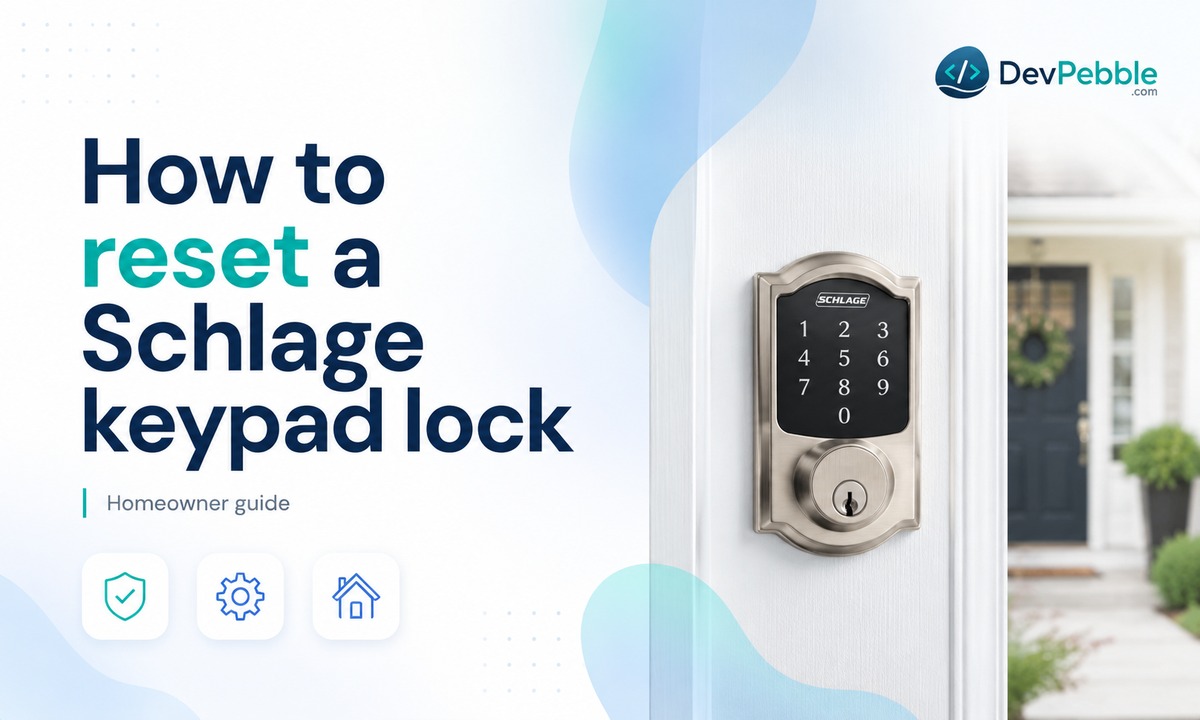
How to reset a Schlage keypad lock without the programming code
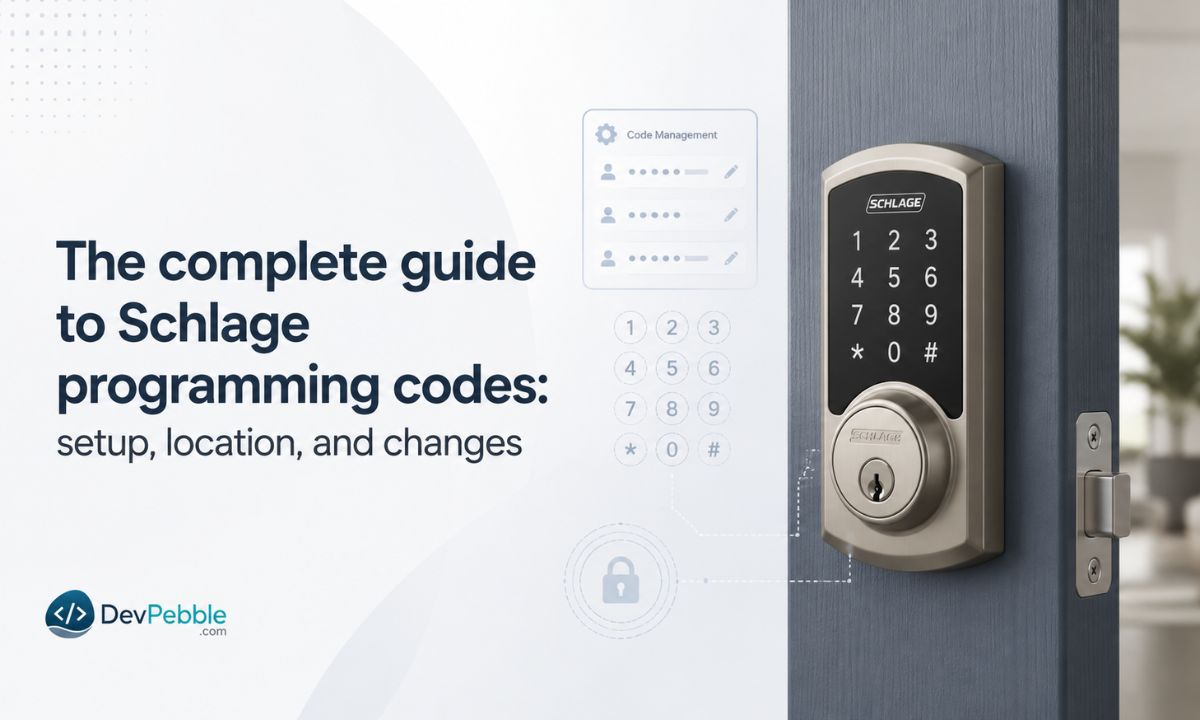
How to reset a Schlage keypad lock without the programming code — why the factory reset works through the hardware, the exact button steps for the BE365, FE595, Encode, and Connect, where to find your default codes first, and how to reprogram afterward.
On this page⌄
- What a Schlage programming code actually does
- Can you reset a Schlage lock without the programming code?
- What to do before you start
- How to reset Schlage keypad lock without programming code (step by step)
- Reset steps for specific Schlage models
- How to reprogram your lock after the reset
- Troubleshooting problems after a reset
- Normal reset versus factory reset
- When to call a locksmith instead
- The short version
- FAQ
Losing your Schlage programming code happens more often than you'd expect. You move into a house and the previous owners never passed the code along. Or years go by, the sticky note it was written on vanishes, and now you're standing at your own door punching in numbers that don't do anything, wondering if you're locked out of your own lock's settings for good.
You're not stuck. You can reset a Schlage keypad lock without the programming code, because the factory reset happens through the hardware, not the digital menu. There's one catch worth knowing up front: the reset wipes your lock back to a set of default codes that are printed on a sticker on the lock and in the user guide. You'll need those default codes to finish the job, and Schlage can't recover them if they're gone. So the honest version of the answer is: yes, you can reset without your current programming code, as long as you can find the default codes that shipped with the lock.
This guide covers what the programming code does, why a reset works without it, the exact steps for the common models, and how to reprogram afterward.
What a Schlage programming code actually does
Every Schlage electronic lock uses two kinds of codes, and mixing them up is where a lot of the confusion starts.
A user code is the everyday four-digit number you punch in to unlock the door. Most keypad models like the BE365 and FE595 hold up to 19 of them, so different family members can each have their own.
The programming code is the administrative one. On the BE365 and FE595 it's six digits, and it's what lets you add user codes, delete them, or change how the lock behaves. Think of it as the master key of the lock's digital side. You never need it just to open the door, which is exactly why so many people forget it. The lock keeps working fine for months on the existing user codes, and then the day you try to add a code for a babysitter or a new roommate, the keypad asks for a programming code nobody wrote down.
A factory reset clears all of that. Every user code, the programming code, and any custom settings get erased, and the lock drops back to the default codes it left the factory with. It sounds drastic, but this is the intended fix for a lost code. Instead of guessing or trying to recover something Schlage explicitly can't retrieve, you wipe the slate and start over.
Can you reset a Schlage lock without the programming code?
Yes. The reset runs at the hardware level, through the physical Schlage button and the battery connection, so a forgotten programming code doesn't block it. That's deliberate design, and it's what keeps this a job most homeowners can handle without calling anyone.
The important distinction: "without the programming code" means without your current or custom one. The reset restores the lock's original default programming code, which is unique to your lock and printed on its sticker. You'll use that default code afterward to set up new user codes. So you're never truly resetting with no code at all, you're trading a code you lost for one you can look up.
A reset is worth doing in a few common situations:
- You've forgotten the programming code and have no record of it.
- You've just moved into a home with an existing Schlage lock and don't know any of its codes.
- You want to clear out old codes left behind by previous residents or contractors.
- The keypad has stopped accepting codes you're sure are correct, and you want to rule out a software glitch before assuming hardware failure.
What to do before you start
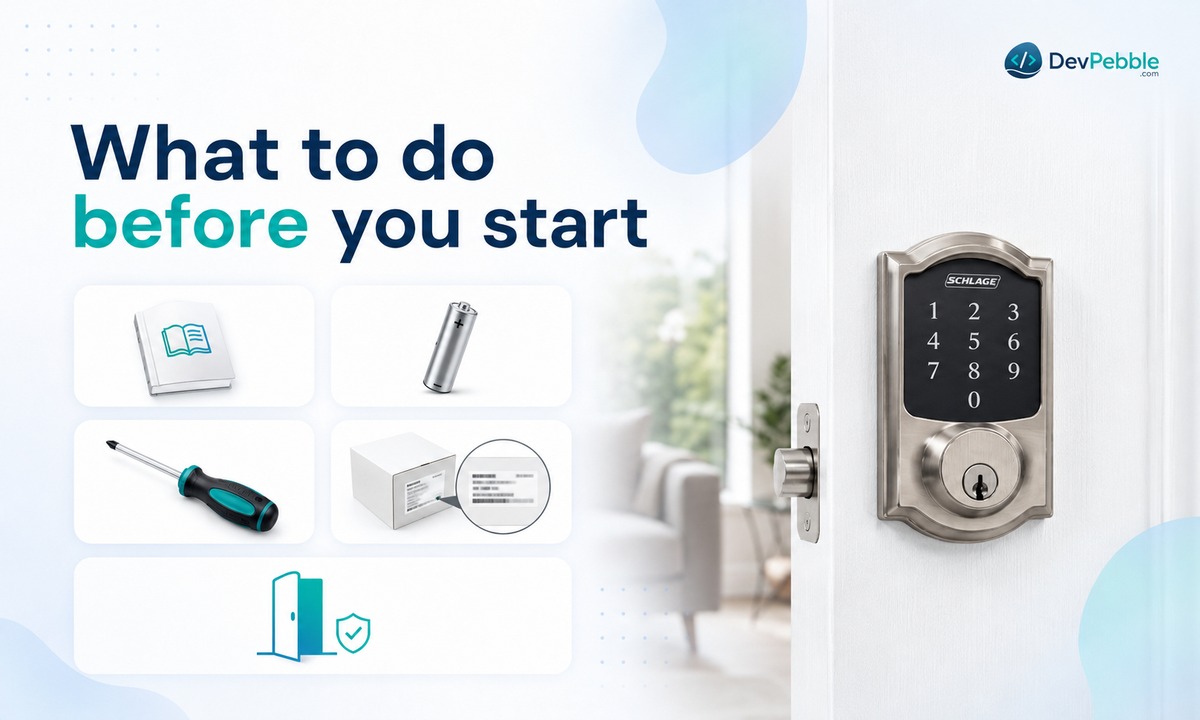
Two minutes of prep saves a lot of frustration here.
First, find your default codes. This is the step people skip, and it's the one that actually matters. On the BE365, FE575, and FE595, the default programming code and default user codes are printed on a sticker in two places: the front of the Keypad Locks user guide, and the back of the keypad assembly (the interior unit). On smart models like the Encode and Connect, the sticker sits inside the battery compartment. Locate these before touching anything, because a reset erases the codes currently in the lock and Schlage customer service cannot look up lost default codes for you. If the sticker and the guide are both gone, you may be looking at replacing the lock rather than resetting it.
Second, gather the small stuff:
- A screwdriver, if your model's inside cover is held on with screws.
- A fresh battery. The BE365 uses a single 9-volt; touchscreen and smart models use AA. A weak battery during a reset can leave the lock in an odd state.
- Something to write your new codes on afterward, ideally a password manager rather than another sticky note.
- Your model number (BE365, FE595, Encode, Connect, and so on), since the exact steps differ between the simple keypad locks and the smart ones.
One more thing: do all of this with the door open. Prop it so it can't swing shut and lock behind you while you're mid-reset.
How to reset Schlage keypad lock without programming code (step by step)
Here's the core procedure for the standard keypad models (BE365, FE575, FE595, and the Schlage Touch line). Read through it once first, because the timing between two of the steps is tight.
A correction to a myth that floats around online: on these models there's no hidden reset button buried inside the battery compartment. The reset uses the Schlage button on the outside keypad, the same one you press to light it up. Instructions telling you to hold a separate internal button apply to the Encode, not the BE365 or FE595.
- On the interior side of the door, remove the cover (it snaps off or holds on with a small screw) and unplug the battery to cut power.
- Move to the exterior keypad and press and release the Schlage button two or three times. This clears any residual charge.
- Within 10 seconds, plug the battery back in. The Schlage button lights green for about a second to confirm power is back, so don't wander off between steps.
- Immediately press and hold the Schlage button until the light turns green and the lock beeps, usually about 10 seconds, not the 30 you'll sometimes see quoted. Holding it is what tells the lock you want a full reset rather than a restart, then let go.
- Enter one of the default user codes from your sticker. If the lock opens, the reset worked. If it doesn't, start again from step 2, the reset likely didn't finish.
One warning that's easy to ignore: don't disconnect the battery again partway through. Interrupting power mid-reset can leave the lock confused enough to need a second attempt, and occasionally professional help to sort out.
Reset steps for specific Schlage models
The logic above covers most of the lineup, but button placement and confirmation signals aren't identical across generations. Check which lock you have before assuming the steps match exactly.
Schlage BE365 keypad deadbolt
The BE365 is the plain, battery-only keypad deadbolt, and it follows the general procedure above to the letter. There's no Wi-Fi or app to complicate things, which is part of why it's so common. If you press the Schlage button and the bolt throws without a code, by the way, that's not a reset issue, it means the lock was installed with the cam misaligned and needs reinstalling.
Schlage FE595 keypad lever
The FE595 pairs a keypad with a lever handle instead of a deadbolt. Electronically it behaves just like the BE365, so the reset is the same. The only real difference is the shape of the hardware. One quirk: the FE595's Flex Lock feature lets you set it to stay unlocked with the thumbturn vertical, whereas the deadbolt models are always locked from the outside.
Schlage Encode smart Wi-Fi lock
The Encode is a genuine smart lock, and its reset is different. Remove the battery cover and you'll find a dedicated reset button, a small black circular button just above and to the right of the thumbturn. Press and hold it until the LED on the left flashes red, keep holding for about five seconds until the flashing stops, and the reset finishes when the LED flashes blue (up to 10 seconds). If you still have access to the Schlage Home app, you can also reset it there. Either way, resetting removes the lock from Wi-Fi and from any smart home platform it was linked to, so you'll re-add it afterward.
Schlage Connect smart deadbolt
The Connect (the BE468/BE469 touchscreen models) sits between the simple and fully smart locks and often links to a home security or Z-Wave hub. To reset it, open the door, remove the battery cover, and disconnect the battery. Press the Schlage button on the touchscreen a few times to discharge it, then press and hold that button while you reconnect the battery, holding until the green check flashes three times. Because it may still show up in your hub or security app after a hardware reset, remove the old device listing there as well.
How to reprogram your lock after the reset
Once the reset finishes, the lock is effectively new: default programming code, default user codes, nothing custom. Here's how to get it back to your setup.
Add your own user codes
Enter the default programming code from your sticker, then press the Schlage button (it turns orange) and press 1 to signal a new user code. Enter your new four-digit code, then re-enter it to confirm. A green flash and a beep means it took. Repeat for each person who needs access.
Give people separate codes rather than sharing one. It's a small habit that pays off later, because you can revoke one person's access without disturbing anyone else's or resetting the whole lock.
Change the default programming code
Don't leave the default programming code in place. It's printed in manuals and listed on manufacturer sites, so it's effectively public. Right after the reset, while you're already in there, change it to something only you know. This is the step people skip once the lock is working again, and it's the one that actually keeps the lock secure. Store the new code somewhere durable, a password manager beats a note taped near the door.
Manage codes going forward
Because the reset already cleared every stored code, there's nothing old to delete. From here on, when someone moves out, you can remove their individual code through the keypad without resetting the whole lock again.
Troubleshooting problems after a reset
Even careful resets don't always land on the first try. Here are the usual snags and what they mean.
The keypad won't respond. Nine times out of ten this is the battery, either low, seated wrong, or the inside cover isn't fully closed. Some models won't operate with the cover loose. Swap in a fresh battery and reseat everything before assuming worse.
The default code isn't working. First confirm the reset actually completed, you should have gotten a green light and a beep. Releasing the button too early leaves the lock in a half-reset state where neither the old nor the default code works. Also double-check you're reading the default code off the sticker correctly, and skip any "universal Schlage code" you find online. Those are usually wrong and only add confusion.
The keypad lights up but the bolt won't move. This one is mechanical, not electronic. It usually points to the deadbolt being misaligned with the strike plate or a jam in the bolt itself. Check the door alignment and whether the bolt slides freely with the door open before you blame the electronics.
Normal reset versus factory reset
People use these terms interchangeably, but they aren't the same, and knowing which you need saves effort.
A normal reset is really just a restart. Pulling the battery and reinserting it can clear a temporary glitch, like a frozen keypad, without erasing any of your codes. It's the lighter troubleshooting move, and it's often all a momentary hiccup needs.
A factory reset is the full wipe this guide covers. It clears the programming code, every user code, and any custom settings, returning the lock to its original factory state. This is the one you want specifically when the programming code itself is the problem.
When to call a locksmith instead
Most code trouble is solved with a reset, but not everything is a software problem.
If the keypad won't light at all even with a known-good battery, or the deadbolt won't turn even manually with the override key, you're likely dealing with hardware rather than a forgotten code. The same goes if you've completed a full reset and the lock still refuses every programming code, or if the buttons are physically damaged. At that point a locksmith or Schlage support can tell you whether the unit needs replacing. And if you've just moved in, consider having the key override cylinder rekeyed too, so the previous owner's physical key stops working, resetting the codes doesn't touch the mechanical key.
The short version
A forgotten programming code feels like a lockout, but it's a routine fix, not a dead end. The reset itself is quick once you know your model: find your default codes first, disconnect the battery, work the Schlage button, and hold it until the lock beeps. Then set a fresh programming code straight away and write it somewhere you'll actually find it later. Do that, and the next time this happens, it'll be a five-minute annoyance instead of a scramble.